How to connect HubSpot CRM in Cal.com
Here is how to connect hubspot crm in cal.com
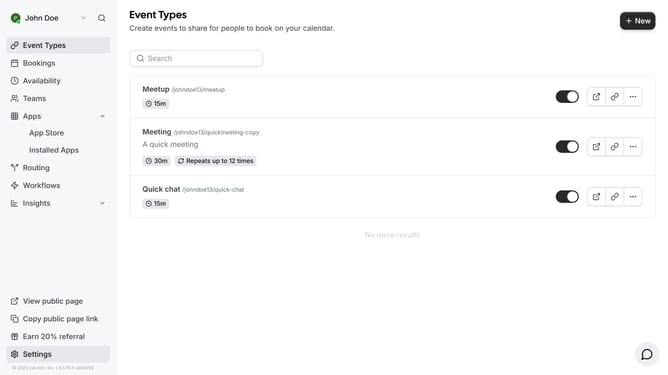
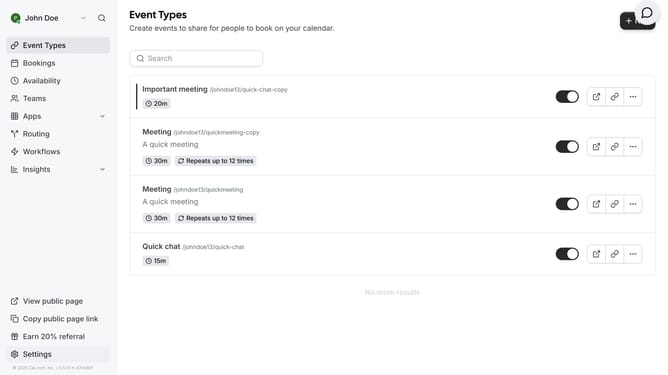
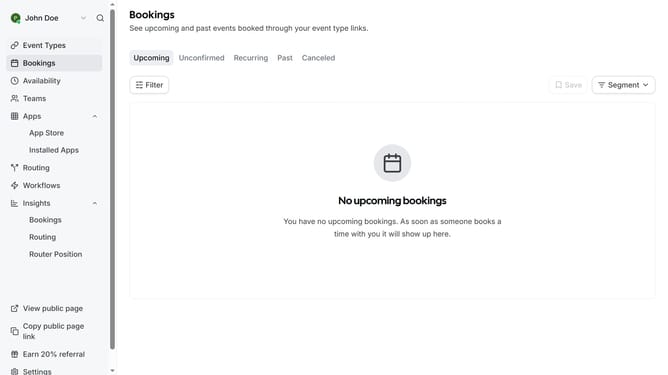
- First click on the "Apps" dropdown menu in the left sidebar
- Then click on "App Store" option in the expanded Apps menu
- Next click on the right arrow button in the Featured Categories section to view more categories
- Click the right arrow button again to navigate to the next set of categories
- Click on the "Crm" category card
- Then click on the "Details" button under the HubSpot CRM app card
- Finally click the "Install" button for HubSpot CRM to integrate it with Cal
Why should you connect HubSpot CRM in Cal.com
Cal.com is a streamlined platform designed to simplify scheduling.
Integrating HubSpot CRM within Cal.com harnesses the power of automation and seamless communication. This combination fosters a smoother workflow and ensures that all your customer interactions are effortlessly tracked.
Connecting these tools optimizes your time management and boosts productivity by automating manual entry of customer details and interactions. In turn, it enhances the overall customer experience by providing timely and personalized communications.
Last update