Cal.com
Cal.com is an open-source scheduling platform that helps individuals, teams, and developers automate bookings with customizable workflows, integrations, and full control over data and branding.
Website
Industry
Leadgen
Share this article:

How to change event interface language in Cal.com

Here is how to change event interface language in cal.com

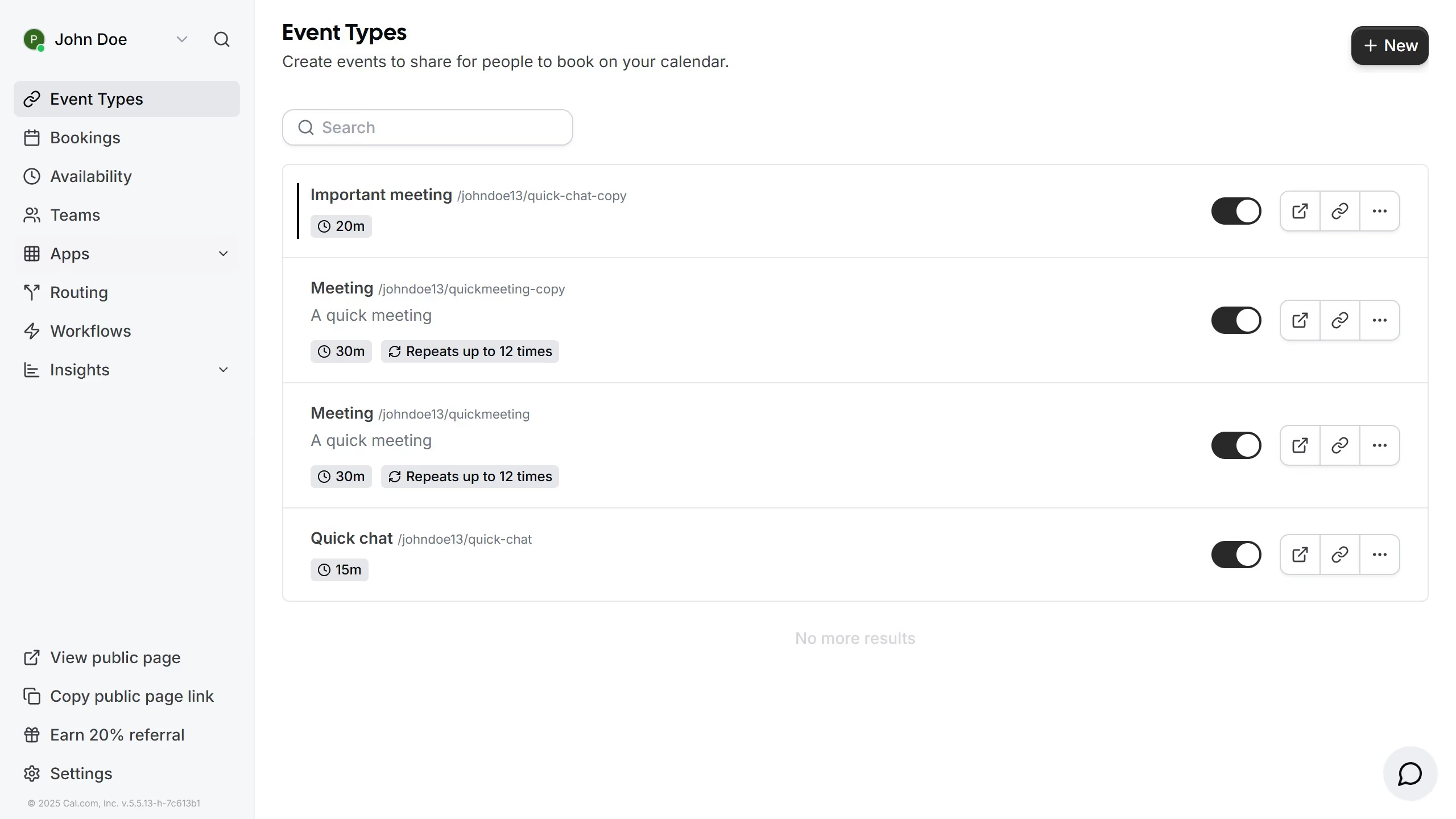
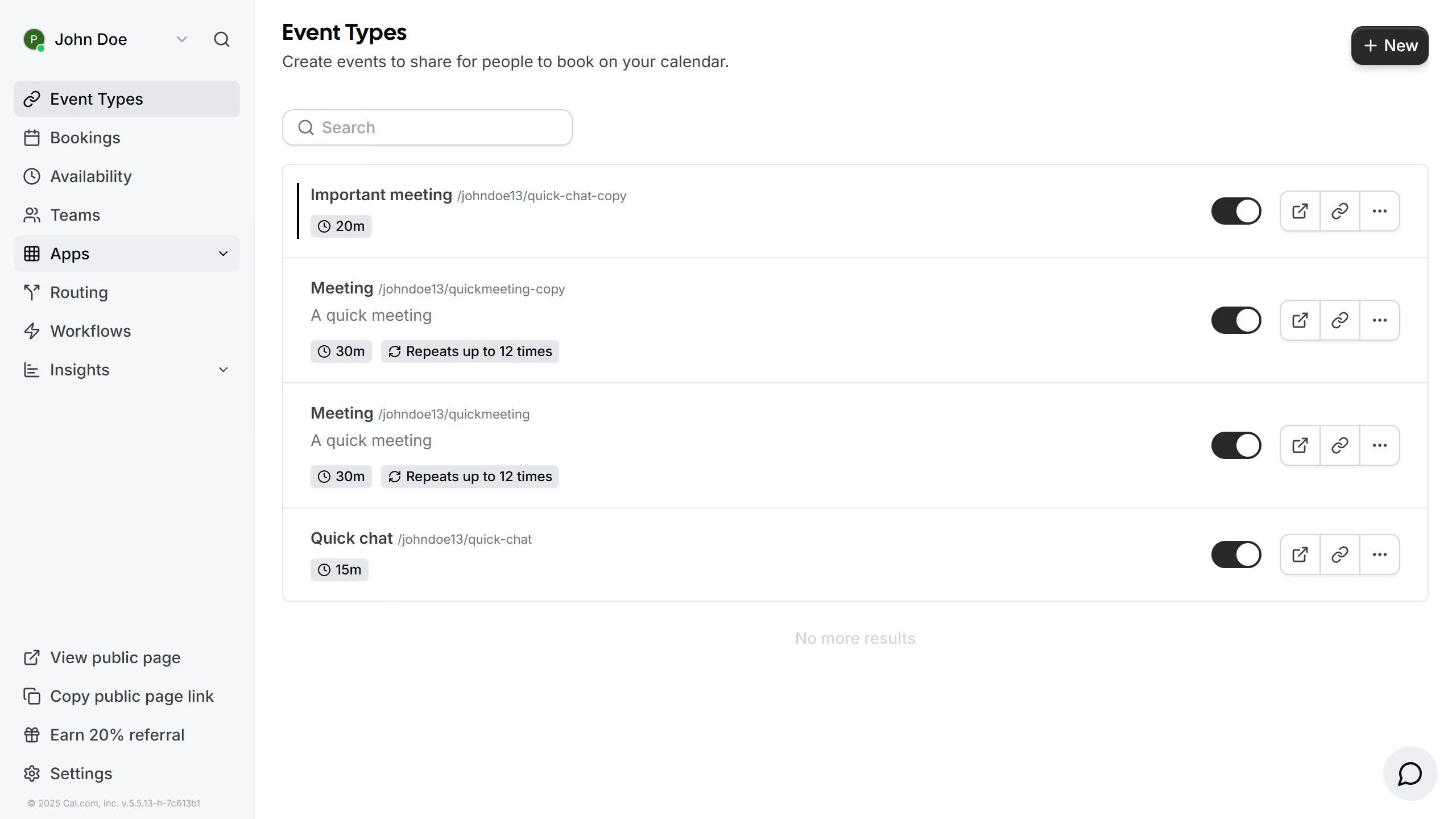
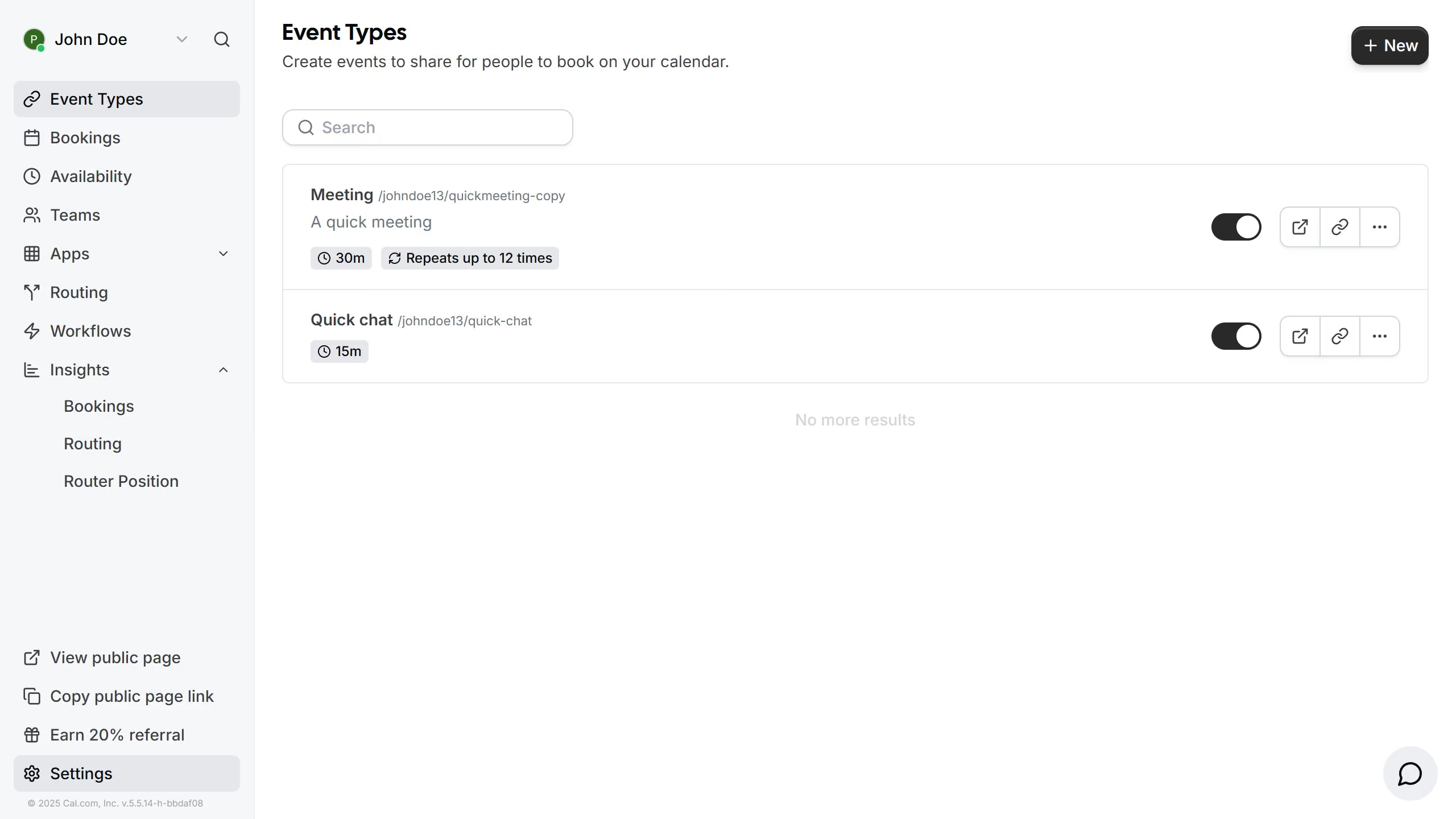
  1. First click on "Event Types" in the left sidebar menu
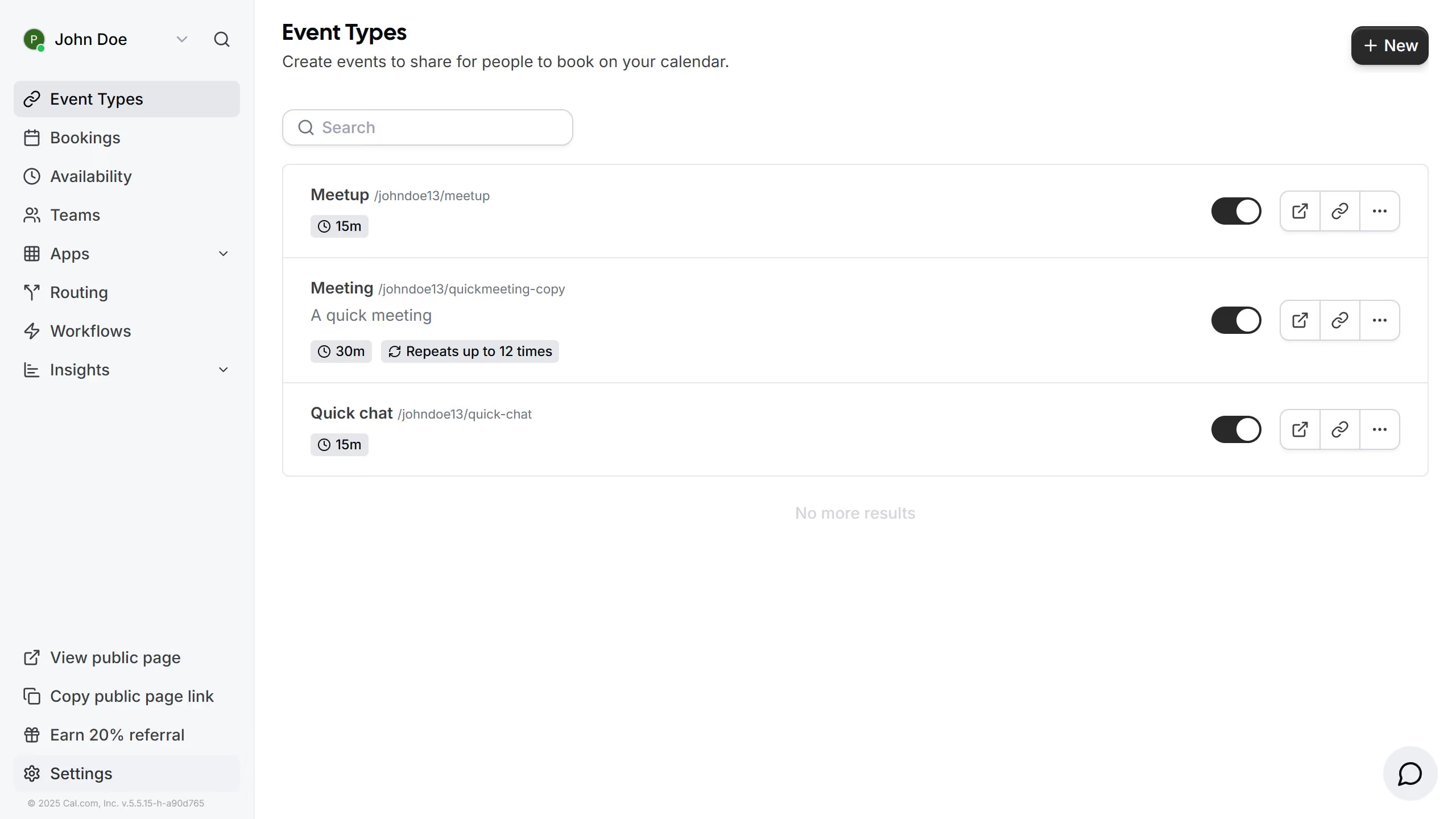
  2. Then click on an event in the main content area
  3. Next click on the "Interface Language" dropdown field in the event settings form
  4. Then select your preferred language from the language dropdown menu
  5. Finally click the "Save" button in the top-right corner of the page

Create your own interactive guide with Guideflow

Why should you change event interface language in Cal.com

Cal.com is an intuitive scheduling platform designed to streamline appointment bookings effortlessly.

One standout feature of Cal.com is the ability to change the event interface language, providing a personalized experience for diverse users. It allows individuals and businesses to cater to multilingual audiences, enhancing accessibility and user satisfaction.

By adjusting the interface language, users can ensure that their global clientele feels more at ease, fostering better communication and engagement.

This feature enriches the user experience and demonstrates Cal.com's commitment to inclusivity and versatility.

Last update
February 3, 2026
Cursor MariaA cursor points to a button labeled "James."

Create your first demo in less than 30 seconds.