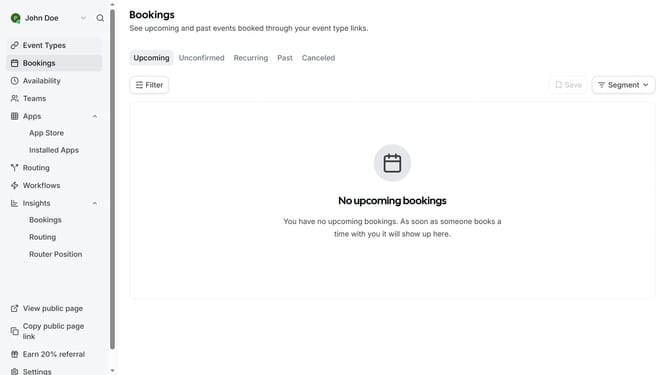
How to connect Google Calendar in Cal.com
Here is how to connect google calendar in cal.com
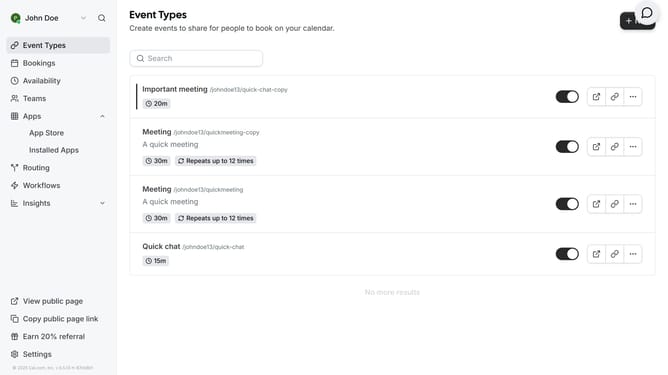
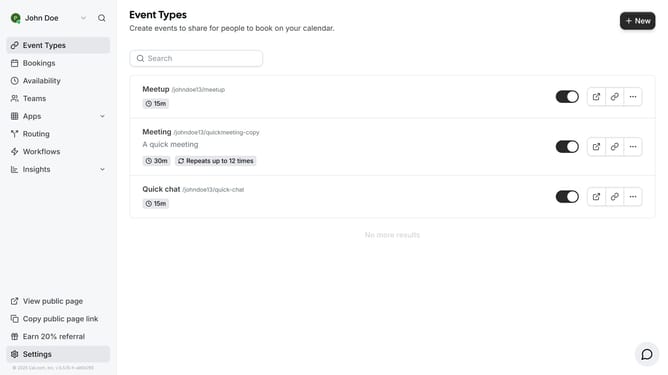
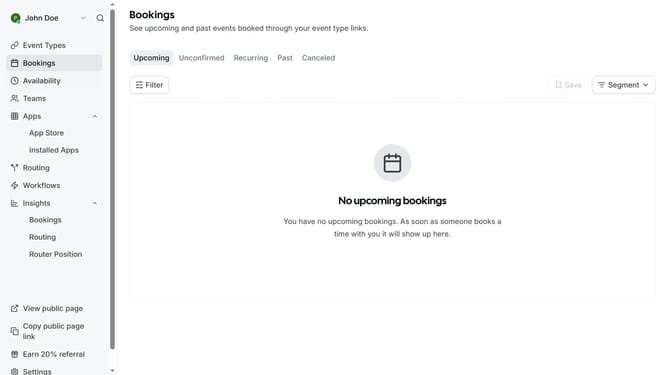
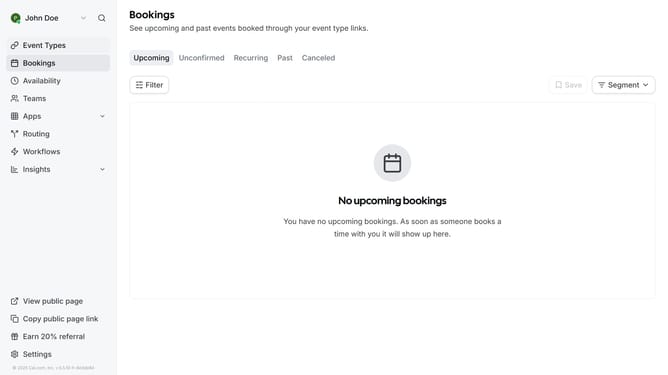
- First click on the "Apps" item in the left sidebar menu
- Then click on "App Store" in the expanded Apps submenu
- Next click on the "Calendar" category tile in the Featured Categories section
- Then click on the "Details" button under the Google Calendar app
- Finally click the "Install" button for Google Calendar app card to integrate it with Cal
Why should you connect Google Calendar in Cal.com
Cal.com is a user-friendly scheduling platform designed to simplify booking appointments effortlessly.
By integrating Google Calendar with Cal.com, users can streamline their scheduling process and ensure seamless synchronization across different platforms.
Connecting your Google Calendar with Cal.com enables automatic updates, prevents double bookings, and enhances personal productivity by providing a unified view of your schedule.
This feature not only enhances efficiency but also ensures peace of mind, knowing all appointments are up-to-date and organized.
Last update