How to enable booker email verification in Cal.com
Here is how to enable booker email verification in cal.com
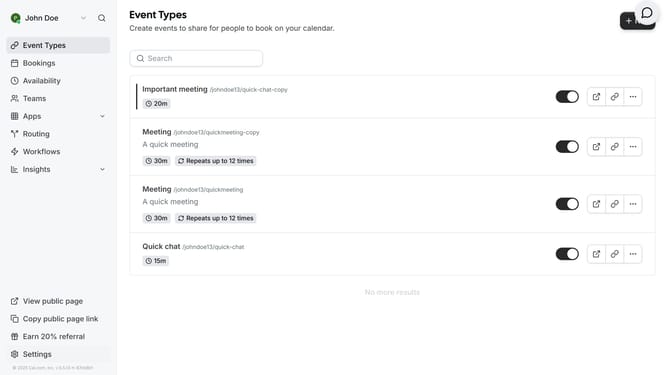
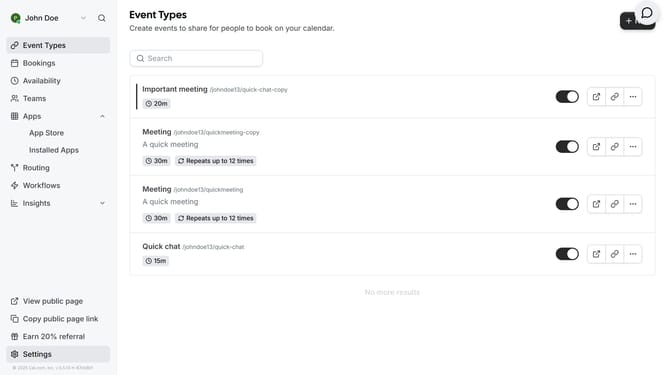
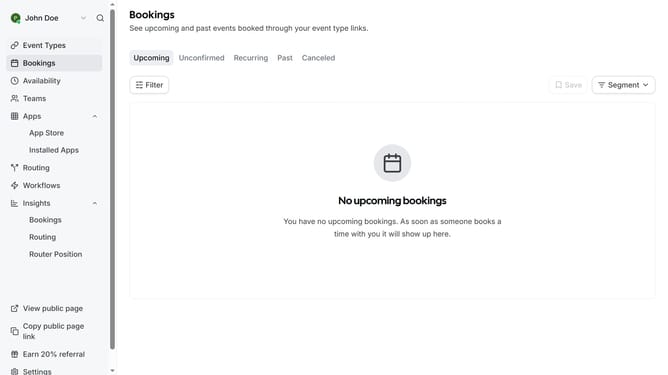
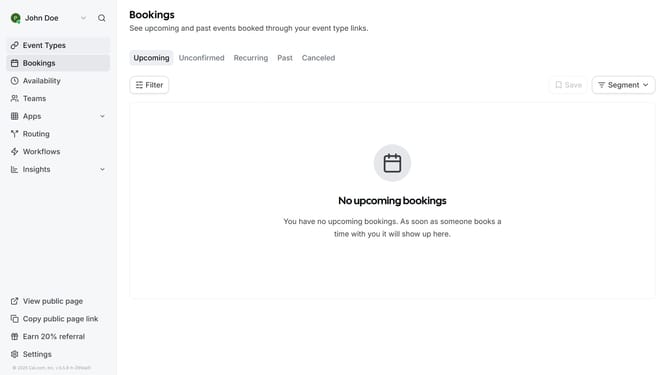
- First click on "Event Types" in the left sidebar menu
- Then click on an event in the event type list
- Next click on "Advanced" option in the left settings panel
- Then scroll down in the advanced settings
- Next click the switch to enable "Requires booker email verification"
- Finally click on the "Save" button in the top-right corner
Why should you enable booker email verification in Cal.com
Cal.com is a versatile scheduling platform designed to streamline your booking processes.
Enabling booker email verification is a practical feature in Cal.com that enhances the security and reliability of your scheduling. This feature helps ensure that the information provided by individuals booking appointments is accurate and legitimate, reducing the chances of fake or spam bookings.
With verified email addresses, you can foster a more trusted and professional experience for your users, ensuring seamless communication and increasing your operational efficiency.
Last update