Cal.com
Cal.com is an open-source scheduling platform that helps individuals, teams, and developers automate bookings with customizable workflows, integrations, and full control over data and branding.
Website
Industry
Leadgen
Share this article:

How to lock timezone on booking page in Cal.com

Here is how to lock timezone on booking page in cal.com

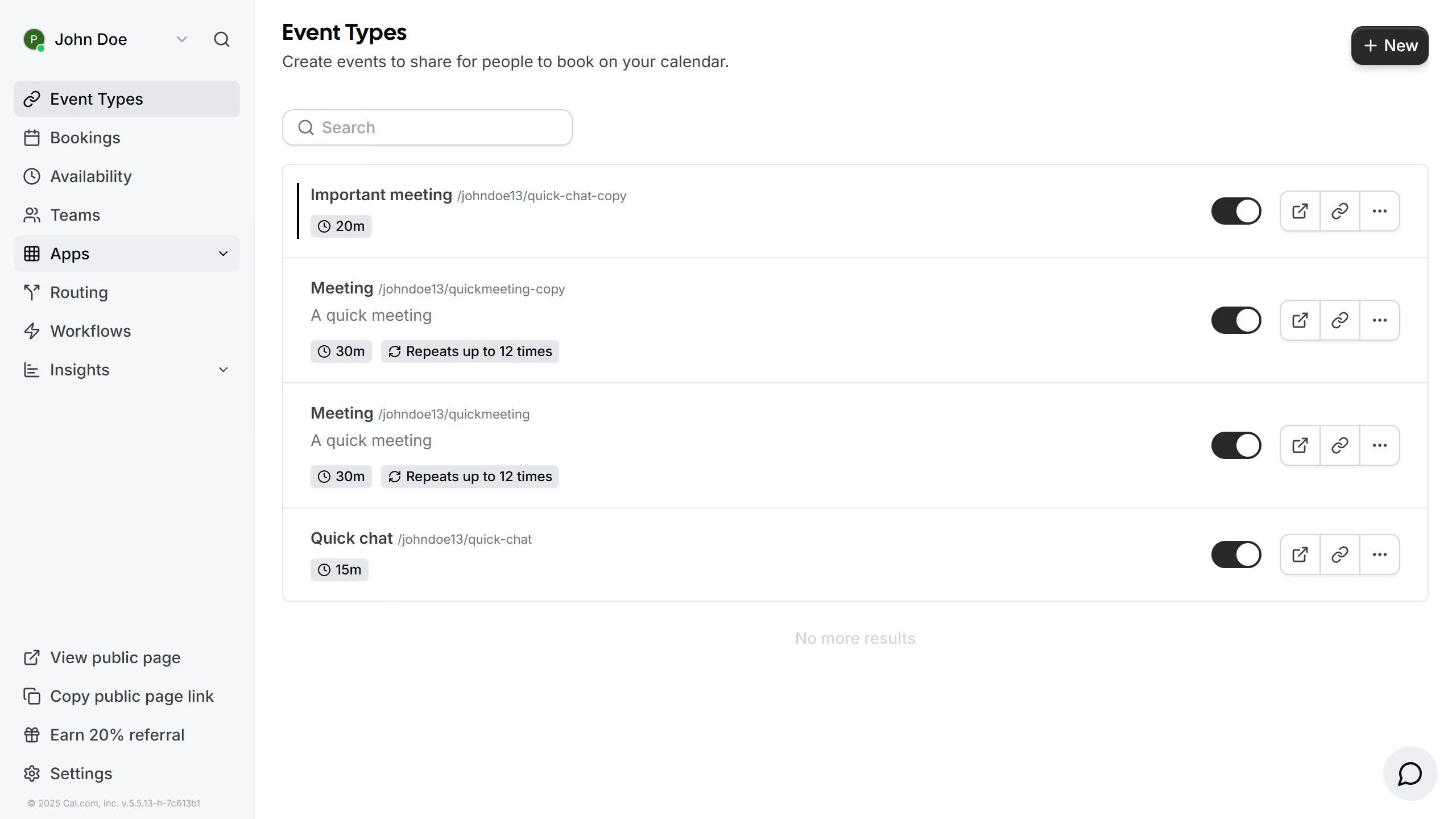
  1. First click on "Event Types" in the left sidebar menu
  2. Then click on an event from the event types list
  3. Next click on "Advanced" option in the left settings menu
  4. Then scroll down in the advaced settings
  5. Click on "Lock time zone on booking page" toggle switch to expand additional settings
  6. Click on the timezone dropdown field
  7. Select your preferred time from the timezone list
  8. Finally click "Save" button in the top right corner to apply the changes

Create your own interactive guide with Guideflow

Why should you lock timezone on booking page in Cal.com

Cal.com is a dynamic scheduling platform designed to simplify appointment booking effortlessly.

Locking the timezone on the booking page in Cal.com ensures all participants have clarity on the meeting time, eliminating confusion across diverse geographical locations.

This feature is beneficial for maintaining consistency and reducing errors, especially in global teams or client interactions from different time zones.

By locking the timezone, Cal.com enhances the user experience, making schedule management for international and distributed teams seamless and straightforward.

Last update
February 3, 2026
Cursor MariaA cursor points to a button labeled "James."

Create your first demo in less than 30 seconds.