How to add time slot intervals in Cal.com
Here is how to add time slot intervals in cal.com
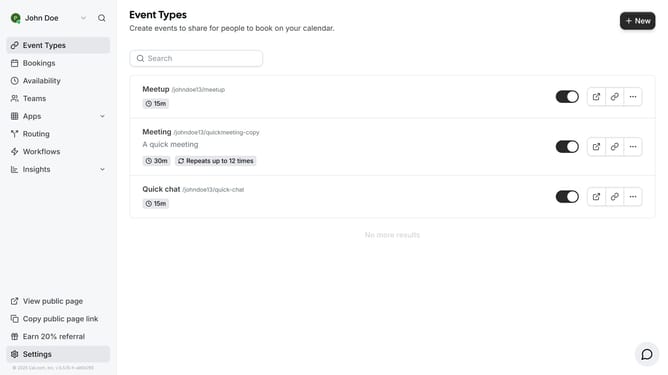
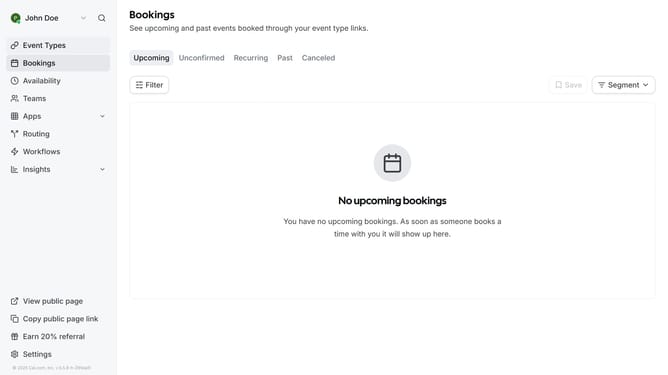
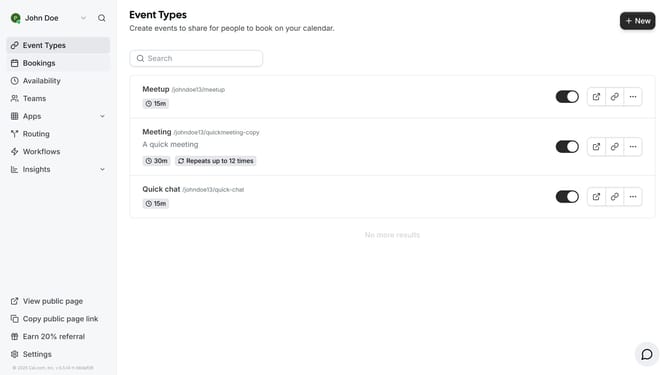
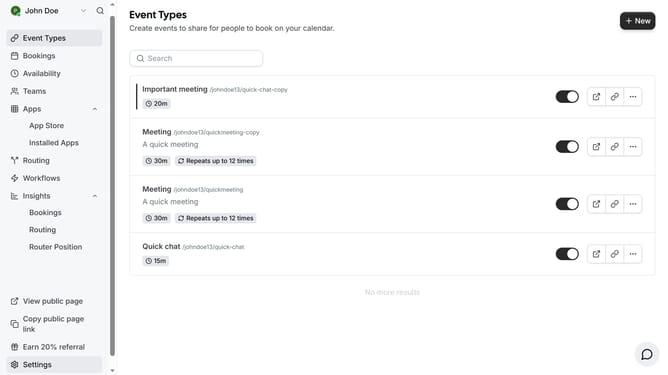
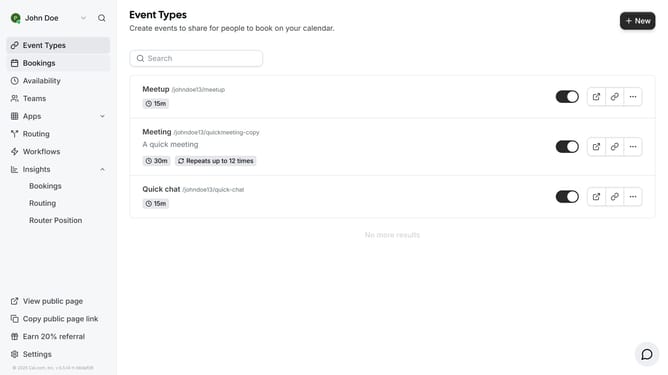
- First click on "Event Types" link in the left sidebar
- Then click on an event in the event list
- Next click on "Limits" on the left sidebar menu
- Then click on the time-slot intervals dropdown arrow in the event settings
- Next select your preferred time from the time-slot intervals dropdown menu
- Finally click on "Save" button in the top-right corner of the page
Why should you add time slot intervals in Cal.com
Cal.com is a versatile calendar platform designed to streamline your scheduling needs with ease.
One of the standout features of Cal.com is the ability to add time slot intervals. This feature allows users to specify precise windows of availability, offering a tailored scheduling experience.
Using time slot intervals ensures that you make the most out of your day by organizing appointments and meetings more effectively. This flexibility not only maximizes productivity but also minimizes scheduling conflicts, leading to a smoother workflow.
By implementing time slot intervals, you gain control over your daily agenda, ultimately enhancing your time management skills.
Last update