How to limit booking frequency per month in Cal.com
Here is how to limit booking frequency per month in cal.com
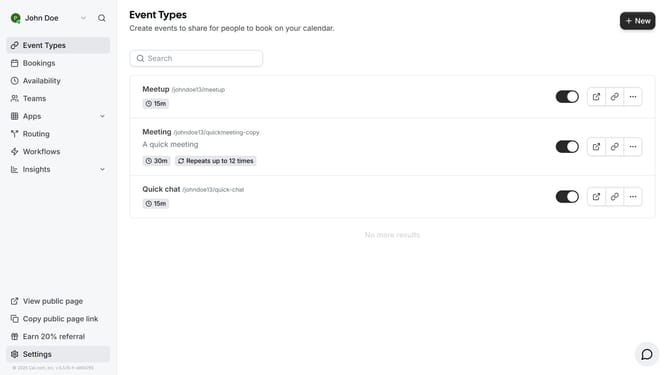
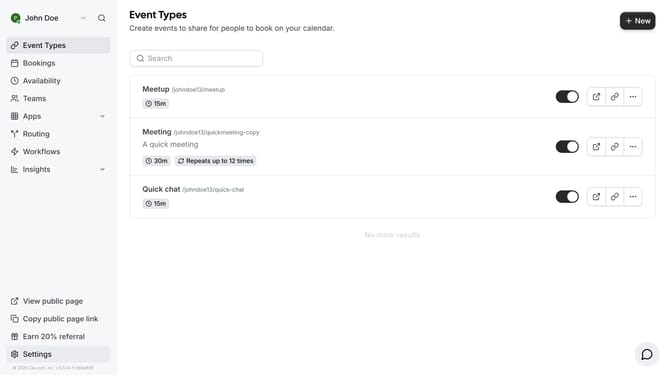
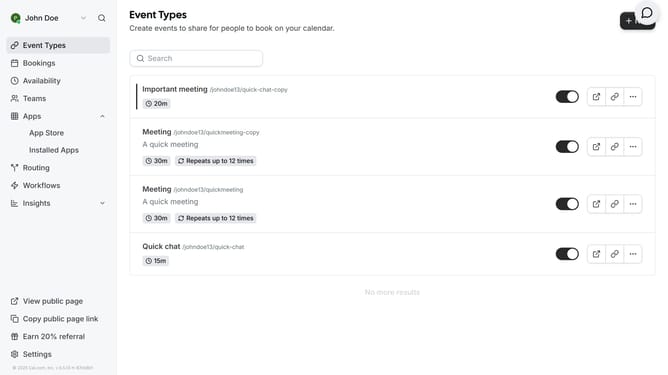
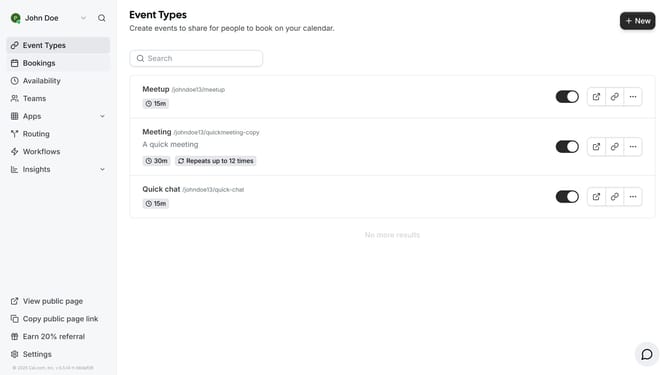
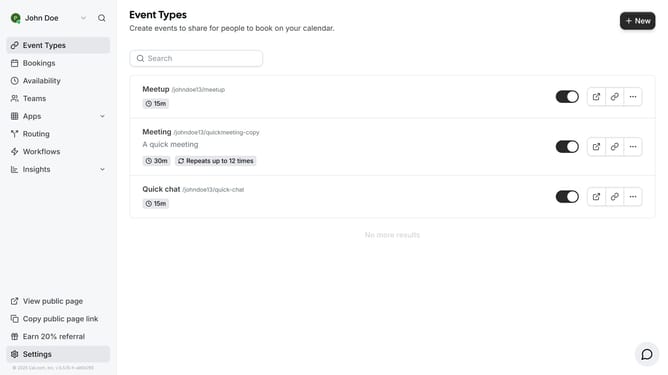
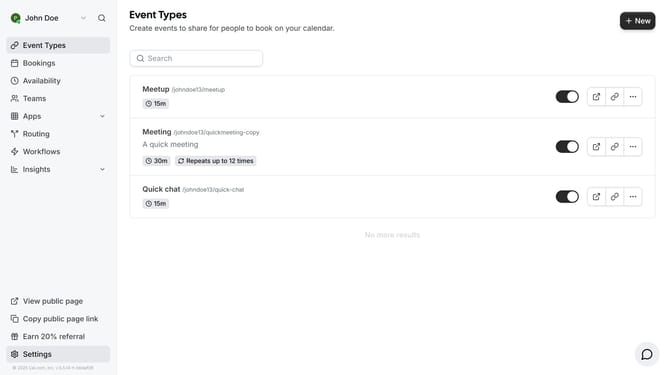
- First click on "Event Types" item in the sidebar menu
- Then click on an event in the event types page
- Next click on "Limits" section in the left sidebar of event settings
- Then enable the "Limit booking frequency" toggle switch
- Click on the dropdown menu to select booking frequency period
- Select "Per month" option from the dropdown menu
- Finally click "Save" button in the top right corner to apply the changes
Why should you limit booking frequency per month in Cal.com
Cal.com is a flexible and user-friendly scheduling tool designed to streamline your booking experience effortlessly.
The ability to limit booking frequency per month in Cal.com is a valuable feature that aids in maintaining a balanced schedule. This feature ensures you don't exceed your desired workload, effectively preventing overbooking.
By setting monthly booking limits, you gain greater control over your time, leading to enhanced productivity and reduced stress. This empowers you to focus on what truly matters, fostering a more organized approach to your commitments.
Last update