How to remove email in Cal.com
Here is how to remove email in cal.com
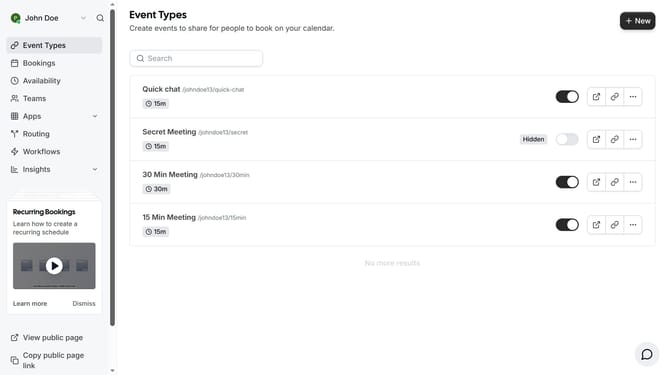
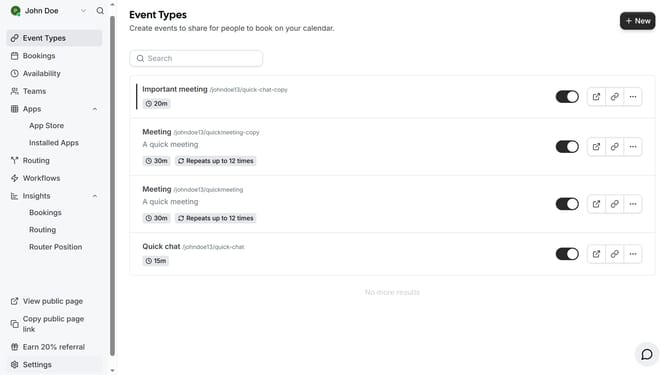
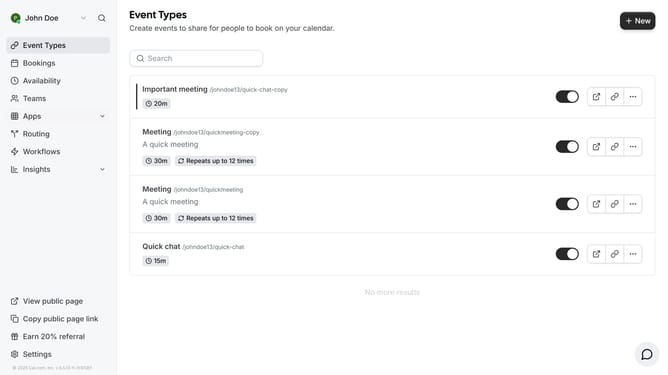
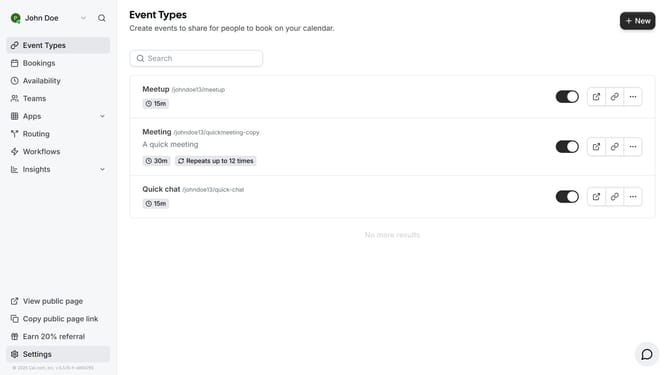
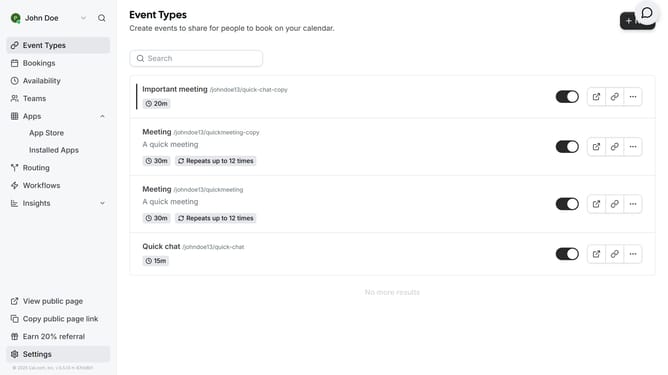
- First click on "Settings" link in the left sidebar
- Then click on the three dots icon next to the email you want to remove
- Next click on "Delete" option in the dropdown menu to remove the unverified email
- Then scroll down in the profile settings page
- Finally click on "Update" button at the bottom of the profile form to save changes
Why should you remove email in Cal.com
Cal.com is a versatile scheduling platform designed to streamline booking appointments with ease.
The feature to remove email in Cal.com enhances privacy and caters to users who prefer not to share their email addresses directly. This helps maintain discretion without disrupting the seamless scheduling experience.
By choosing to remove email, you benefit from reducing unnecessary digital clutter and ensuring that personal email traffic remains manageable, thereby enhancing overall workflow efficiency.
Last update