How to connect your calendar to add events in Cal.com
Here is how to connect your calendar to add events in cal.com
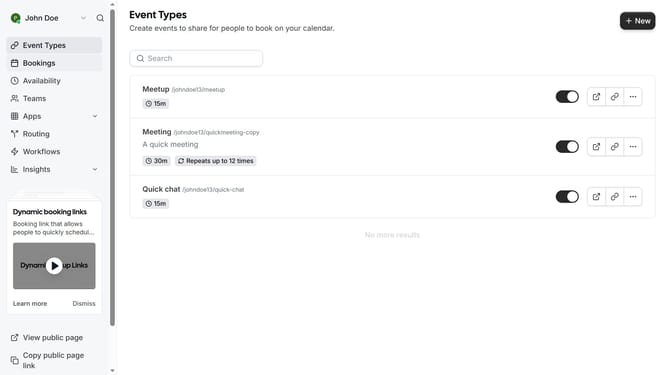
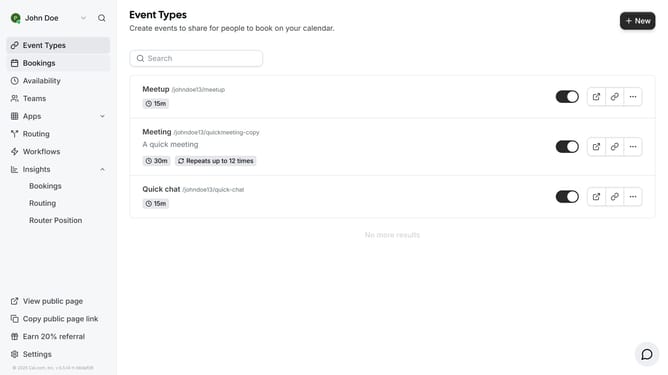
- First scroll down on the side menu until you see the settings
- Then click on "Settings" option located at the bottom of the sidebar menu
- Next click on "Calendars" option in the settings sidebar menu
- Then click on "Add Calendar" button in the top-right corner of the calendars page
- Next click on "Details" button under your desired Calendar app in the App Store
- Finally click on "Install App" button in the Calendar details page to add it to your calendars and then just login your credentials and proceed to connect it to your cal.com account
Why should you connect your calendar to add events in Cal.com
Cal.com is a versatile platform designed to streamline scheduling and appointment management with ease.
By connecting your calendar to Cal.com, you can effortlessly sync and organize your events, ensuring you never miss an important meeting or personal engagement. This seamless integration enhances productivity and keeps your schedule centralized in one user-friendly interface.
Utilizing this feature not only saves time but also reduces the hassle of juggling multiple calendars, allowing for a more balanced and stress-free planning experience.
Last update