How to change event url in Cal.com
Here is how to change event url in cal.com
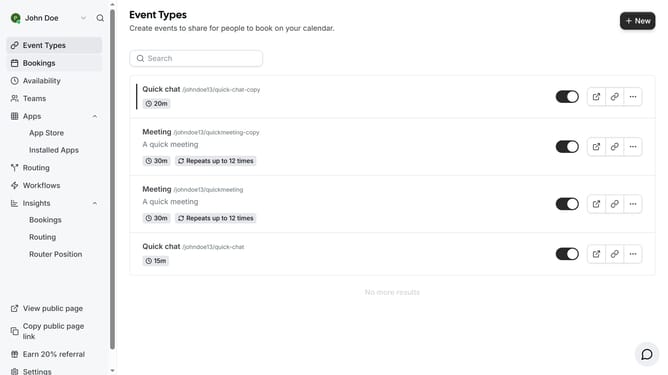
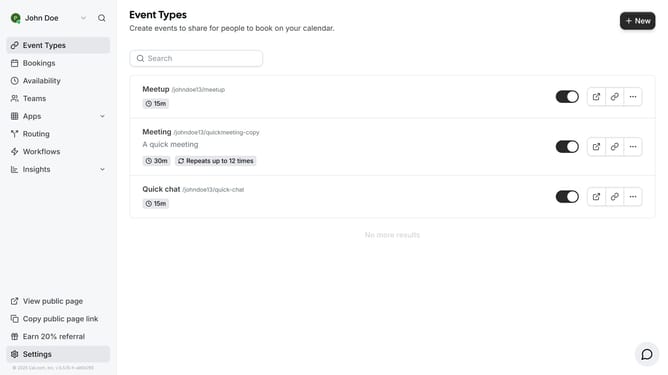
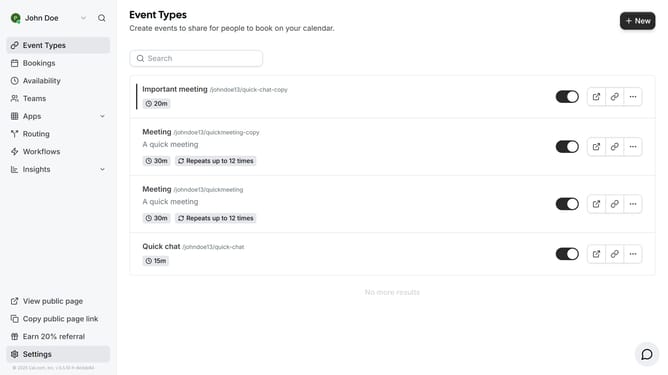
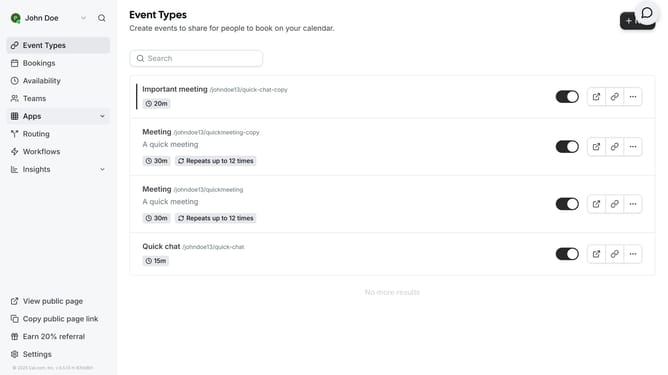
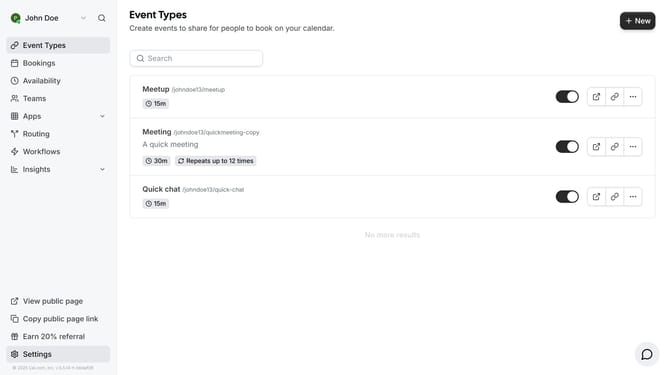
- First click on "Event Types" in the left sidebar
- Then click on the event you want to change url in the event types list
- Click on the URL field and delete the current URL
- Then type in your desired URL in the URL field
- Finally click the "Save" button in the top right corner
Why should you change event url in Cal.com
Cal.com is a versatile scheduling platform designed to simplify and streamline event management.
The ability to change an event URL in Cal.com is a valuable feature that enhances customization and branding. Having a tailored URL not only aligns with your personal or business identity but also adds a professional touch.
Furthermore, a memorable URL can improve user experience by making it easier for attendees to access the event details and share the link effortlessly.
Last update