How to limit booking frequency per year in Cal.com
Here is how to limit booking frequency per year in cal.com
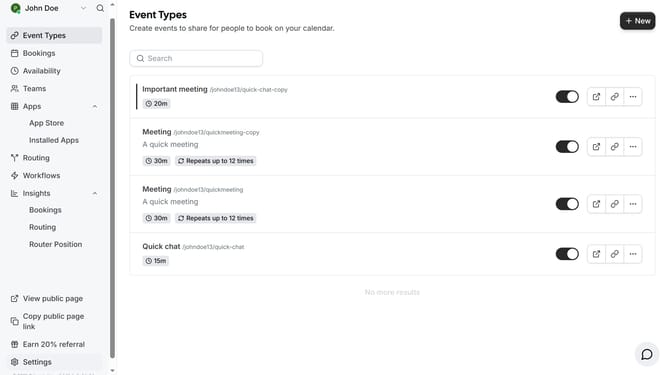
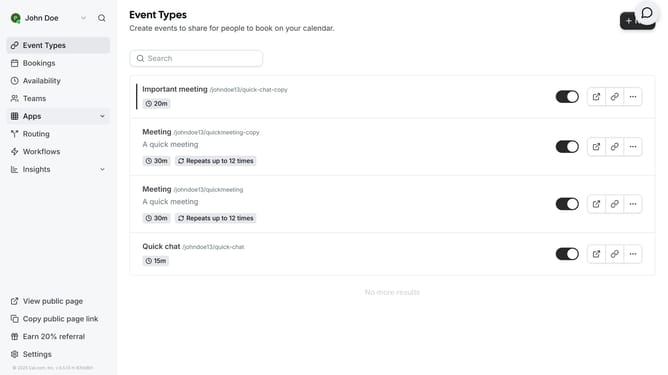
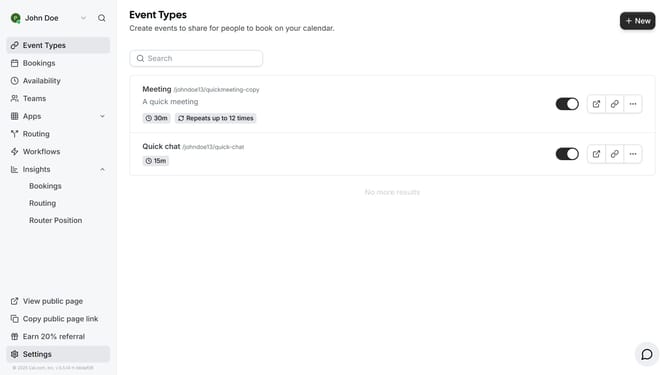
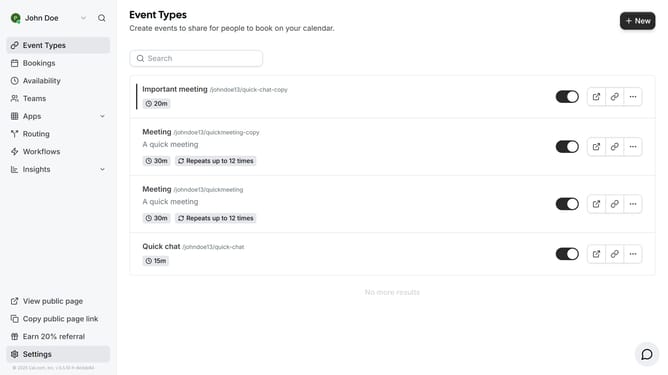
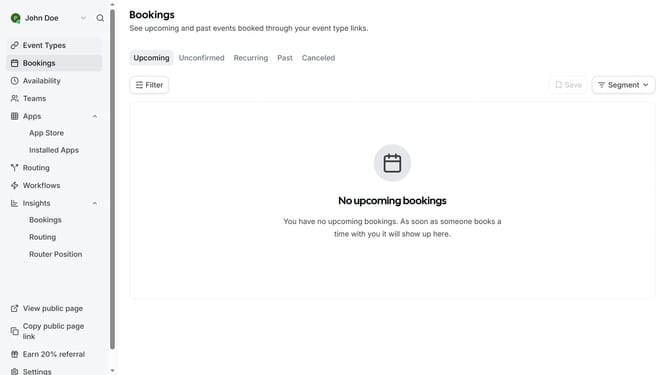
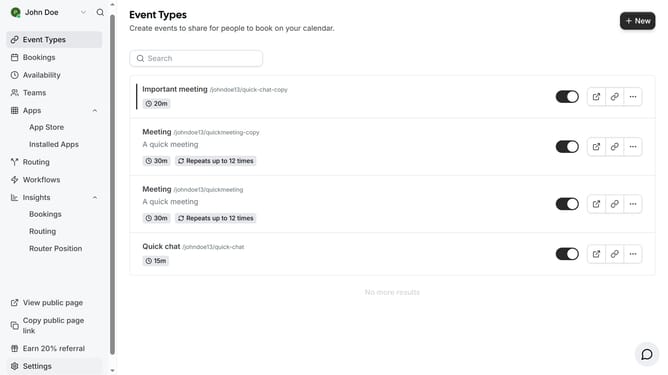
- First click on "Event Types" in the left sidebar
- Then click on an event in the even types page
- Next click on "Limits" option in the left settings menu to configure booking restrictions
- Click on the toggle switch next to "Limit booking frequency" to enable the setting
- Click on the "Per day" dropdown menu to view frequency options
- Select "Per year" from the dropdown menu
- Click on the number input field and type in how many times per year your booking can occur
- Finally click the "Save" button in the top right corner to apply the changes
Why should you limit booking frequency per year in Cal.com
Cal.com is a flexible scheduling platform designed to streamline appointment management for businesses and individuals.
By limiting booking frequency per year, users can maintain better control over their scheduling, ensuring workload management without overcommitment.
This feature aids in prioritizing high-value engagements, improving time management, and preserving essential downtime.
Overall, it enhances productivity by allowing thoughtful scheduling, ensuring availability for critical appointments and personal balance.
Last update