How to enable automatic recording in Cal.com
Here is how to enable automatic recording in cal.com
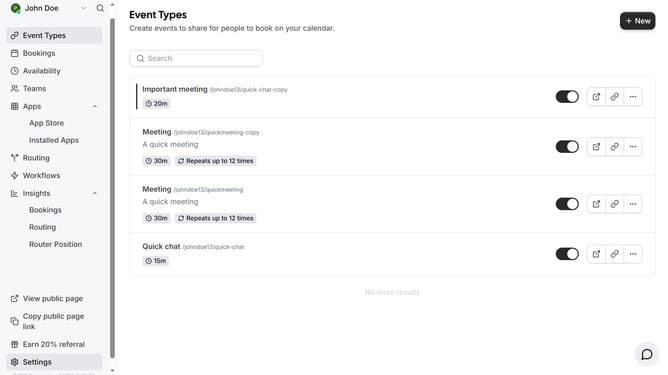
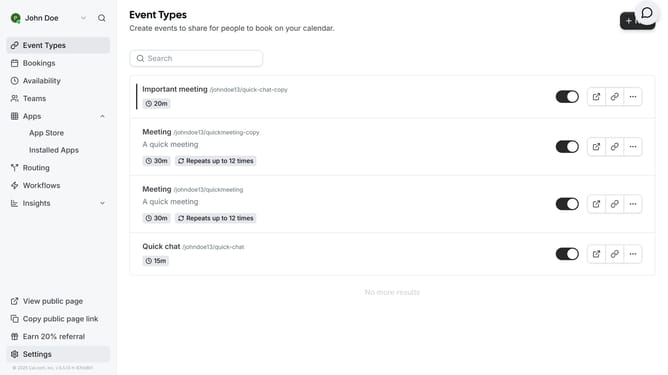
- First click on "Event Types" in the left sidebar menu
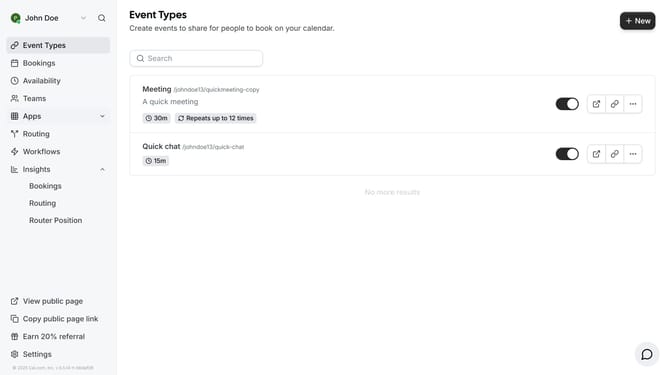
- Then click on an event in the event types page
- Next scroll down in the event setup settings
- Then click to disable the "Enable automatic recording after organizer joins the meeting" toggle
- Finally click the "Save" button in the top-right corner to save the changes
Why should you enable automatic recording in Cal.com
Cal.com is a versatile online scheduling tool designed to streamline your booking processes effortlessly.
To enhance productivity and communication, Cal.com offers a feature that allows users to enable automatic recording of meetings.
This functionality is ideal for capturing important discussions and ensures that no vital details are missed, providing a reliable reference for future use.
By using automatic recording, teams can revisit conversations and enhance collaboration while effectively managing their schedules.
Last update