Here is how to connect raycast to cal.com
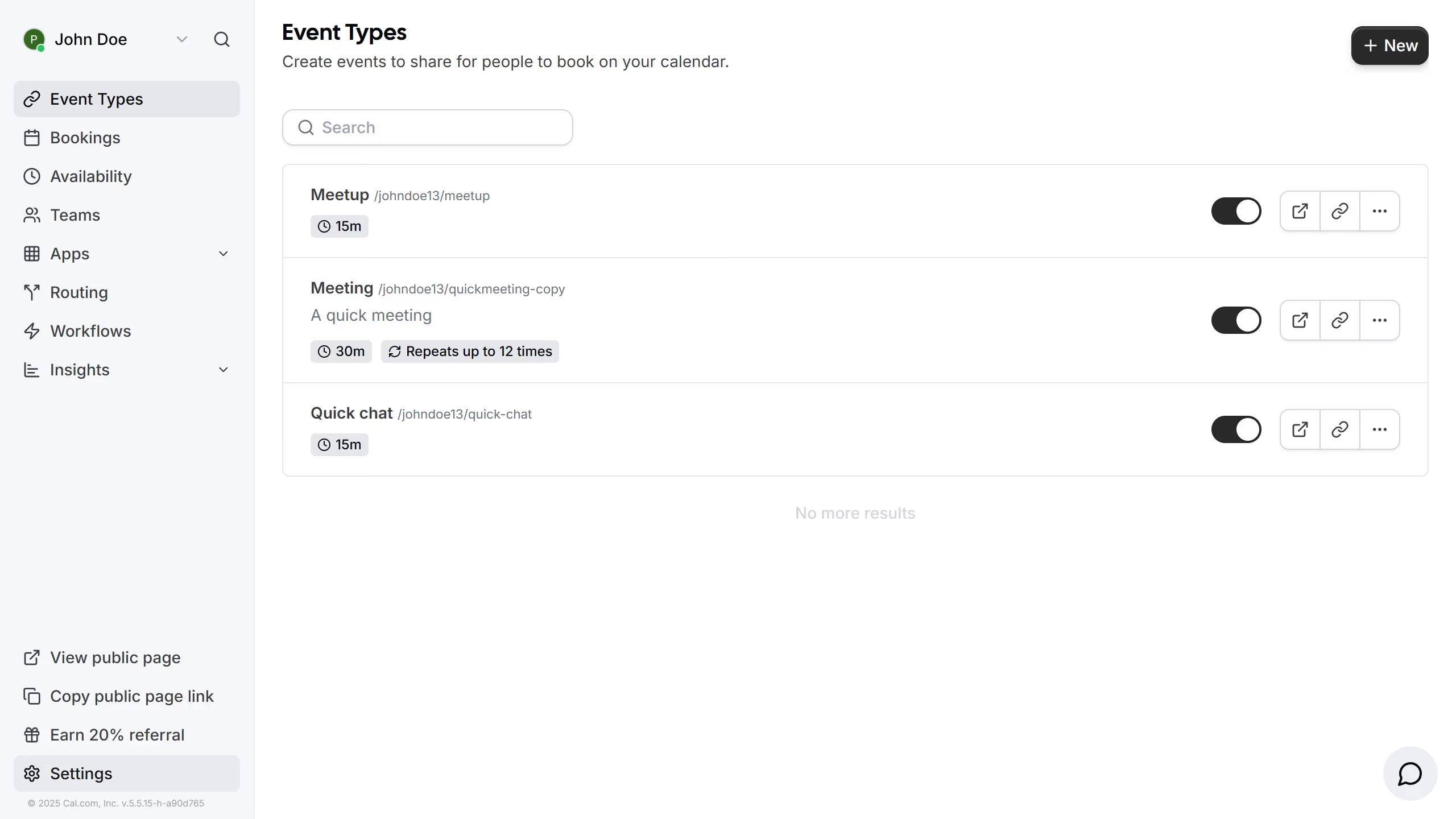
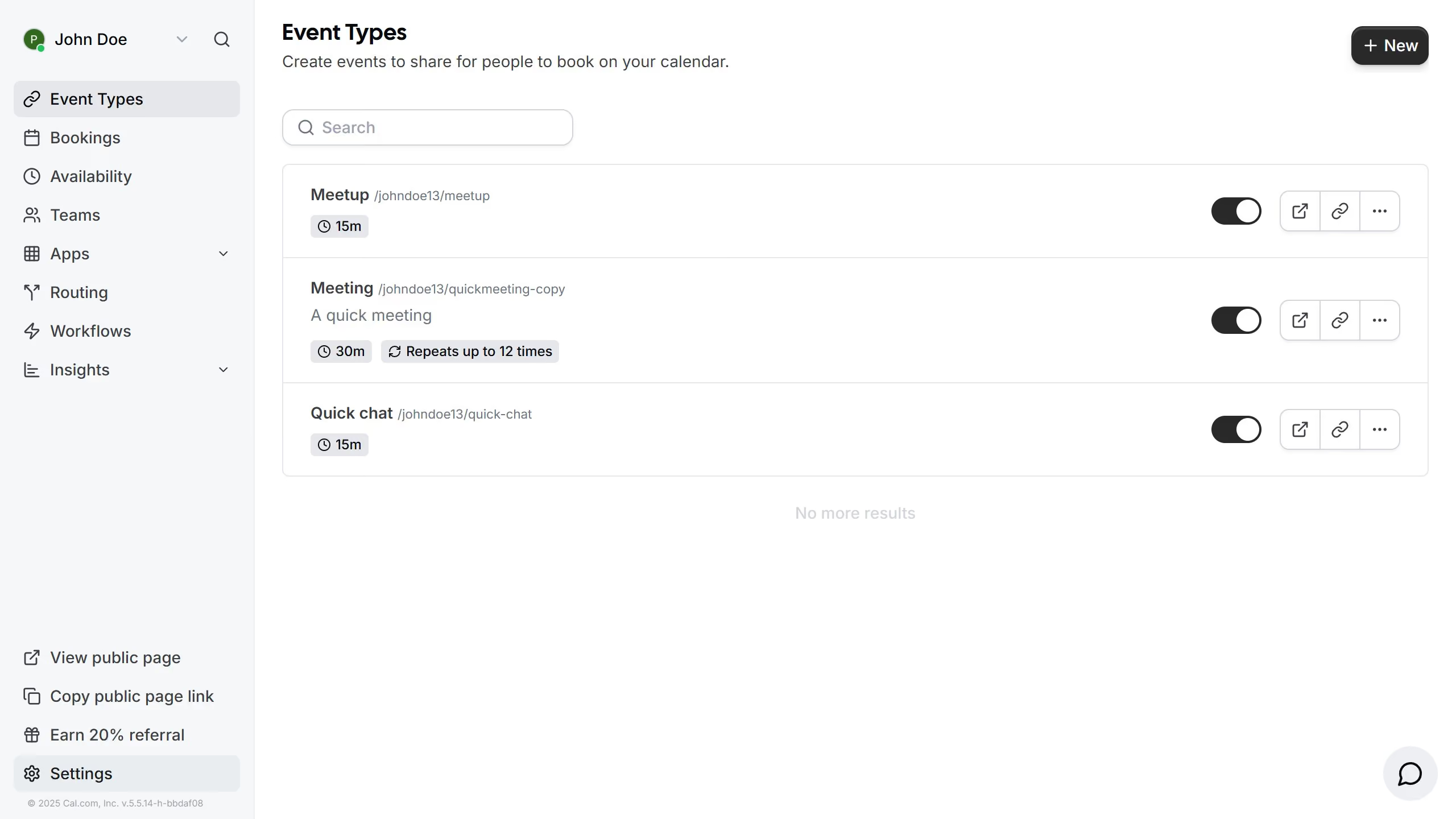
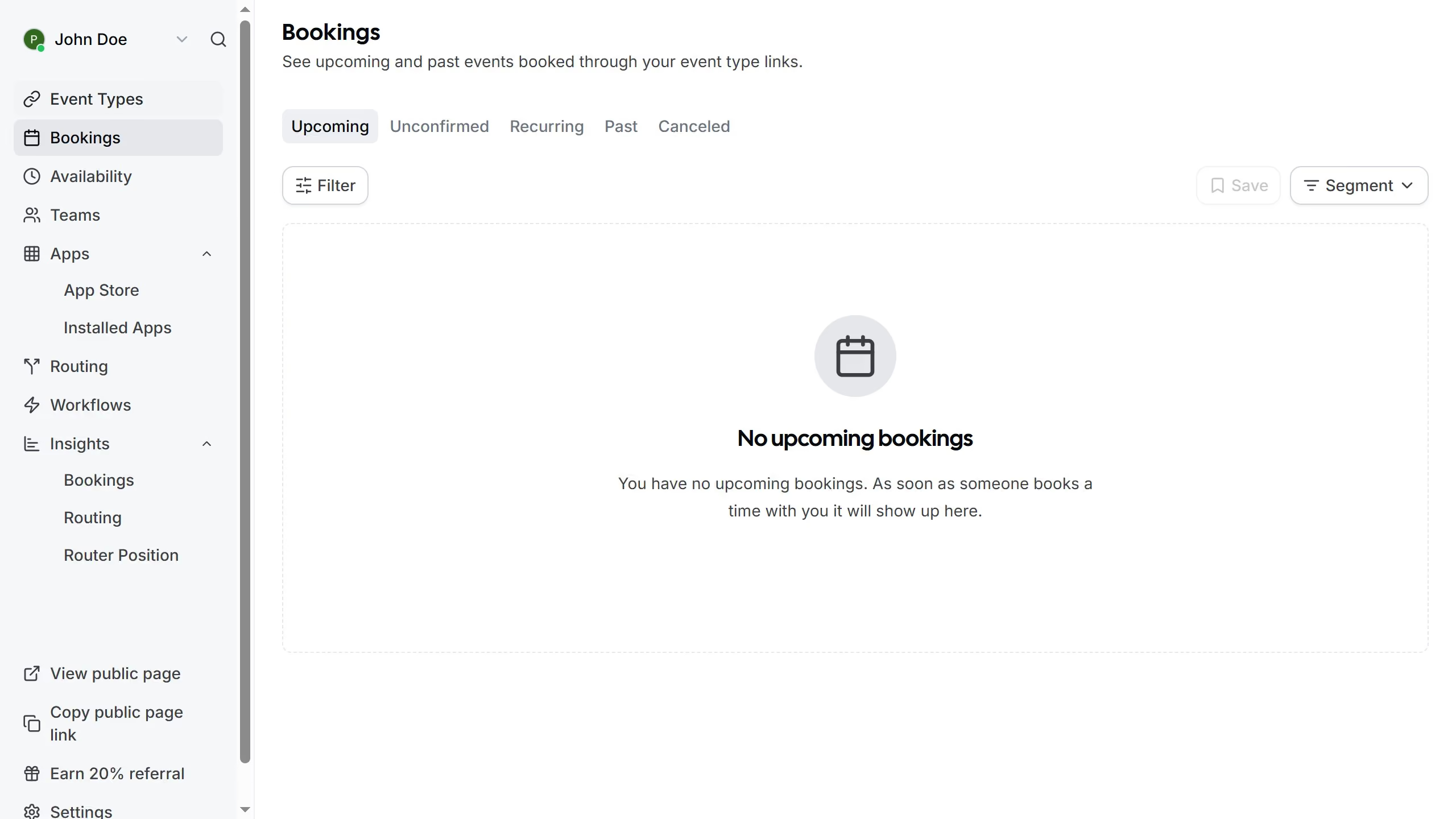
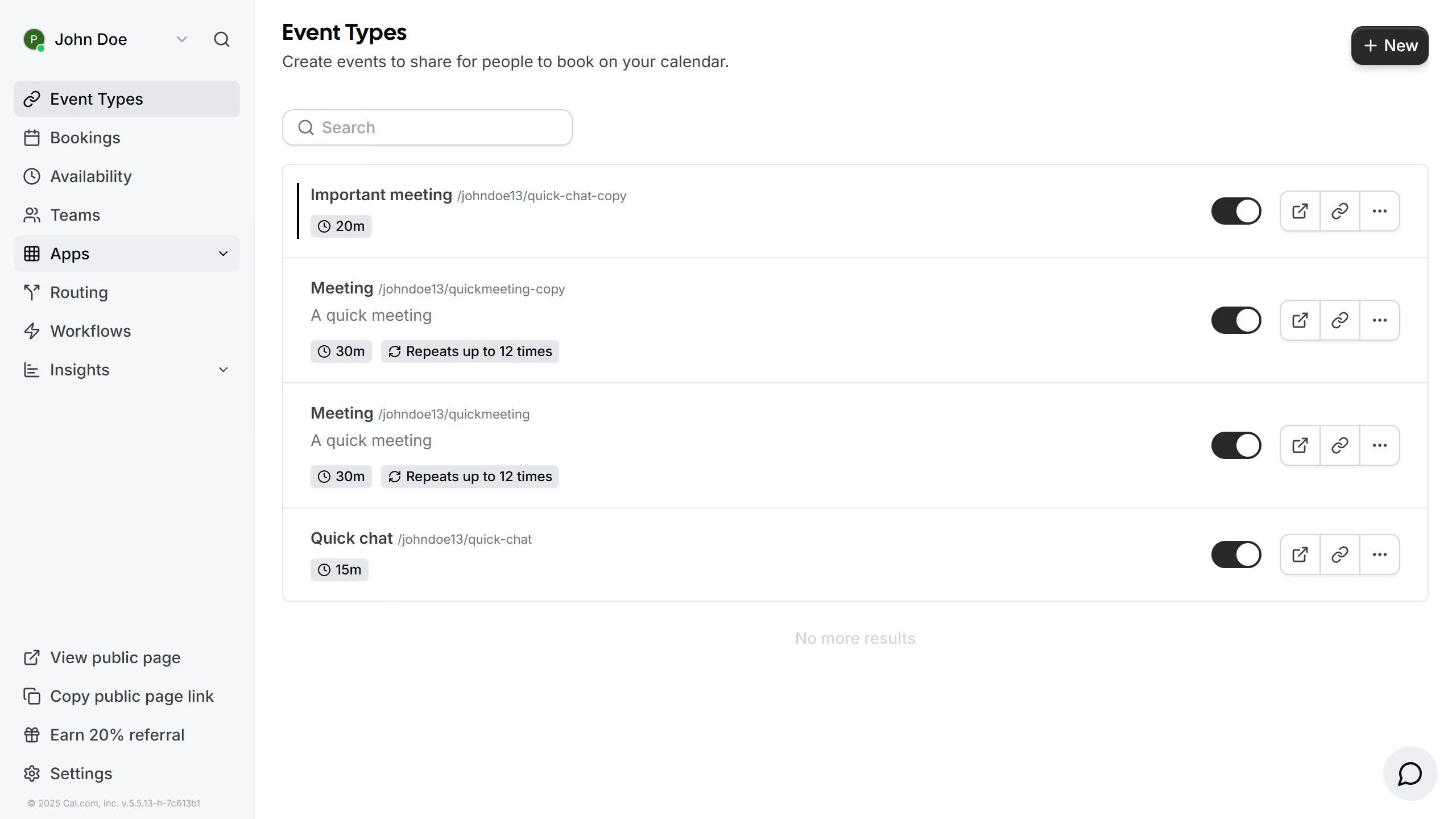
- First click on the "Apps" dropdown in the left sidebar menu
- Then click on the "App Store" option in the expanded Apps menu
- Next click on the "Automation" category tile in the Featured Categories section
- Then click on the "Details" button under the Raycast app
- Finally click on the "Install App" button on the Raycast app details page to integrate it with Cal