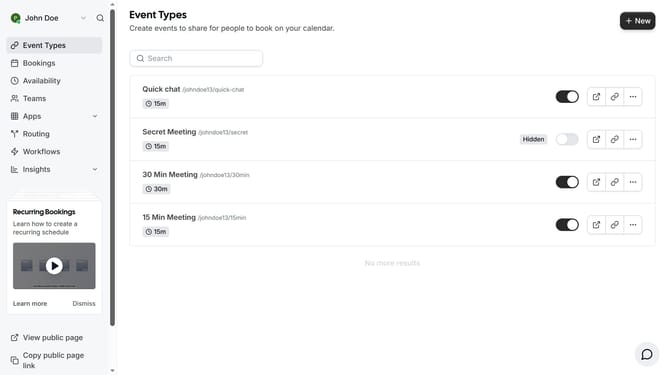
How to connect Stripe in Cal.com
Here is how to connect stripe in cal.com
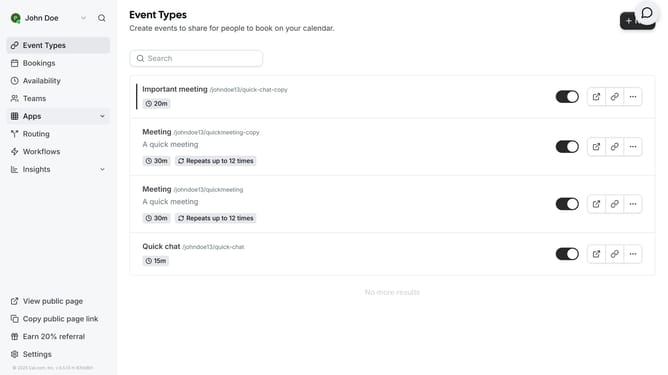
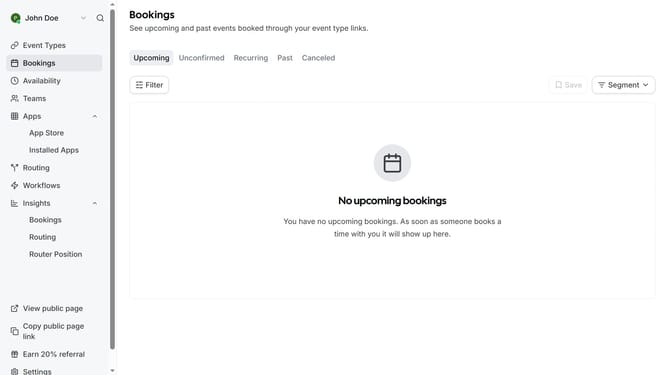
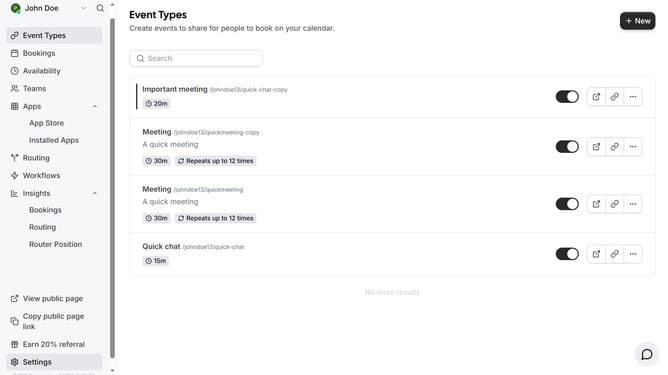
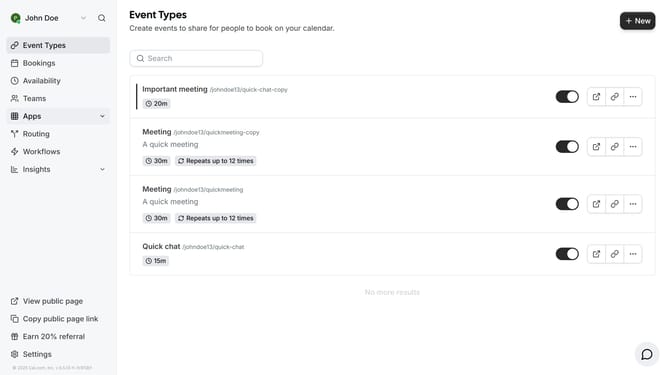
- First click on the "Apps" item in the left sidebar menu
- Then click on "App Store" in the expanded Apps submenu
- Next click on the right arrow button in the Featured Categories section to navigate
- Then click on the "Payment" category tile
- Next click on the "Details" button under the Stripe app card
- Finally click the "Install" button for Stripe app card to integrate it with Cal
Why should you connect Stripe in Cal.com
Cal.com is a versatile scheduling platform designed to streamline appointment management for anyone.
Integrating Stripe into Cal.com is a seamless way to handle payments during the scheduling process. This feature adds a layer of efficiency and professionalism to your service offerings, ensuring a smooth transaction experience for your clients.
Using Stripe with Cal.com not only simplifies payment processing but also enhances security and convenience for both parties involved. Elevate your scheduling process by leveraging this integration to provide a more cohesive and reliable service.
Last update