How to connect ICS Feed in Cal.com
Here is how to connect ics feed in cal.com
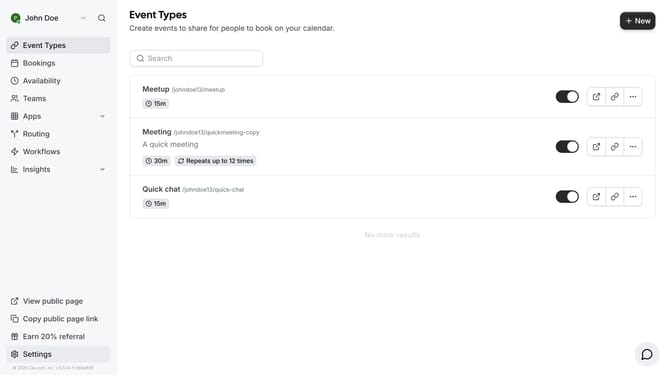
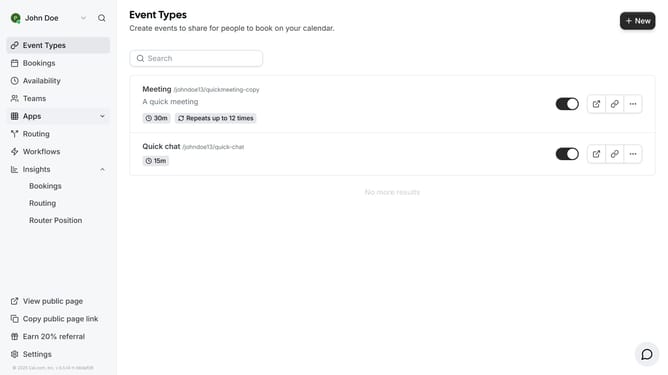
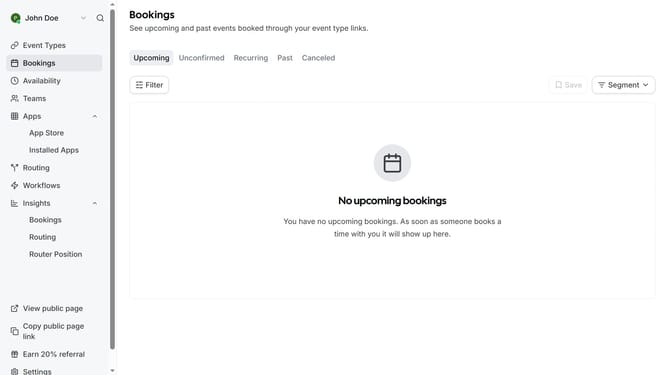
- First click on the "Apps" item in the left sidebar
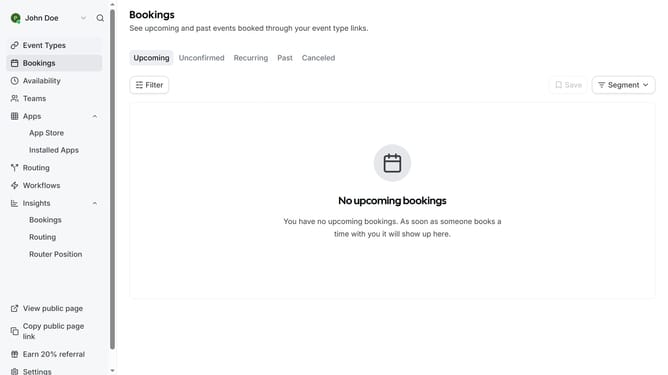
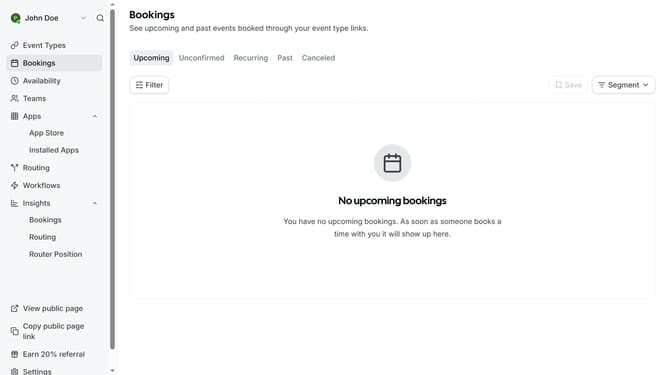
- Then click on "App Store" in the expanded Apps menu
- Next click on the "Calendar" category tile in the Featured Categories section
- Then click on the "Details" button under the ICS Feed app card
- Finally click the "Install" button for ICS Feed app card to integrate it with Cal
Why should you connect ICS Feed in Cal.com
Cal.com is a versatile scheduling platform designed to streamline your appointments effortlessly.
Connecting an ICS Feed to Cal.com enhances your scheduling efficiency by seamlessly importing external calendar events into one unified view.
This feature provides a holistic overview of your schedule, minimizing conflicts and maximizing productivity.
Ultimately, integrating ICS Feeds ensures comprehensive time management, helping you stay organized and ahead of your calendar commitments.
Last update