How to allow rescheduling past events in Cal.com
Here is how to allow rescheduling past events in cal.com
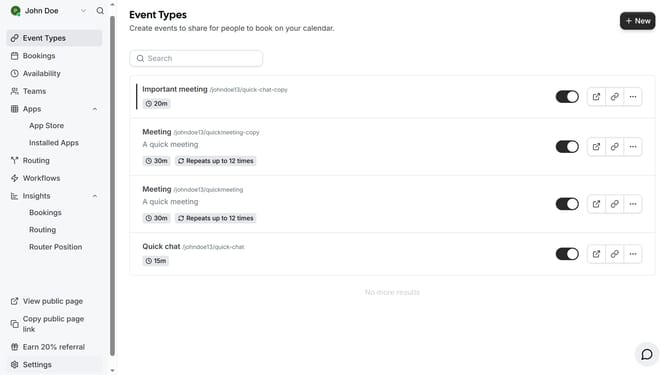
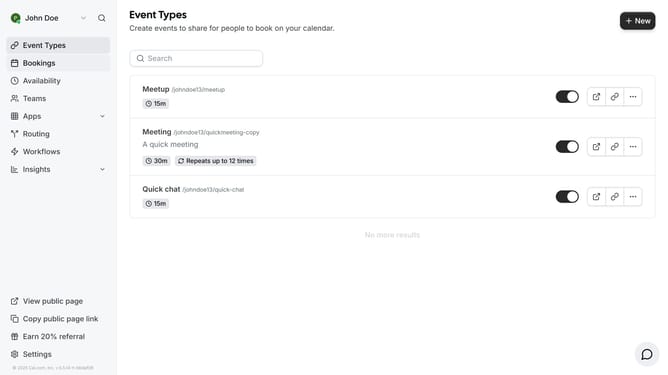
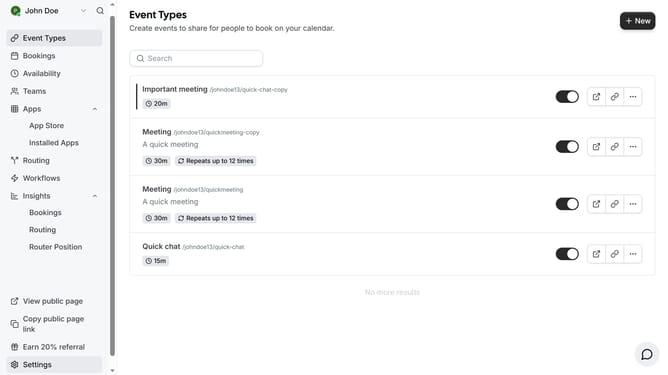
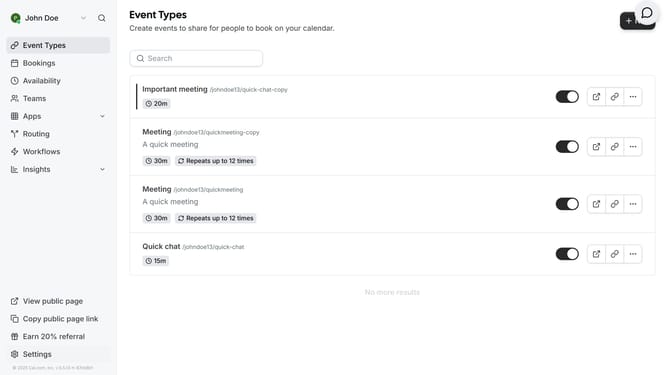
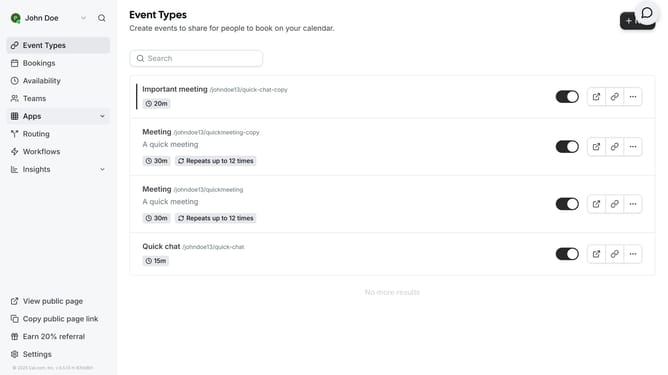
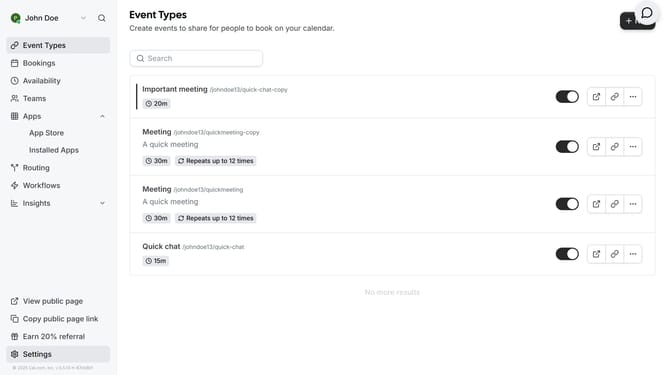
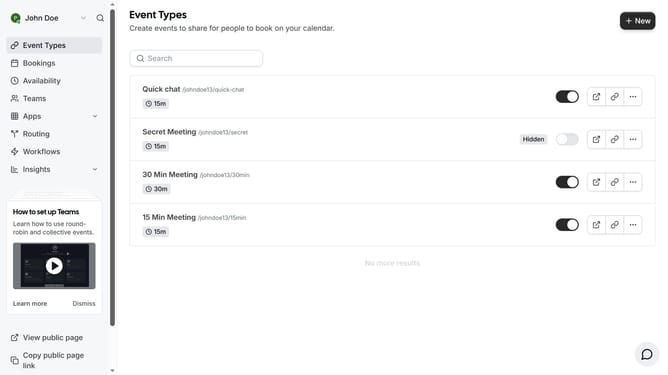
- First click on "Event Types" in the left sidebar menu
- Then click on an event type in the main content area
- Next click on the "Advanced" settings option in the left settings panel
- Then scroll down in the advanced settings
- Next toggle on the "Allow rescheduling past events" switch in the advanced settings
- Finally click on the "Save" button again in the top-right corner to confirm the changes
Why should you allow rescheduling past events in Cal.com
Cal.com is an intuitive scheduling platform designed to simplify managing appointments and events.
The feature allowing rescheduling of past events in Cal.com grants users flexibility and ease when adapting to unexpected changes.
By enabling past event rescheduling, you avoid missing opportunities to reconnect or reschedule important appointments.
This feature enhances user experience significantly by maintaining seamless communication and fostering stronger relationships, all while ensuring your agenda remains up-to-date and accurately reflects your commitments.
Last update