Cal.com
Cal.com is an open-source scheduling platform that helps individuals, teams, and developers automate bookings with customizable workflows, integrations, and full control over data and branding.
Website
Industry
Leadgen
Share this article:

How to check for conflicts to prevent double bookings in Cal.com

Here is how to check for conflicts to prevent double bookings in cal.com

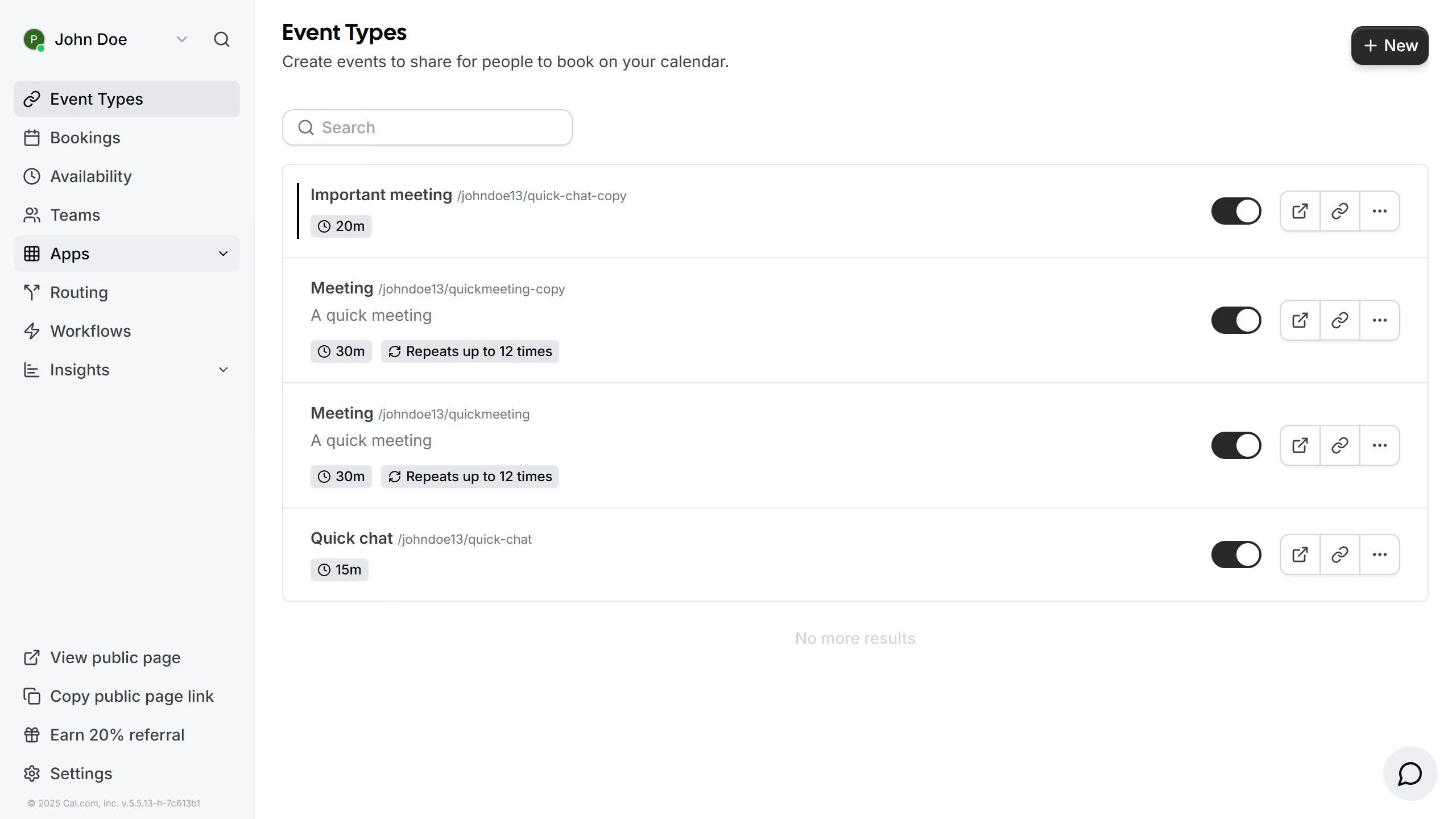
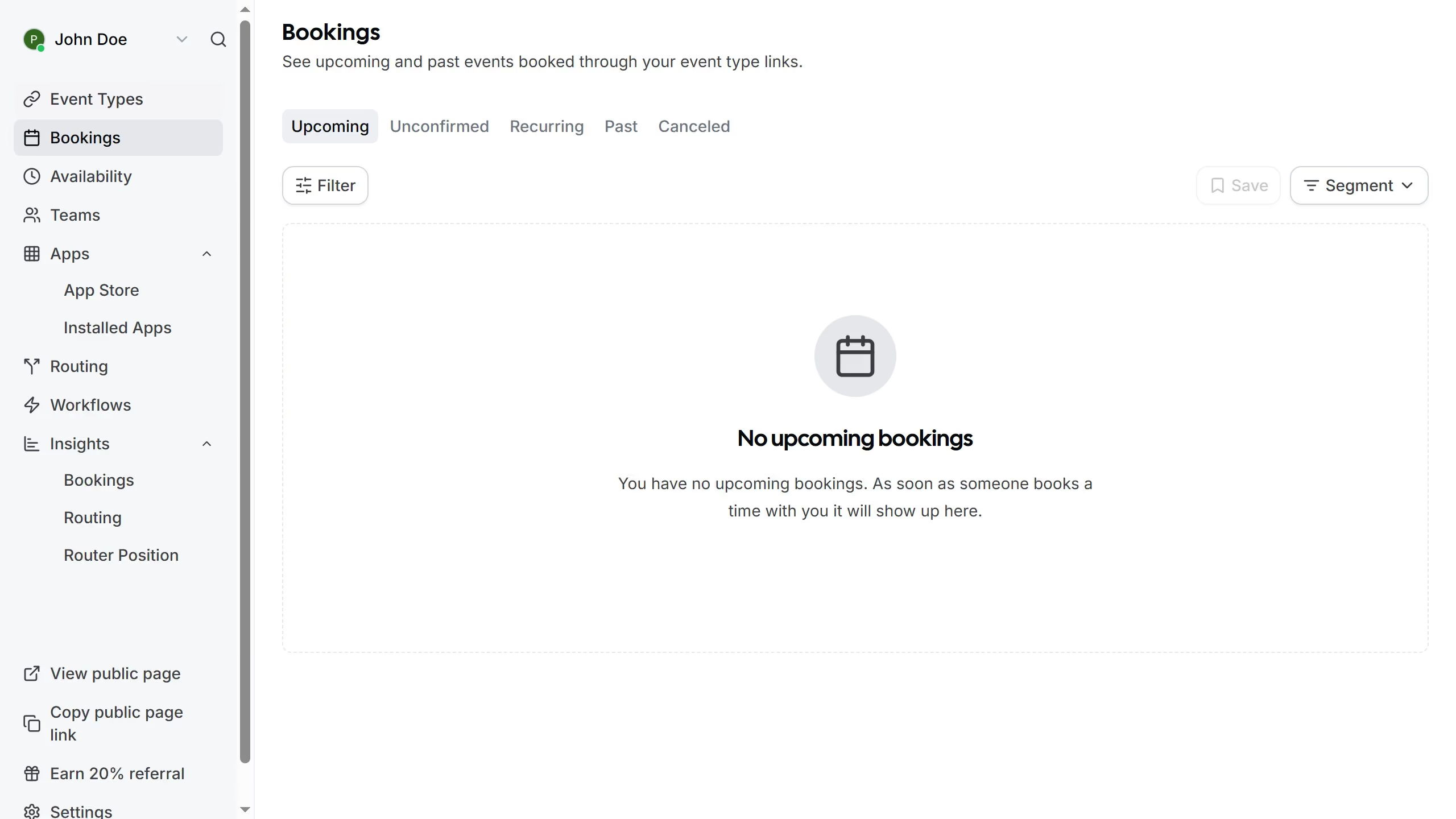
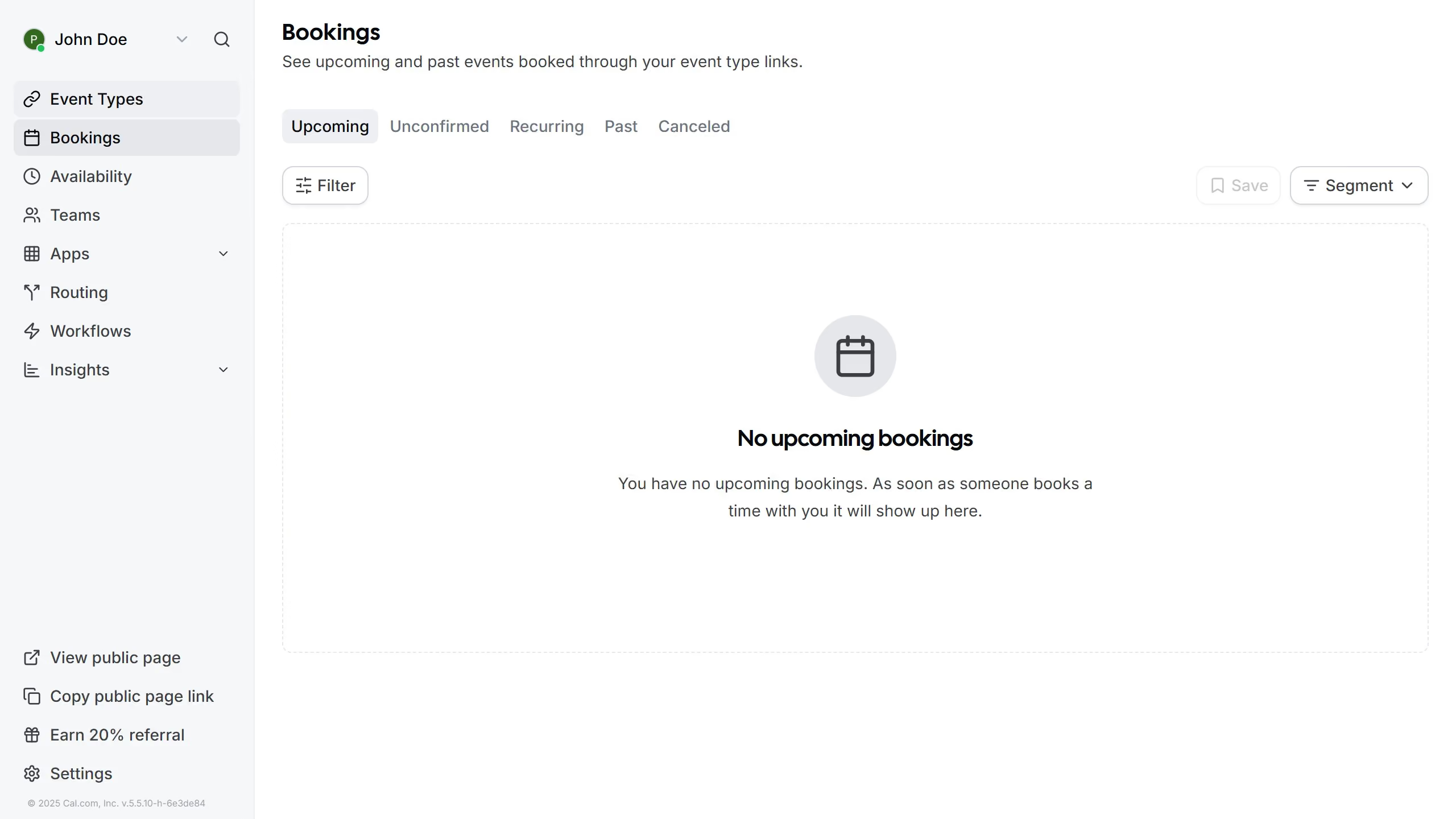
  1. First click on the "Settings" option in the left sidebar menu
  2. Then click on the "Calendars" item in the settings submenu
  3. In the conflict checking section, click on the "Calendar" toggle switch
  4. Next click on the "United States holidays" toggle switch
  5. Finally click on the "Birthdays" toggle option to complete the calendar settings

Create your own interactive guide with Guideflow

Why should you check for conflicts to prevent double bookings in Cal.com

Cal.com is an intuitive scheduling platform that makes organizing meetings effortless and efficient.

By leveraging Cal.com's conflict detection feature, users can ensure smooth scheduling experiences by preventing double bookings. You can depend on this tool to automatically identify and alert you of any time clashes, which helps streamline your calendar management.

This not only saves you time but also enhances productivity by minimizing scheduling errors and ensuring seamless coordination with clients or colleagues.

Last update
February 3, 2026
Cursor MariaA cursor points to a button labeled "James."

Create your first demo in less than 30 seconds.