Cal.com
Cal.com is an open-source scheduling platform that helps individuals, teams, and developers automate bookings with customizable workflows, integrations, and full control over data and branding.
Website
Industry
Leadgen
Share this article:

How to remove calendar app in Cal.com

Here is how to remove calendar app in cal.com

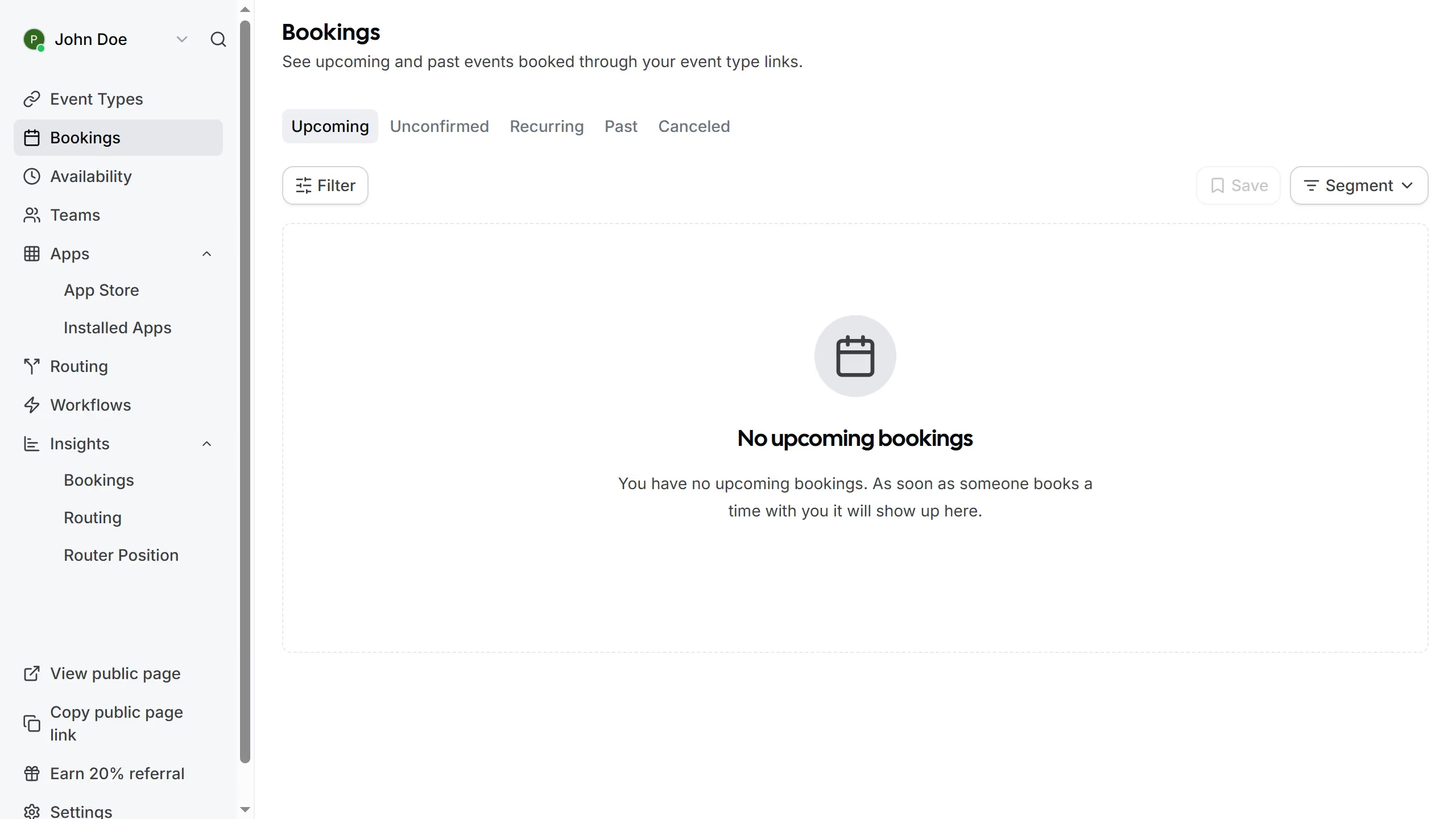
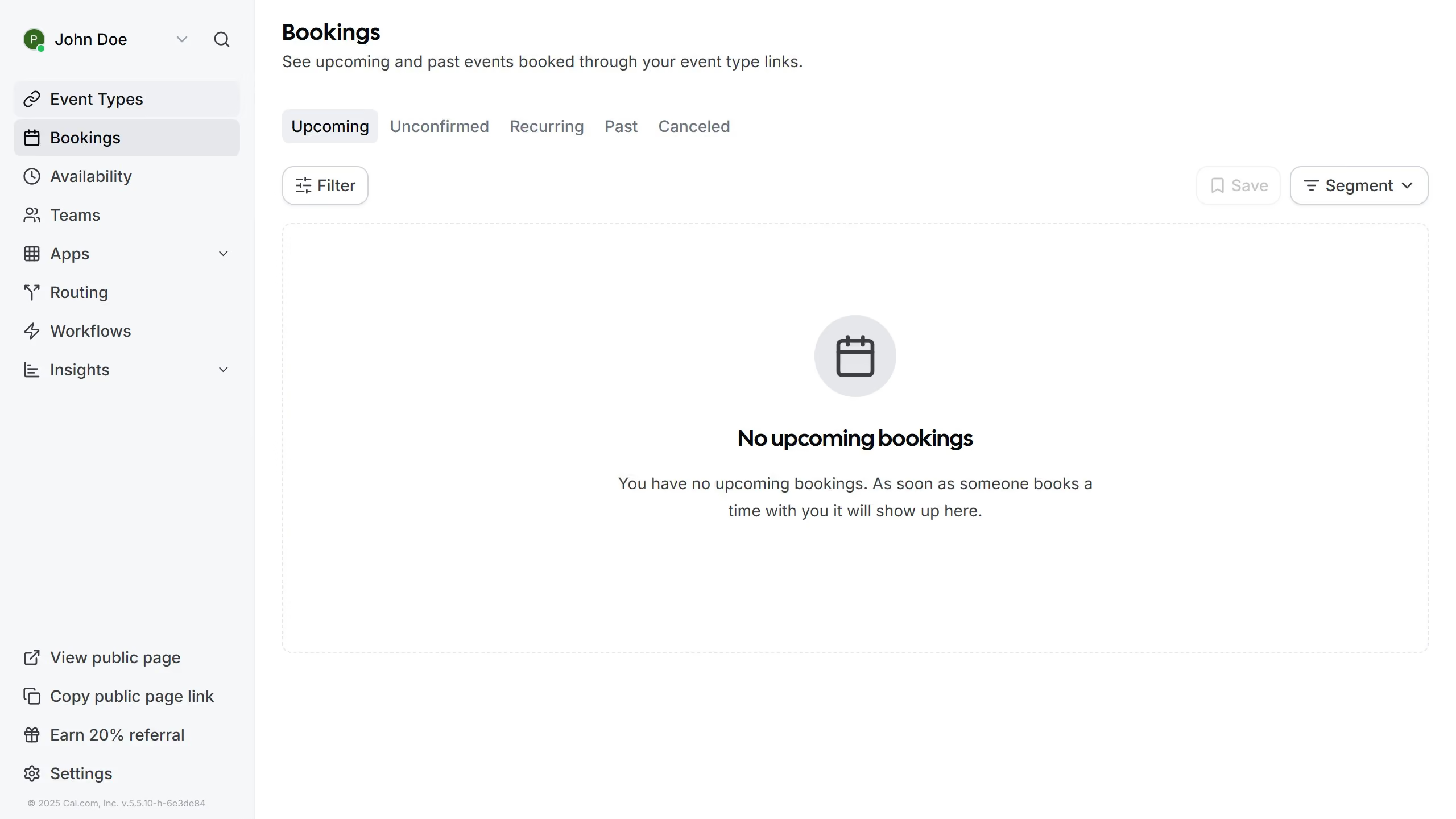
  1. First click on the "Settings" option in the left sidebar menu
  2. Then click on the "Calendars" option in the settings sidebar menu
  3. In the Calendars settings page scroll down
  4. Click on the three dots icon next to the calendar you want to remove from the list
  5. Next click on the "Remove App" button in the calendar options menu
  6. Finally click the "Yes, remove app" button in the confirmation dialog

Create your own interactive guide with Guideflow

Why should you remove calendar app in Cal.com

Cal.com is a versatile scheduling tool designed to streamline appointments and meetings effortlessly.

Knowing how to remove a calendar app within Cal.com can greatly enhance your scheduling flexibility. It enables users to declutter their setup, ensuring only the most relevant calendars are in use.

This not only maximizes efficiency but also reduces unnecessary notifications and distractions, fostering a more focused and productive work environment.

Ultimately, managing your calendar applications wisely within Cal.com simplifies your scheduling experience, providing a tailor-made solution for your needs.

Last update
February 3, 2026
Cursor MariaA cursor points to a button labeled "James."

Create your first demo in less than 30 seconds.