How to filter canceled event by date range in Cal.com
Here is how to filter canceled event by date range in cal.com
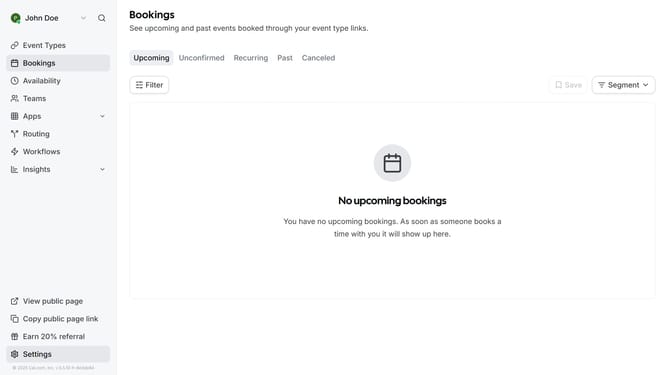
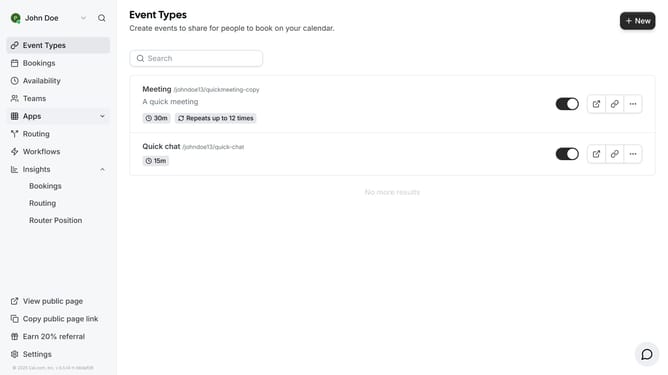
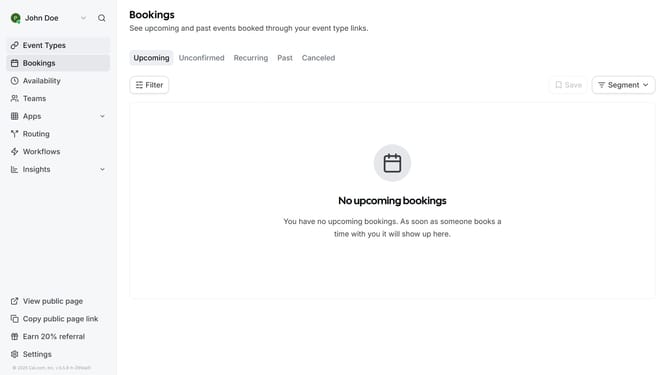
- First click on "Bookings" in the left sidebar menu
- Then click on "Canceled" tab in the bookings view
- Next click on "Filter" button in the bookings toolbar
- Then click "Date Range" from the dropdown menu
- Next select "Date Range" from the filter dropdown menu
- Click on the date range you want to filter on the calendar picker
- Finally click on an empty space on the page to view the events on the date range you filtered
Why should you filter canceled event by date range in Cal.com
Cal.com is a versatile scheduling platform designed to streamline booking processes for individuals and businesses alike.
Its feature to filter canceled events by date range simplifies the task of managing past appointments and helps in analyzing trends.
With this feature, users can quickly pinpoint and review specific canceled appointments, enhancing clarity and efficiency in record-keeping.
By organizing canceled events by date, Cal.com empowers users to make informed scheduling decisions based on patterns and history.
Last update