How to manage calendar settings before adding events in Cal.com
Here is how to manage calendar settings before adding events in cal.com
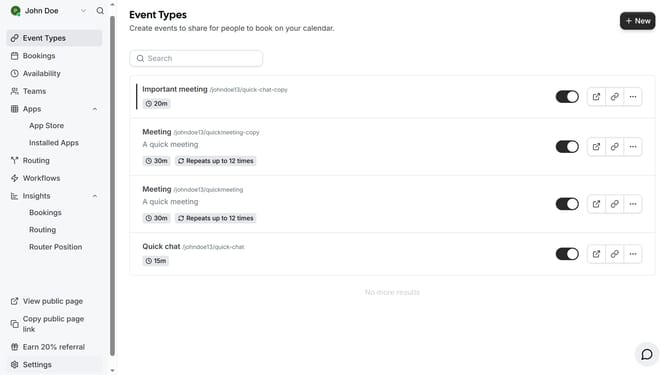
- First click on scroll down in the left side menu until you see the settings
- Then click on "Settings" item in the left sidebar navigation
- Next click on "Calendars" option in the settings sidebar menu
- Then scroll down on the calendars page
- Finally you can manage your calendar settings by turning on or off the toggle switch on this page to prevent double bookings
Why should you manage calendar settings before adding events in Cal.com
Cal.com is a versatile scheduling platform designed to streamline appointment booking for individuals and businesses.
Before diving into event creation, managing your calendar settings ensures a seamless scheduling experience. By customizing these settings, users can dictate availability, sync multiple calendars, and avoid double-booking conflicts.
This proactive approach not only optimizes time management but also enhances workflow efficiency, allowing you to focus on what truly matters without scheduling mishaps.
Last update