How to enable recurring events in Cal.com
Here is how to enable recurring events in cal.com
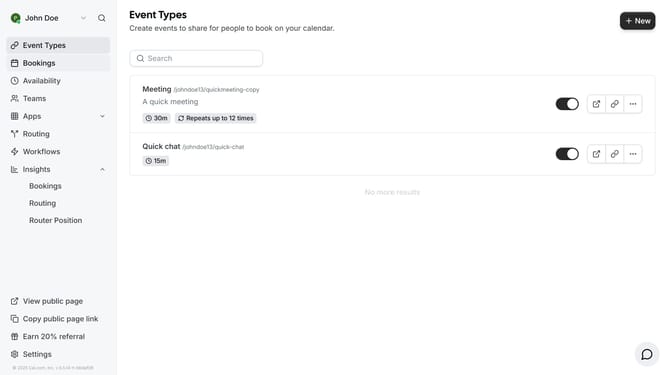
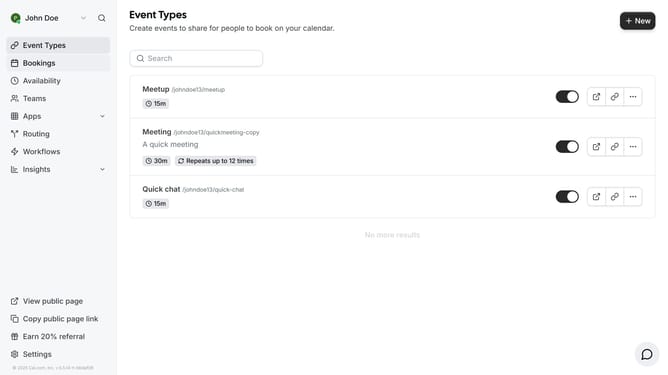
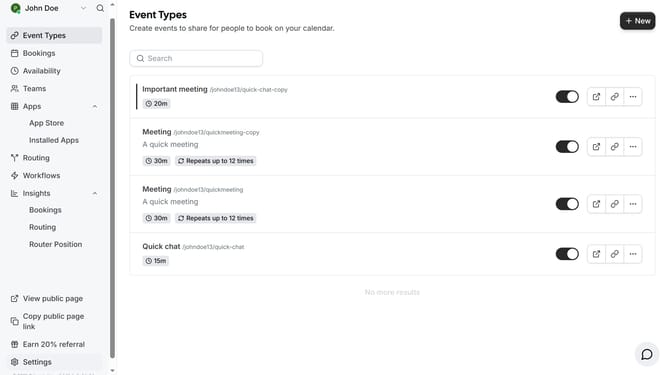
- First click on "Event Types" in the sidebar menu
- Then click on an event in the event types
- Next click on the "Recurring" option in the left settings menu
- Then click on the toggle switch for "Recurring Event"
- Then customize how often the events will repeat
- Finally click on the "Save" button in the top right corner
Why should you enable recurring events in Cal.com
Cal.com is a versatile scheduling tool designed to streamline your calendar management.
Enabling recurring events in Cal.com is a seamless process that optimizes your scheduling efficiency, allowing you to set events that auto-repeat based on your preferred frequency.
This feature is particularly beneficial for regularly scheduled meetings or appointments, as it reduces the need to manually enter repeated events, saving you time and reducing errors.
By utilizing recurring events, you ensure consistent scheduling, prevent conflicts, and increase productivity effortlessly.
Last update