How to generate a private link for an event in Cal.com
Here is how to generate a private link for an event in cal.com
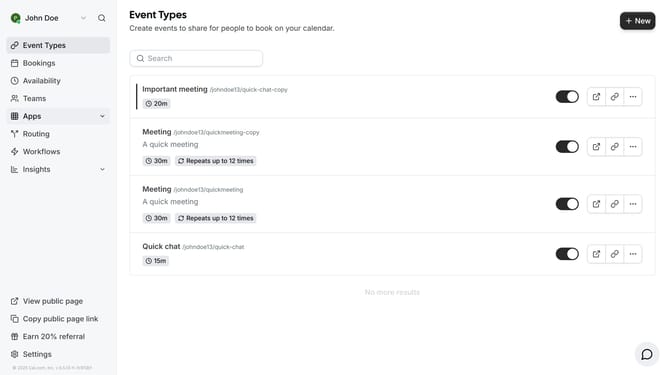
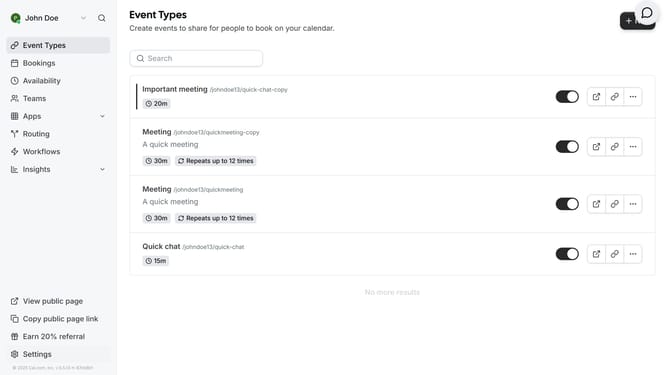
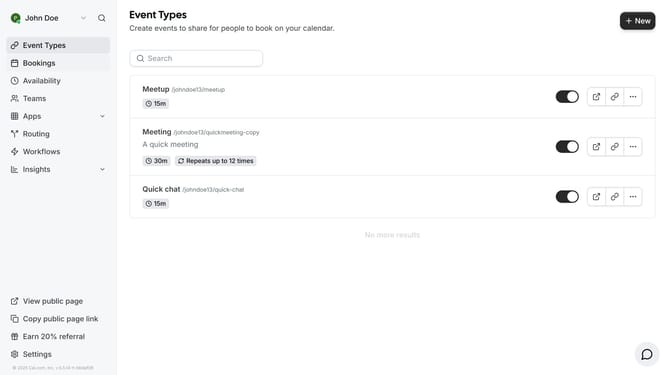
- First click on the "Event Types" link in the left sidebar
- Then click on an event from the event types content area
- Next click on the "Advanced" in the left menu
- Then scroll down in the advanced settings
- Next click the toggle switch for private links to generate a link
- Finally click on the "Save" button again to confirm the changes
Why should you generate a private link for an event in Cal.com
Cal.com is a seamless scheduling platform designed to simplify event planning and coordination.
Generating a private link for an event within Cal.com’s feature set ensures exclusive access, allowing only intended invitees to join. This promotes a more secure and controlled environment, ideal for confidential meetings or exclusive gatherings.
Utilizing a private link not only enhances privacy but also streamlines the invitation process, eliminating the complexities of mass communications and unsolicited participants. By fostering a curated experience, users can maintain a focused and productive event space.
Last update