How to add event description in Cal.com
Here is how to add event description in cal.com
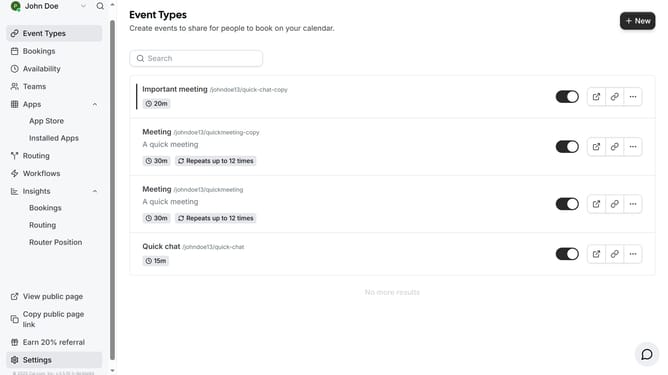
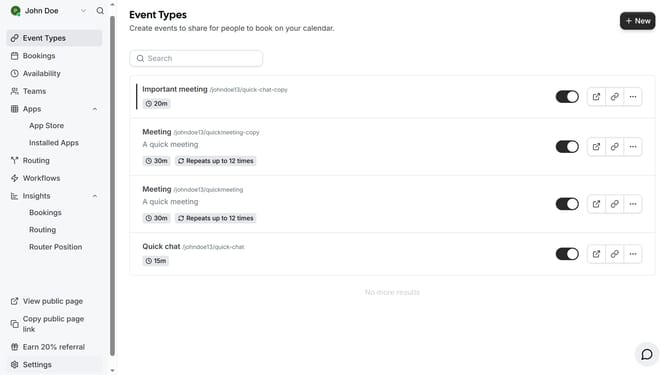
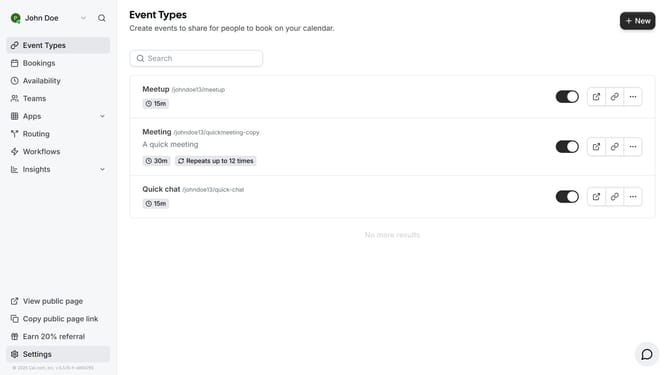
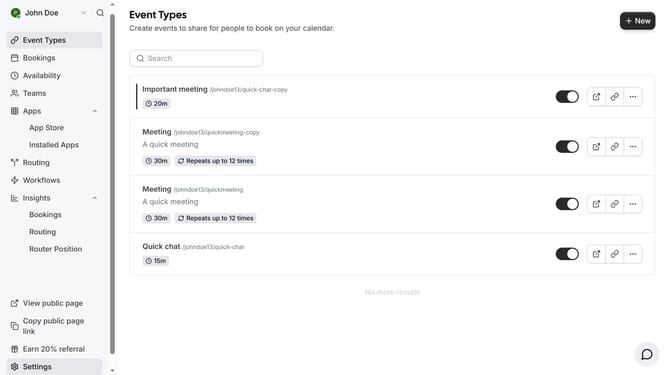
- First click on "Event Types" in the left sidebar menu
- Then click on an event item in the event types list
- In the event setup form, click on the description text field
- Then type in the description of the event
- Finally click the "Save" button in the top right corner
Why should you add event description in Cal.com
Cal.com is a versatile scheduling tool designed for seamless event management.
Adding an event description in Cal.com enhances communication and ensures all participants are on the same page.
This feature allows you to provide detailed information about the event, such as the agenda, location, or any necessary preparations, enriching the participant's understanding and engagement.
Utilizing clear event descriptions not only enhances organization but also improves attendee satisfaction by setting accurate expectations.
Last update