How to redirect a booking event in Cal.com
Here is how to redirect a booking event in cal.com
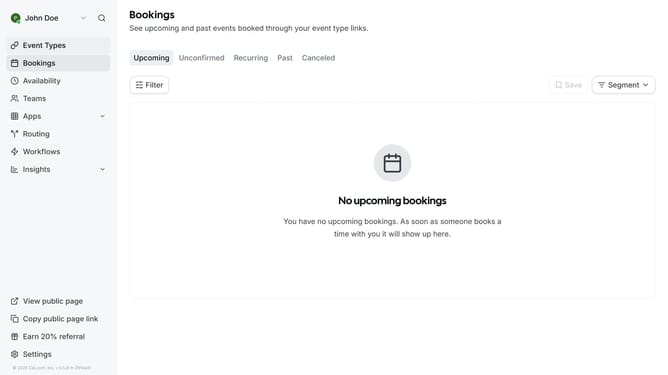
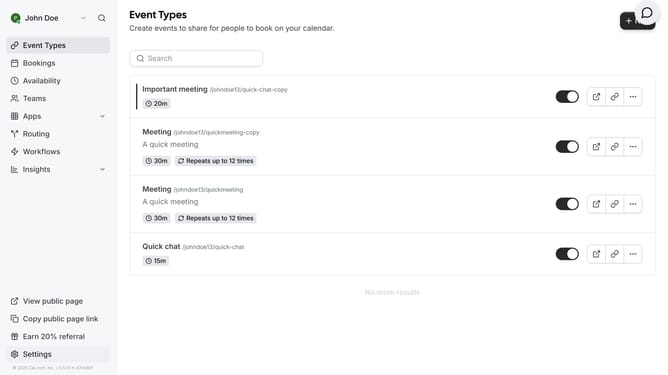
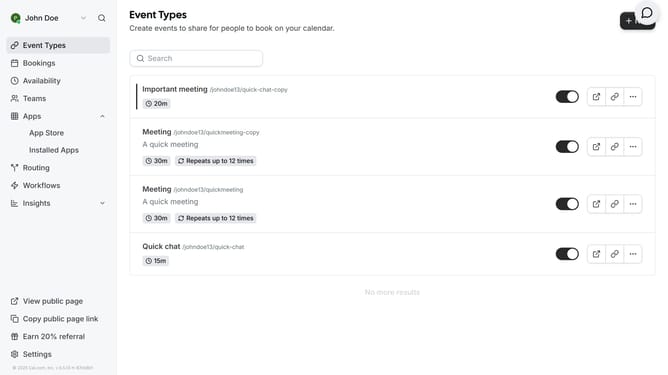
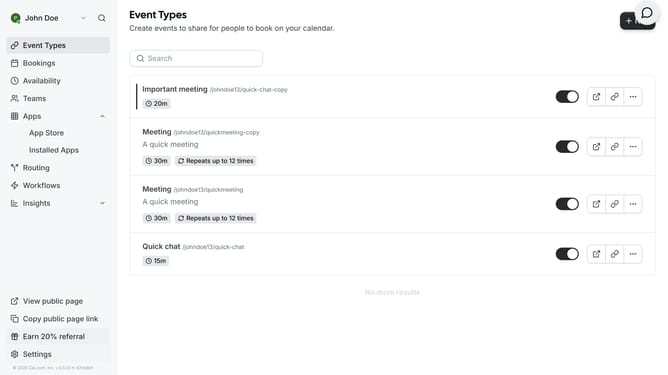
- First click on "Event Types" in the left sidebar
- Then click on an event from the event types list
- Next click on "Advanced" section in the settings menu
- Then scroll down in the advanced settings
- Click on the "Redirect on booking" toggle switch to enable it
- Click the URL input field and type in the URL where users should be redirected after a successful booking
- Finally click on "Save" button in the top right corner
Why should you redirect a booking event in Cal.com
Cal.com is an intuitive platform designed to streamline scheduling and bookings with ease.
One of the standout features of Cal.com is the ability to redirect booking events, offering flexibility in scheduling management.
This feature allows users to seamlessly redirect appointments to different team members or resources, ensuring no booking opportunities are missed.
By utilizing this functionality, organizations can improve operational efficiency and optimize resource allocation.
Last update