How to subscribe to BAA for HIPAA in Cal.com
Here is how to subscribe to baa for hipaa in cal.com
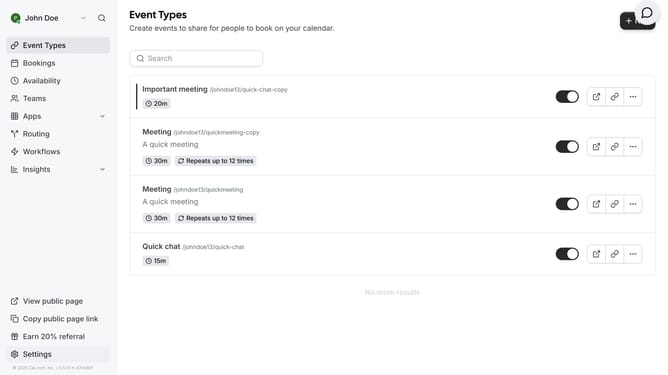
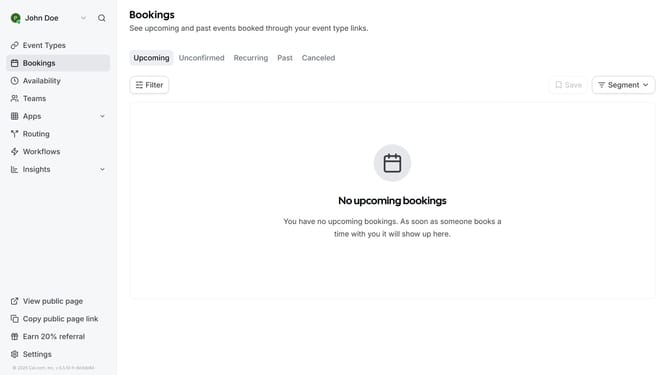
- First click on the "Apps" item in the left sidebar menu
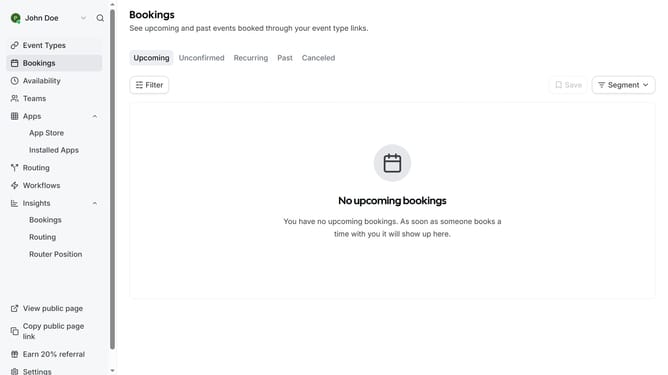
- Then click on "App Store" in the expanded Apps submenu
- Next click on the "Other" category tile in the Featured Categories section
- On the Other apps page scroll down and locate the BAA for HIPAA app
- Click on the "Details" button under the BAA for HIPAA app description
- Finally click on the "Subscribe" button on the BAA for HIPAA app details page
Why should you subscribe to BAA for HIPAA in Cal.com
Cal.com is your go-to platform for seamless scheduling solutions tailored to your needs.
Subscribing to a Business Associate Agreement (BAA) for HIPAA within Cal.com integrates essential privacy features for healthcare professionals. Utilizing this feature ensures compliance with critical legal regulations, safeguarding sensitive patient information effortlessly.
With BAA for HIPAA, you gain peace of mind knowing your scheduling tools are protected. This streamlined feature endorses trust and professionalism, vital components in the healthcare industry.
Last update