How to enable event type color in Cal.com
Here is how to enable event type color in cal.com
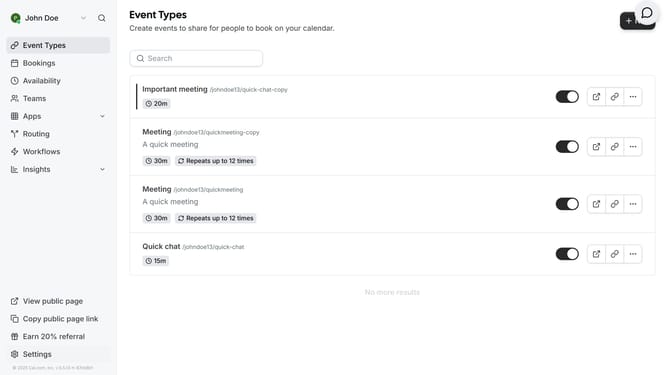
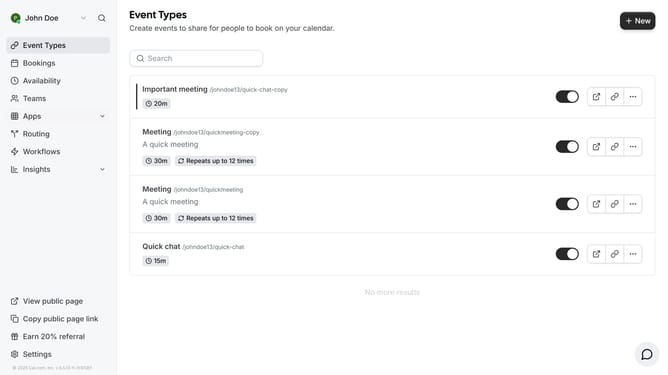
- First click on "Event Types" in the left sidebar menu
- Then click on an event from the list of event types
- Next click on "Advanced" settings option in the left panel
- Next scroll down in the advanced settings
- Click on the toggle switch to enable "Event type color" option
- Then click on the color picker box to select a color
- Select your preferred color from the color picker
- Finally click on "Save" button in the top right corner
Why should you enable event type color in Cal.com
Cal.com is your go-to platform for effortless scheduling solutions, designed to enhance your productivity.
By enabling event type color in Cal.com, you can achieve a visually organized calendar that simplifies identifying and managing diverse meetings and appointments.
This feature helps in reducing scheduling conflicts and enhances at-a-glance recognition, allowing for a seamless workflow experience.
Event color coding brings a sense of order, making it easier to prioritize tasks and streamline your day-to-day operations efficiently.
Last update