How to connect Lark Calendar in Cal.com
Here is how to connect lark calendar in cal.com
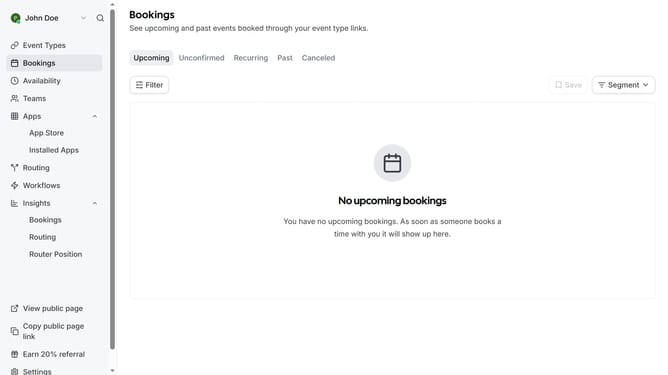
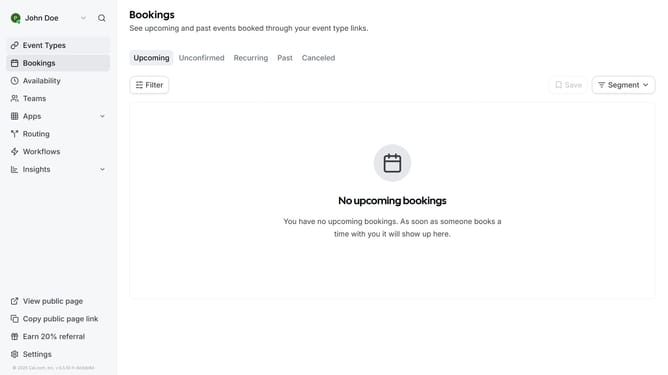
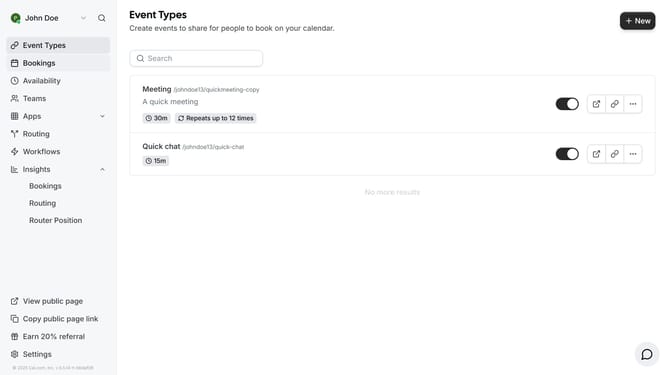
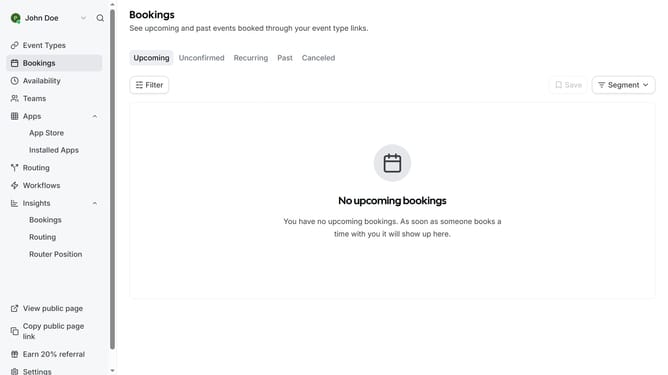
- First click on the "Apps" item in the left sidebar
- Then click on "App Store" in the expanded Apps menu
- Next click on the "Calendar" category tile in the Featured Categories section
- Then scroll down until you see the Lark Calendar app card
- Next click "Details" button under the Lark Calendar app card
- Finally click the "Install" button for Lark Calendar app card to integrate it with Cal
Why should you connect Lark Calendar in Cal.com
Cal.com is a seamless scheduling tool designed to streamline your calendar management.
Connecting Lark Calendar with Cal.com enhances your organizational capabilities by synchronizing schedules effortlessly. This integration allows you to manage meetings and events in one unified view, eliminating the hassle of switching between platforms.
Utilizing Cal.com with your Lark Calendar is especially beneficial for maintaining accurate schedules and improving productivity. This connection ensures that all scheduling nuances are captured and accounted for, providing peace of mind and better time management.
Last update