How to duplicate existing events in Cal.com
Here is how to duplicate existing events in cal.com
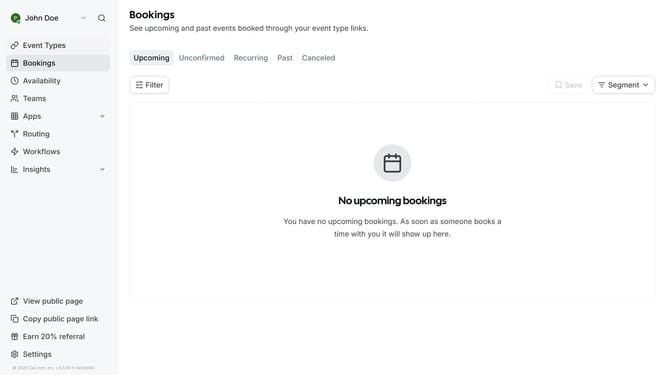
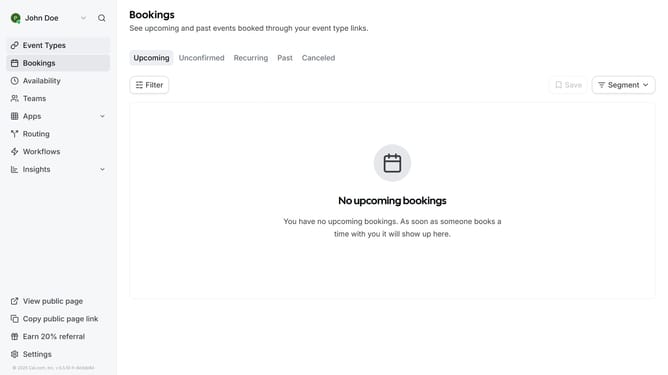
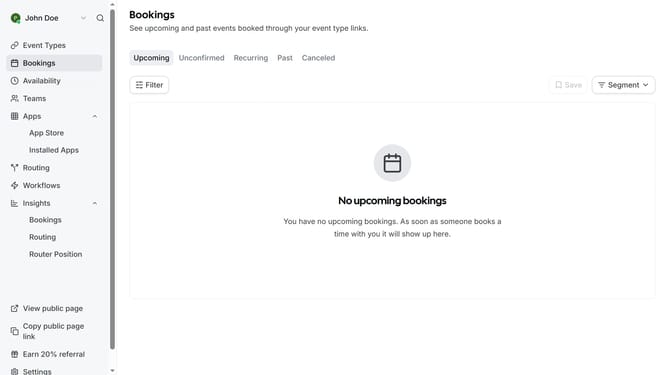
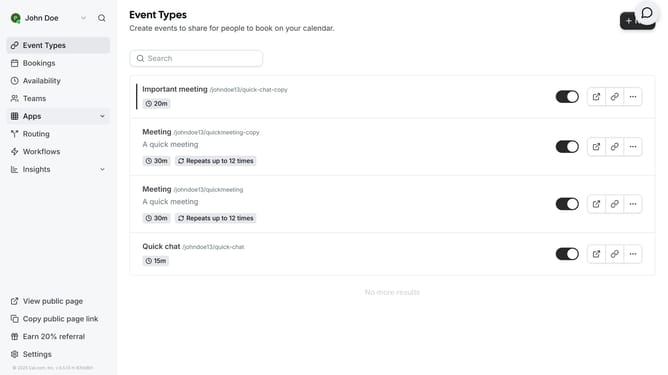
- First click on "Event Types" link in the left sidebar menu
- In the event list, click on the three dots menu next to the name of the event you want to duplicate
- Next click on the duplicate from the dropdown menu
- Finally click the "Continue" button to create a copy of the event type
Why should you duplicate existing events in Cal.com
Cal.com is a versatile scheduling platform designed to streamline event management with ease.
One of its standout features is the ability to duplicate existing events. This feature allows you to effortlessly recreate events without starting from scratch.
By duplicating events, you save valuable time, ensuring consistency across recurring activities. It minimizes errors and makes managing frequent events a breeze, offering a seamless scheduling experience.
Last update