How to connect Signal in Cal.com
Here is how to connect signal in cal.com
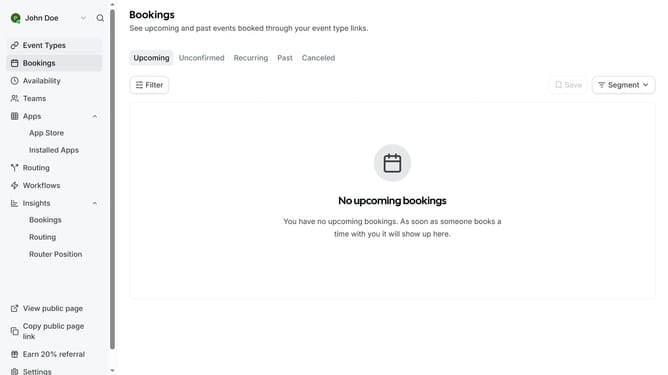
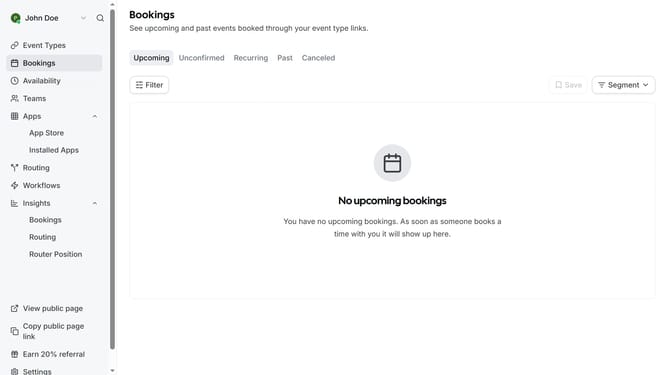
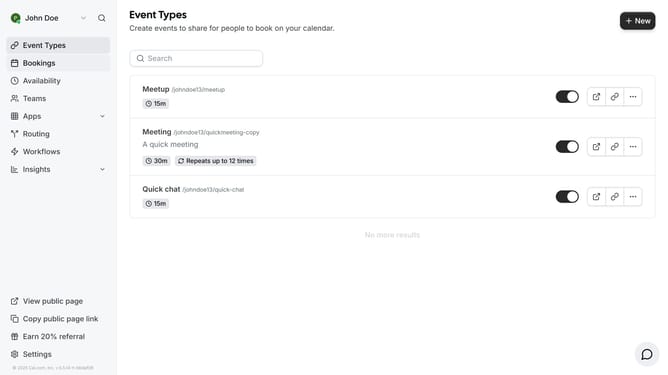
- First click on the "Apps" dropdown in the left sidebar
- Then click on "App Store" in the expanded Apps menu
- Next click on the left arrow navigation button in the Featured Categories section
- Then click on the "Messaging" category tile
- Next click on the "Details" button under the Signal app
- Finally click the "Install" button for Signal to integrate it with Cal
Why should you connect Signal in Cal.com
Cal.com is a versatile scheduling platform designed to streamline your appointment bookings efficiently.
By connecting Signal with Cal.com, users can enhance communication processes through seamless integration.
This feature ensures that notifications and updates are efficiently managed within Signal, adding an extra layer of connectivity.
Ultimately, the integration elevates user experience by enabling smooth, synchronized communication, making it an essential tool for effective scheduling and management.
Last update