How to connect Telegram in Cal.com
Here is how to connect telegram in cal.com
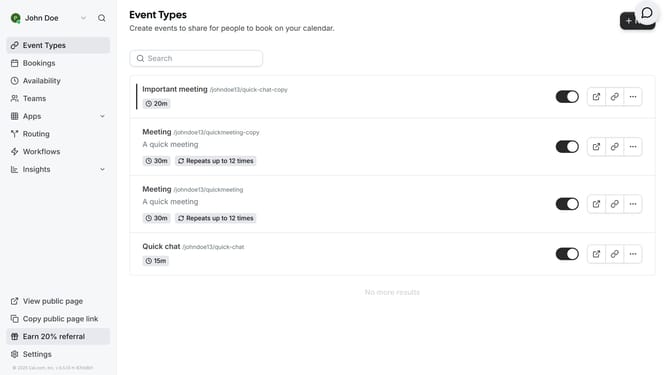
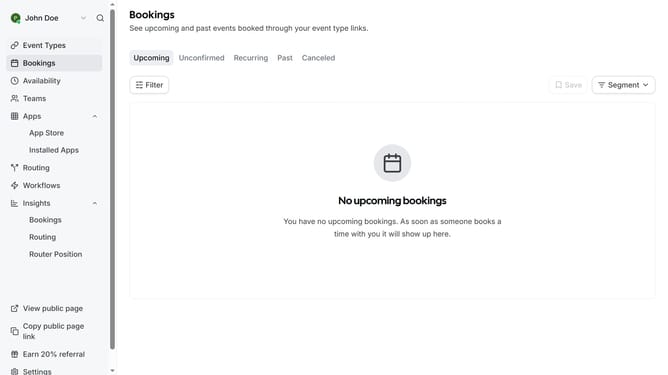
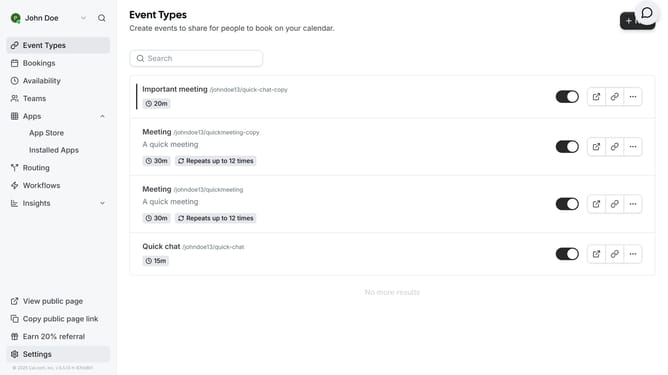
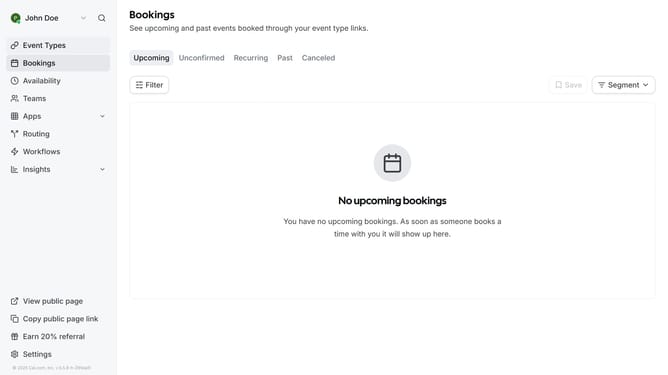
- First click on the "Apps" dropdown button in the sidebar menu
- Then click on "App Store" option in the expanded Apps menu
- Click the right arrow button in the Featured Categories section to navigate
- Select the "Messaging" category tile
- Click on the "Details" button under the Telegram app card
- Finally click the "Install" button for Telegram to integrate it with Cal
Why should you connect Telegram in Cal.com
Cal.com is a versatile scheduling platform designed to streamline and enhance the way you manage your appointments.
The integration of Telegram with Cal.com offers a robust communication upgrade, empowering users to receive schedule notifications and updates directly through their preferred messaging app.
By connecting Telegram to Cal.com, users can enjoy real-time alerts, making it easier to stay on top of appointments and ensuring effective communication without constant email checks.
This feature optimizes time management, improves accessibility, and enhances user engagement seamlessly.
Last update