How to connect Amie in Cal.com
Here is how to connect amie in cal.com
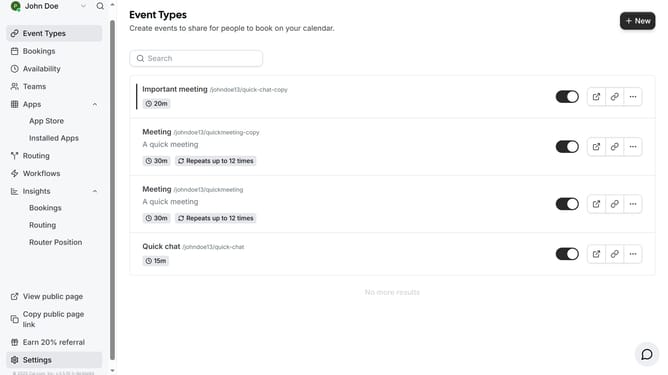
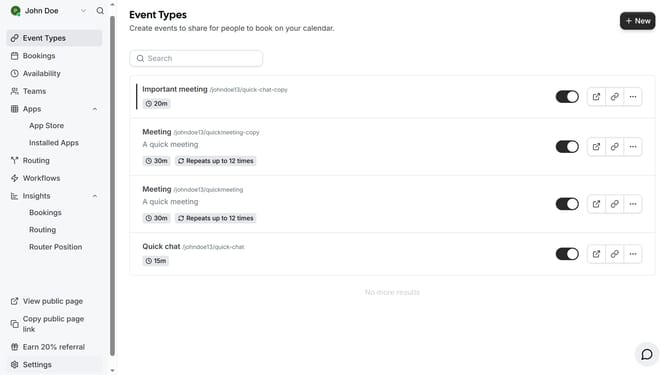
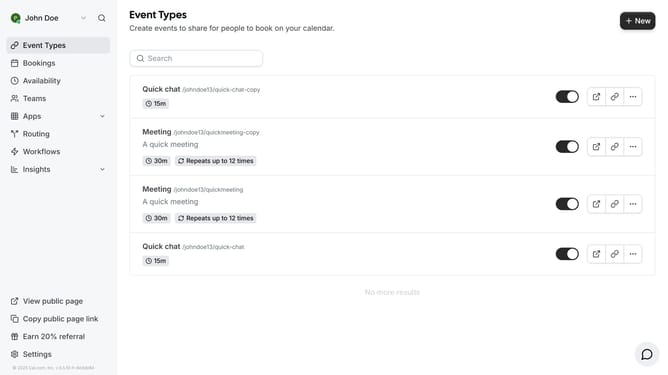
- First click on the "Apps" item in the left sidebar
- Then click on "App Store" in the expanded Apps menu
- Next click on the "Calendar" category card in the Featured Categories section
- Then scroll down until you see the Amie app card
- Next click on the "Details" button under the Amie app description
- Finally click the "Install" button for Amie app card to integrate it with Cal
Why should you connect Amie in Cal.com
Cal.com is a versatile platform designed to streamline the scheduling process, making it seamless and efficient.
Connecting Amie to Cal.com enhances this experience by allowing users to integrate their personalized scheduling assistant directly with the powerful features of Cal.com.
This integration ensures that users can manage appointments more effectively, reducing the chances of double bookings and maximizing productivity.
By leveraging this connection, your scheduling is not just simplified but also smarter, allowing for a hassle-free management of your time.
Last update