How to remove event buffers in Cal.com
Here is how to remove event buffers in cal.com
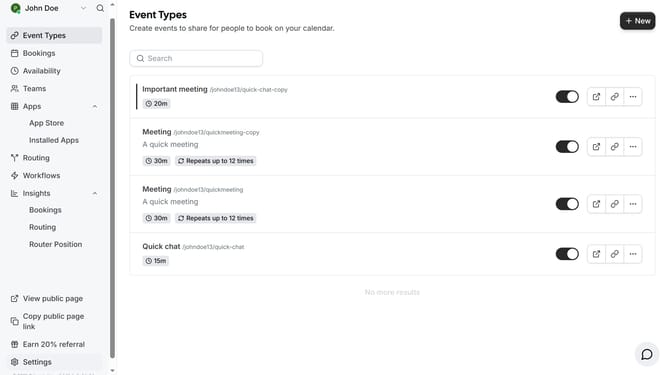
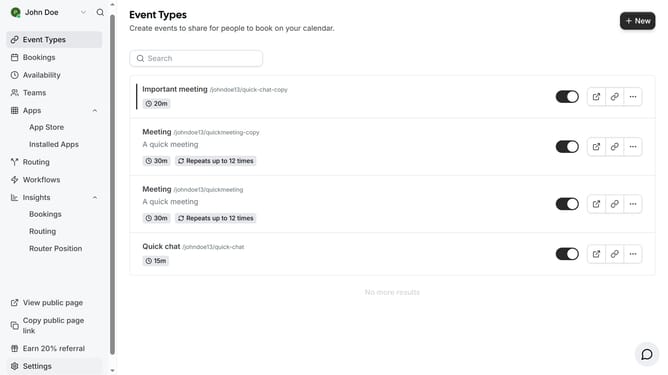
- First click on "Event Types" in the left sidebar menu
- Then click on an event in the main content area
- Next click on "Limits" option in the left settings panel
- Click on the before event dropdown menu
- Then select "No buffer time" from the dropdown menu
- Next click the After event dropdown to open it
- Select "No buffer time" option from the After event dropdown
- Finally click the "Save" button in the top right corner
Why should you remove event buffers in Cal.com
Cal.com is a seamless scheduling platform designed to make appointment setting efficient and stress-free.
Removing event buffers in Cal.com allows you to maximize your scheduling flexibility by eliminating the automatic padding time between appointments. This can be particularly beneficial when you need to accommodate last-minute meetings or have a tightly packed schedule.
By adjusting the event buffers, you optimize your calendar for better time management, ensuring that every available slot in your day is utilized effectively. This feature empowers users to take full control of their time.
Last update