How to connect Granola in Cal.com
Here is how to connect granola in cal.com
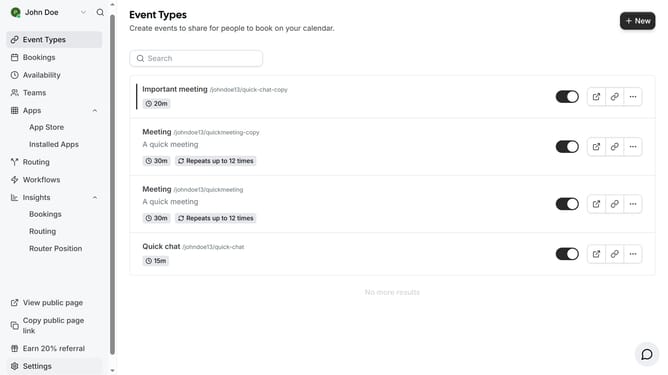
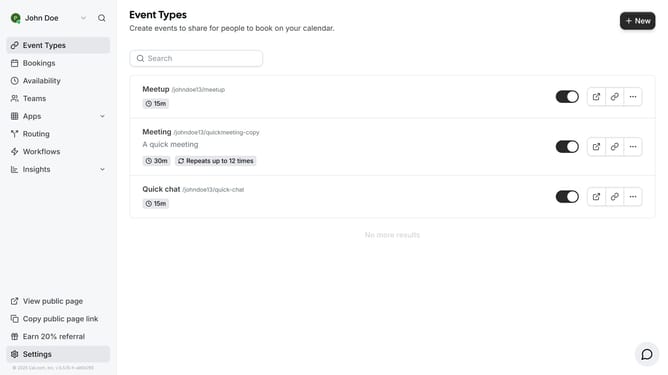
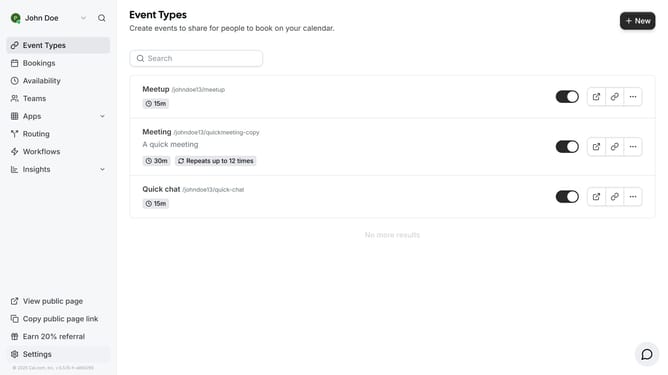
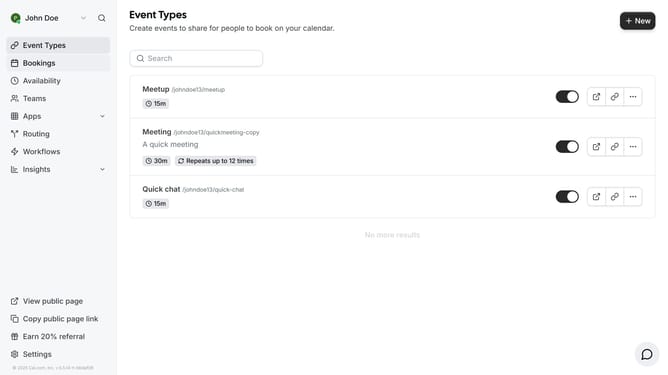
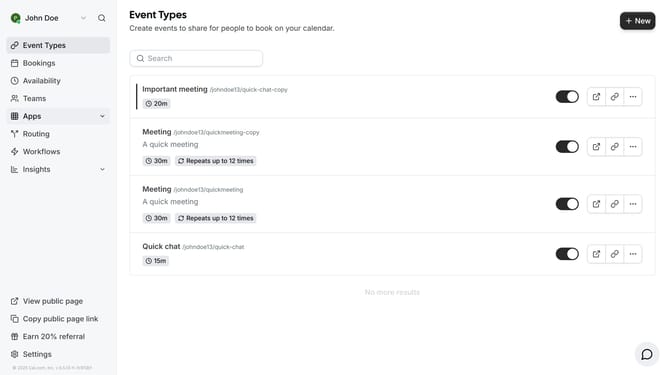
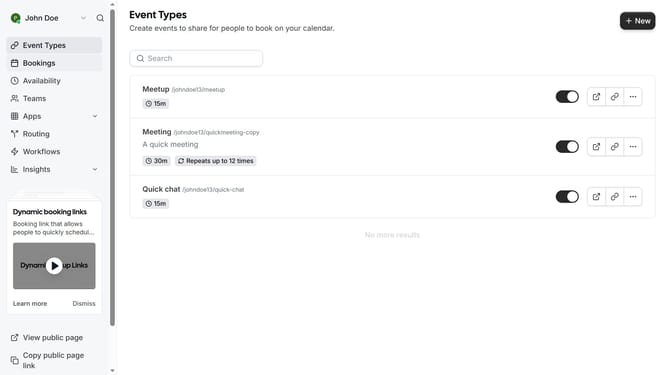
- First click on the "Apps" item in the left sidebar
- Then click on "App Store" in the expanded Apps menu
- Next click on the "Other" category tile in the Featured Categories section
- Then click on the "Details" button under the Granola app
- Finally click the "Install" button for Granola app card to integrate it with Cal
Why should you connect Granola in Cal.com
Cal.com is a versatile scheduling platform designed to streamline your appointment management effortlessly.
By connecting Granola with Cal.com, you enhance your scheduling experience with seamless workflow integration.
This feature ensures a more organized and efficient process, reducing the administrative burden.
Maximize productivity and enjoy more time for what truly matters by integrating Granola into your Cal.com schedule today!
Last update