How to filter canceled event by attendee name in Cal.com
Here is how to filter canceled event by attendee name in cal.com
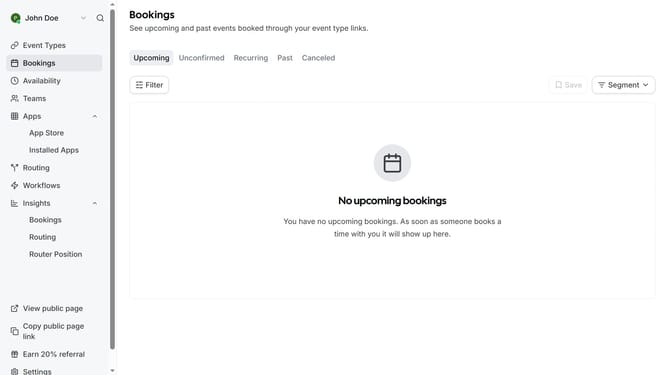
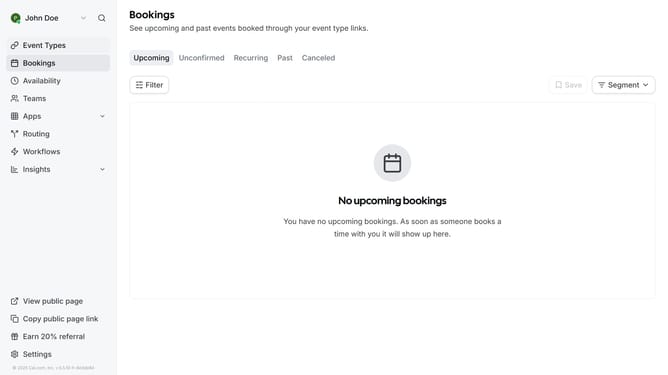
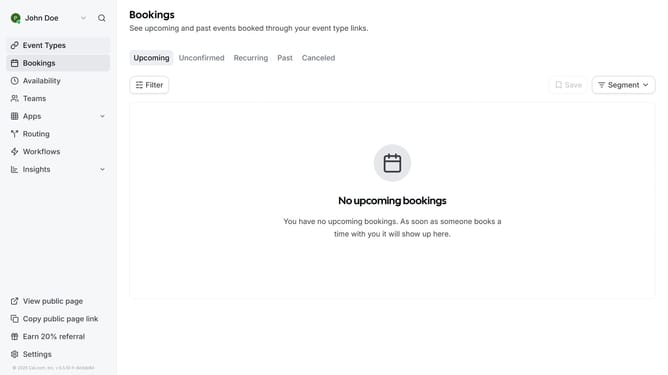
- First click on "Bookings" item in the left sidebar
- Then click on "Canceled" tab in the bookings list header
- Next click on "Filter" button in the filter toolbar
- Then select "Attendee Email" option from the filter dropdown
- Click on the "Attendee Email" dropdown button in the filter toolbar
- Click the email input field and type in the email of the attendee you want to filter
- Click "Apply" button to apply the email filter
- Finally click on an empty space on the page to view the events based on the attendee email you filtered
Why should you filter canceled event by attendee name in Cal.com
Cal.com is a versatile scheduling platform designed to streamline appointments and events with ease.
One standout feature is the ability to filter canceled events by attendee name, offering crucial insights into your scheduling dynamics.
This feature aids in identifying patterns or frequent cancellations, helping manage time and resources effectively.
Overall, filtering by attendee names empowers organizers to maintain organized schedules, enhancing operational efficiency and productivity.
Last update