How to request reschedule in Cal.com
Here is how to request reschedule in cal.com
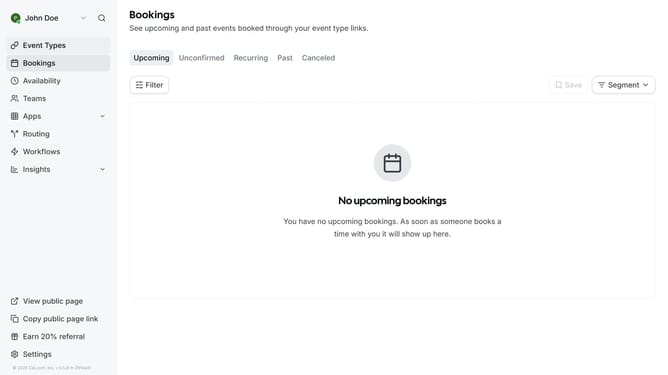
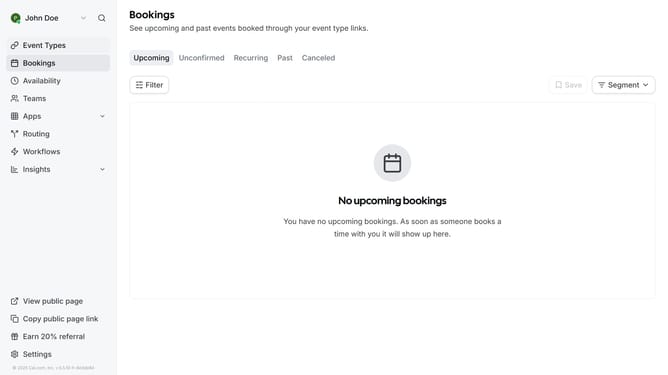
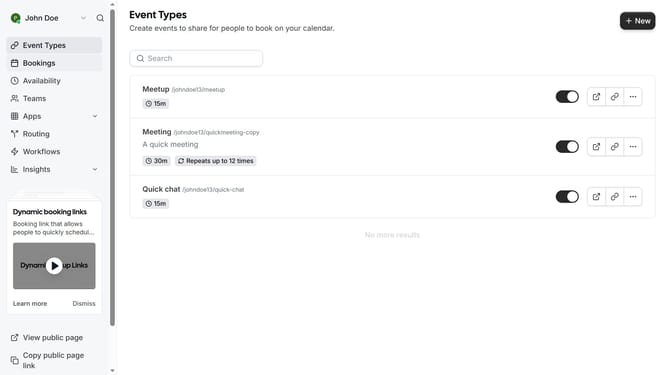
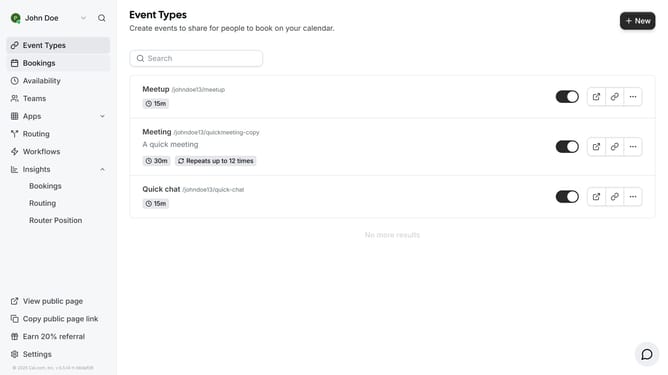
- First click on "Bookings" in the left sidebar menu
- Then click on the "..." menu button next to the meeting you want to reschedule
- Next click on "Request reschedule" option from the dropdown menu
- Finally click on the "Request reschedule" button in the confirmation dialog
Why should you request reschedule in Cal.com
Cal.com is a seamless scheduling solution designed to keep your appointments perfectly organized.
The ability to request a reschedule is a standout feature that enhances flexibility and control for users.
Instead of the frustration caused by unexpected changes, Cal.com offers a quick way to reschedule appointments, making life less stressful.
This feature ensures that your schedule remains efficient and adaptable, allowing you to focus on what truly matters without missing a beat.
Last update