How to connect Retell AI to Cal.com
Here is how to connect retell ai to cal.com
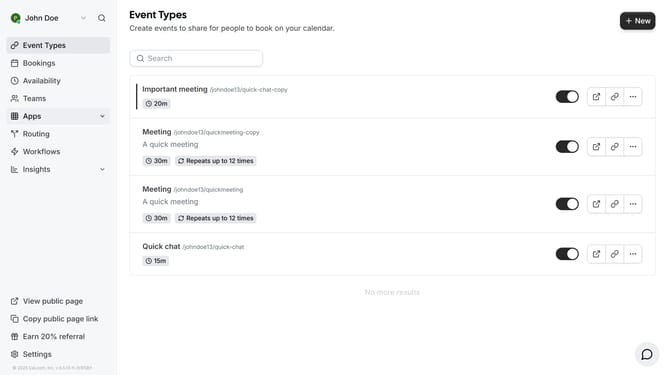
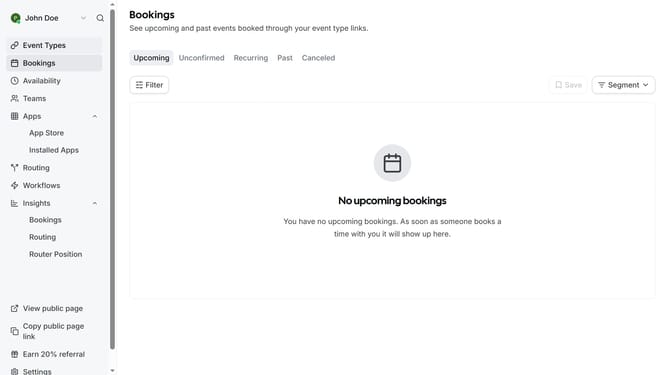
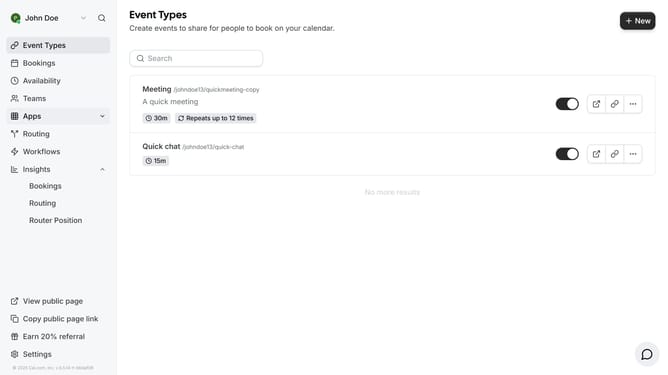
- First click on the "Apps" item in the left sidebar menu
- Then click on "App Store" in the expanded Apps submenu
- Next click on the "Automation" category card in the Featured Categories section
- Then click on the "Details" button under the Retell AI app
- Finally click on the "Install App" button on the Retell AI app details page
Why should you connect Retell AI to Cal.com
Cal.com offers seamless scheduling solutions designed for optimal time management.
Integrating Retell AI with Cal.com enhances user experience by enabling automatic transcription and recording of scheduled appointments. This connection ensures all communications are accurately captured for easy reference.
Utilizing Retell AI with Cal.com not only simplifies tracking and organizing interactions but also boosts professionalism and efficiency in managing schedules.
Last update