How to connect QR Code in Cal.com
Here is how to connect qr code in cal.com
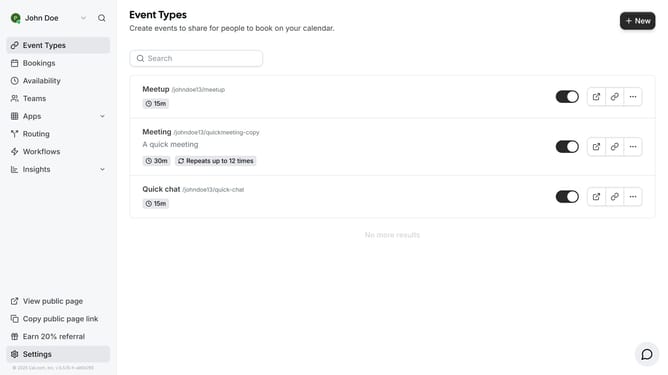
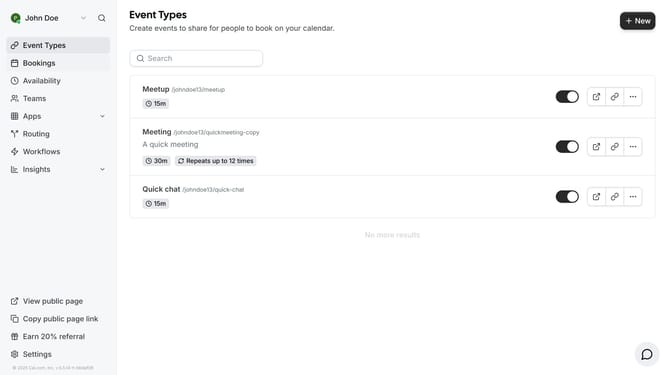
- First click on the "Apps" item in the left sidebar menu
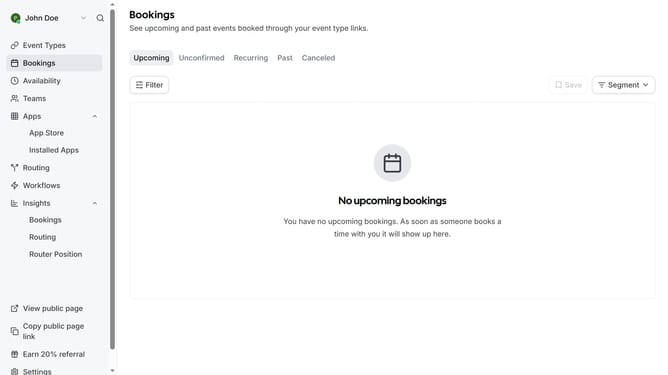
- Then click on "App Store" in the expanded Apps submenu
- Next click on the "Other" category tile in the Featured Categories section
- Then click on the "Details" button under the QR Code app
- Finally click the "Install" button for QR Code app card to integrate it with Cal
Why should you connect QR Code in Cal.com
Cal.com is a versatile scheduling tool designed to simplify appointment booking effortlessly.
Integrating a QR Code with Cal.com enhances user experience by offering a quick and direct path to your scheduling interface.
This feature is perfect for making scheduling even more accessible, as users can simply scan to gain immediate access to your calendar.
By leveraging QR codes, you create a seamless connection that promotes ease of use and encourages more engagement with your scheduling options.
Last update