How to hide organizer email for an event in Cal.com
Here is how to hide organizer email for an event in cal.com
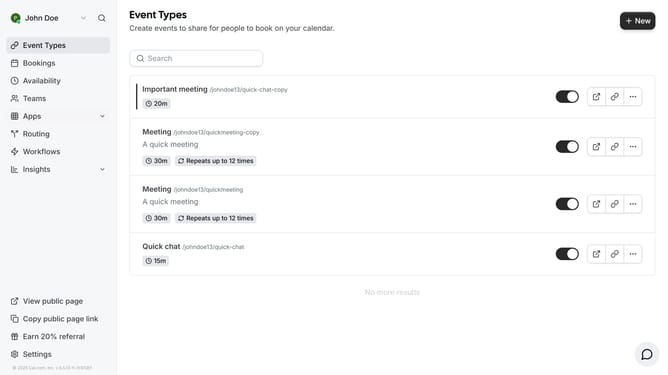
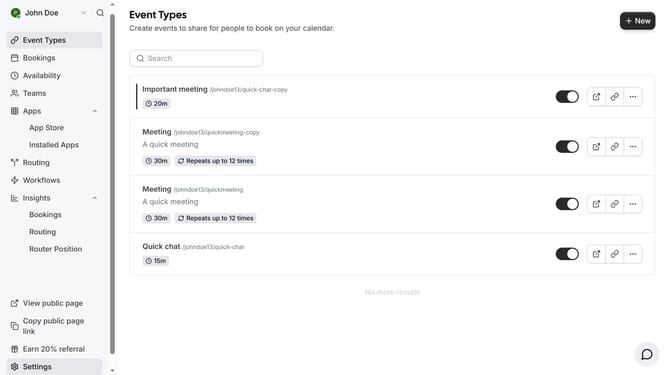
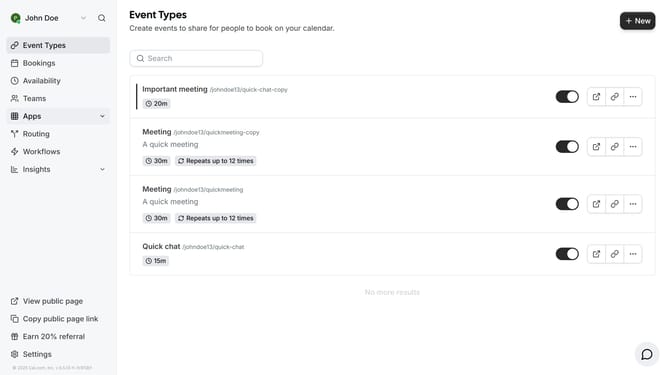
- First click on "Event Types" item in the sidebar menu
- Then click on an event from the list
- Next click on "Advanced" settings option in the left sidebar
- Then scroll down in the advanced setting
- Select the toggle switch for "Hide organizer's email" option
- Finally click on the "Save" button in the top right corner
Why should you hide organizer email for an event in Cal.com
Cal.com is a versatile online scheduling platform designed to streamline booking processes effortlessly.
One of the standout features it offers is the ability to hide the organizer's email for events.
By concealing your email, you can maintain your privacy while still ensuring smooth communication with attendees.
This feature is particularly beneficial in safeguarding your personal information, minimizing spam, and enhancing your professional appearance during event planning and coordination.
Last update