Cal.com
Cal.com is an open-source scheduling platform that helps individuals, teams, and developers automate bookings with customizable workflows, integrations, and full control over data and branding.
Website
Industry
Leadgen
Share this article:

How to allow monthly digest email in Cal.com

Here is how to allow monthly digest email in cal.com

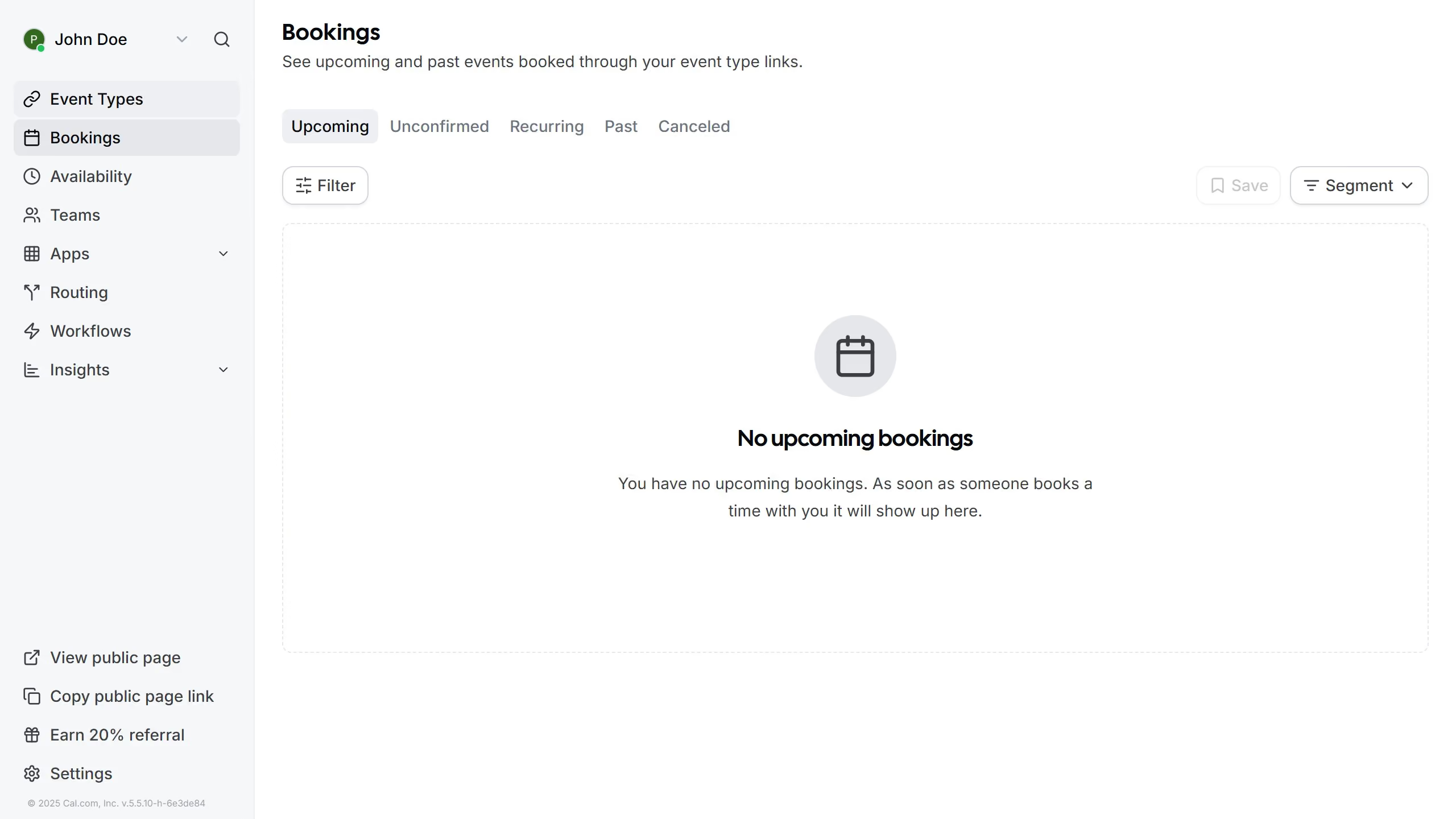
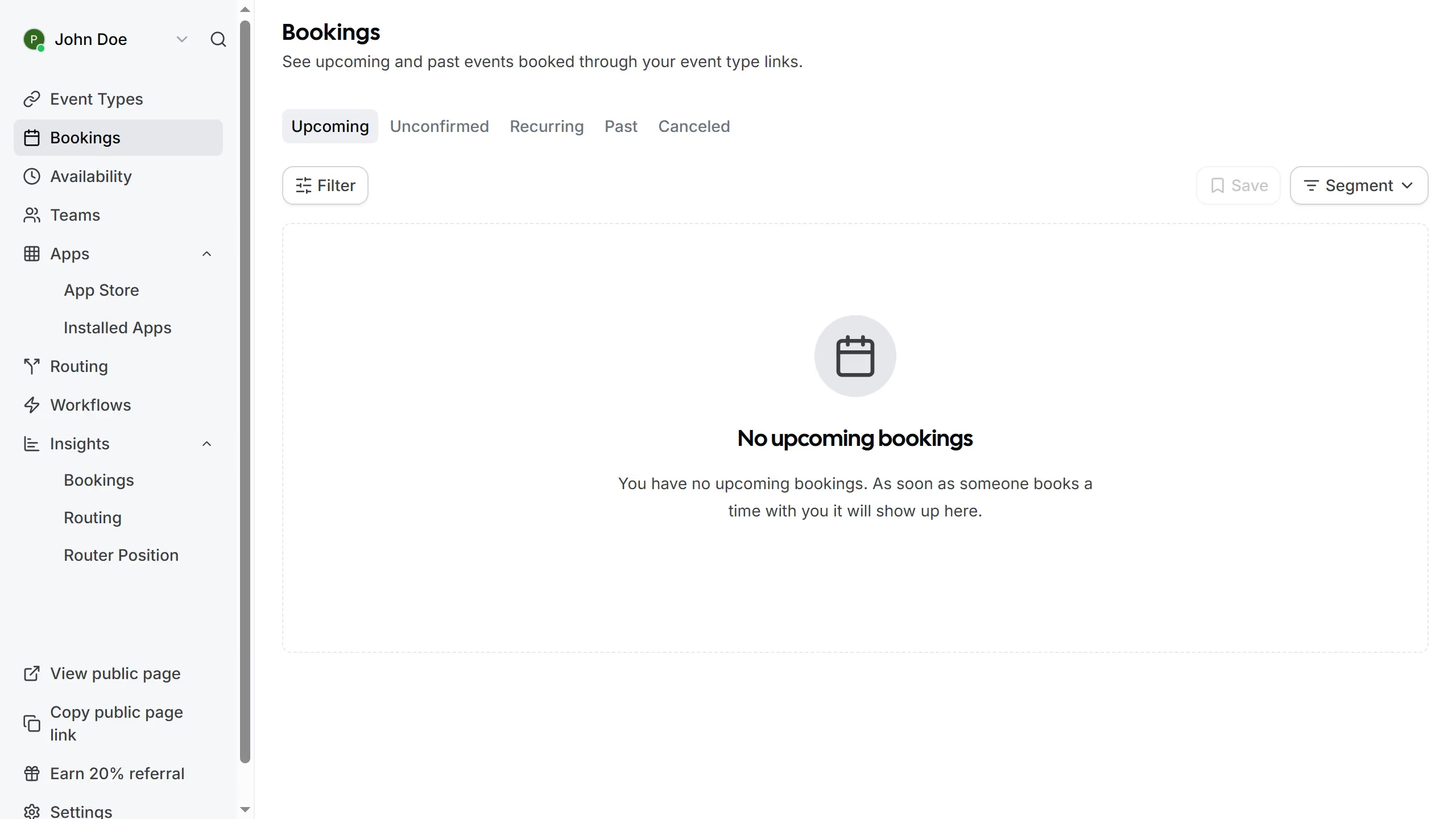
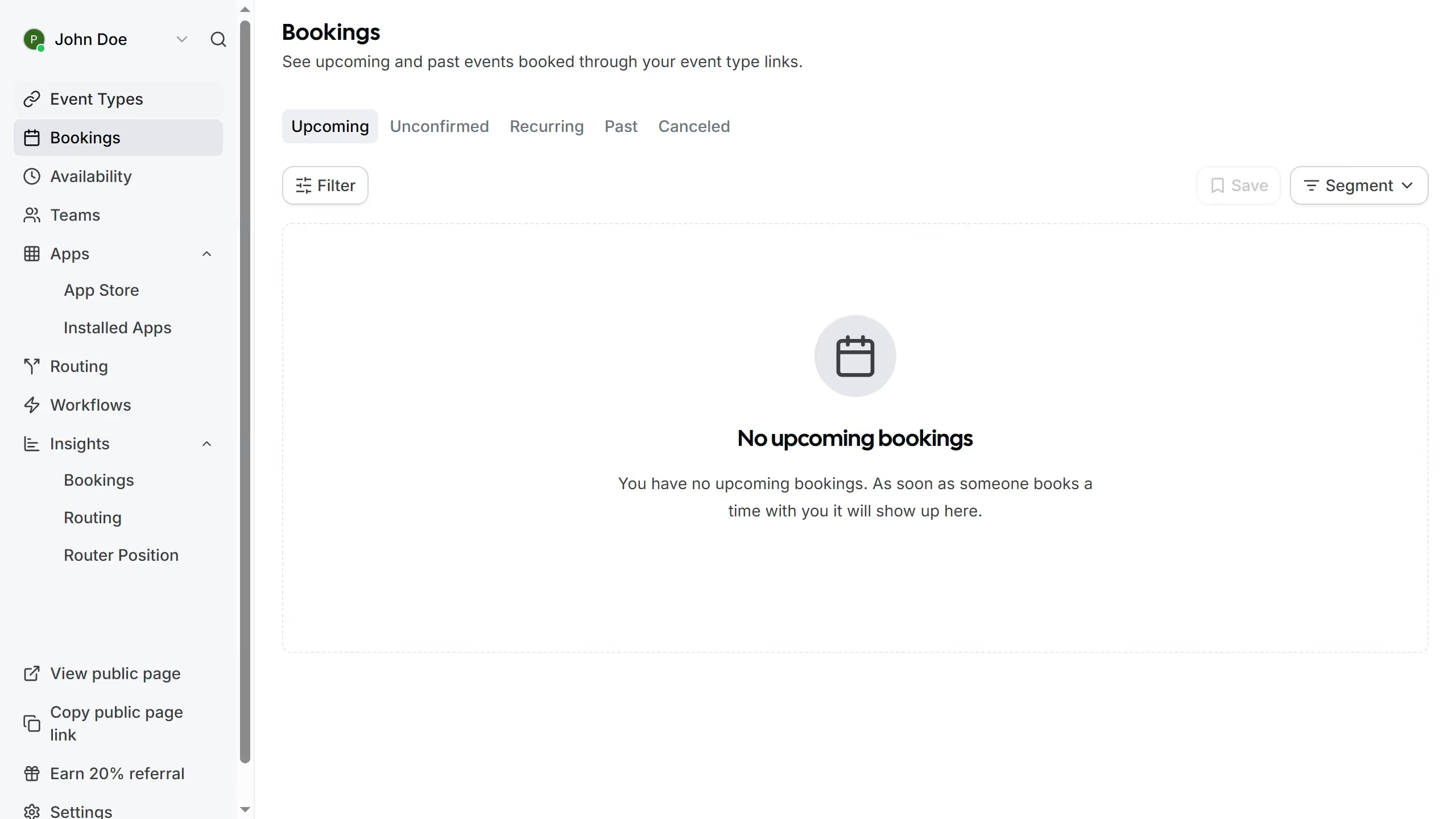
  1. First click on the "Settings" option in the left sidebar menu
  2. Then click on the "General" item in the settings sidebar menu
  3. Next scroll down in the general settings
  4. Finally click on the toggle switch for "Monthly digest email" at the bottom of the General settings page

Create your own interactive guide with Guideflow

Why should you allow monthly digest email in Cal.com

Cal.com is your go-to solution for scheduling that seamlessly integrates into your digital life.

Enabling the monthly digest email in Cal.com is a simple feature that keeps you updated with your upcoming appointments and essential highlights.

This feature allows you to stay informed, helping you manage your time more effectively by promoting better organization and reducing the risk of missed appointments.

By receiving a consolidated view of your calendar, Cal.com empowers you to focus on what's important and optimize your workflow effortlessly.

Last update
February 3, 2026
Cursor MariaA cursor points to a button labeled "James."

Create your first demo in less than 30 seconds.