How to select a default calendar when adding events in Cal.com
Here is how to select a default calendar when adding events in cal.com
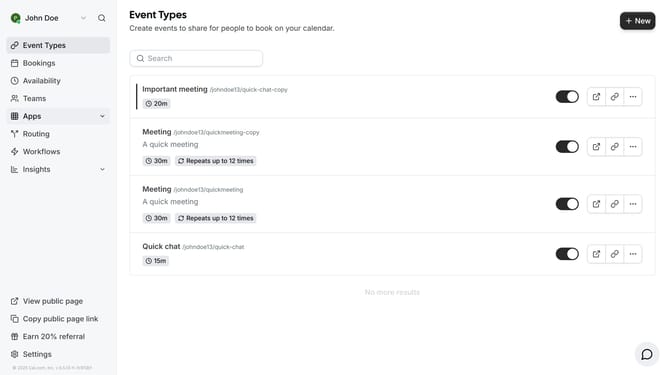
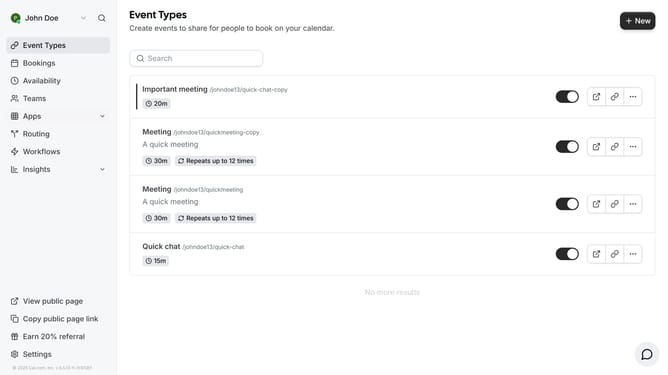
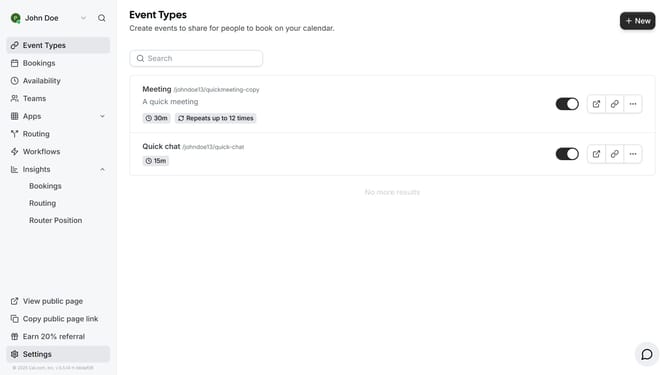
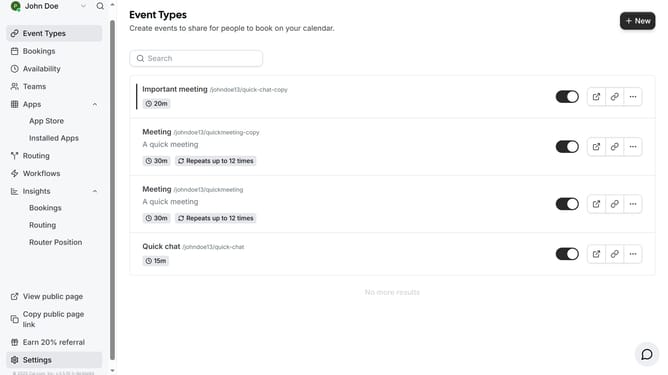
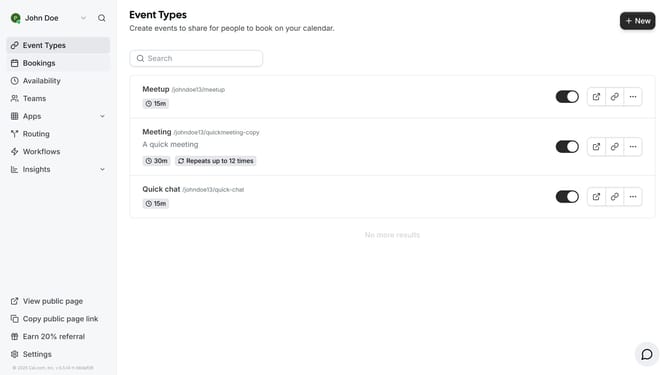
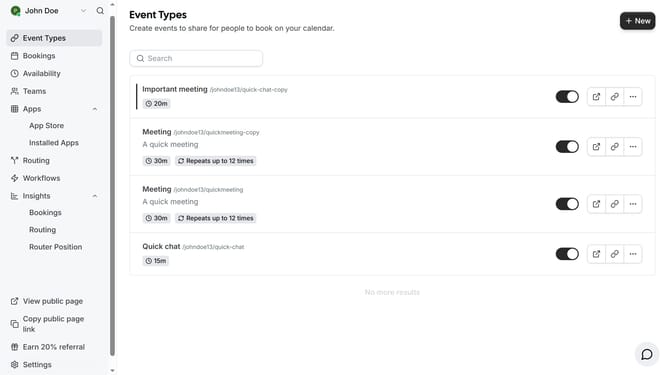
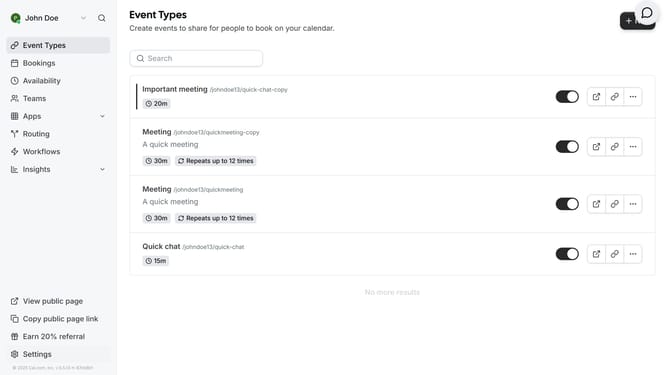
- First click on the "Settings" option in the left sidebar menu
- Then click on the "Calendars" item in the settings sidebar menu
- Next click on the dropdown arrow under "Add events to"
- Finally if you have more than one calendar select the one you prefer to be the default calendar for your events
Why should you select a default calendar when adding events in Cal.com
Cal.com is a versatile scheduling platform designed to streamline your event management needs.
One of its standout features is the ability to select a default calendar when adding events. This functionality aids in automating your scheduling process, ensuring your events land in the right place without extra steps.
Using a default calendar helps maintain organization and reduces the risk of mishaps. It keeps your events synchronized across devices and platforms, freeing you from the hassle of manual sorting.
This efficiency not only saves time but also boosts productivity, allowing you to focus on what truly matters.
Last update