How to add custom questions to events in Cal.com
Here is how to add custom questions to events in cal.com
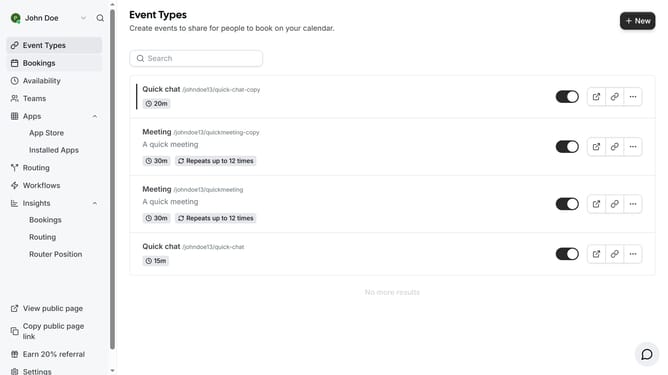
- First click on "Event Types" in the left sidebar menu
- Then click on an event type from the list
- Next click on "Advanced" in the left settings panel
- Scroll down in the advanced settings until you see the "Questions" section.
- Click "Add a question" button at the bottom of the Questions section
- Click on the "Input type" dropdown field
- Select what type of input for your question from the input type dropdown options
- Then fill out all the other information needed for your custom question
- Next, click the toggle switch beside the "Required" option to set whether your custom question must be answered or not
- Finally click the "Add" button to create the new question
Why should you add custom questions to events in Cal.com
Cal.com is a versatile scheduling platform designed to simplify appointments and meetings.
By adding custom questions to events in Cal.com, organizers can gather crucial information from participants before the event takes place.
Utilizing this feature enhances your ability to tailor the event to attendees’ needs, ensuring a more personalized and engaging experience.
This proactive approach not only saves time but also provides clarity, fostering better-prepared interactions and more successful outcomes.
Last update