Cal.com
Cal.com is an open-source scheduling platform that helps individuals, teams, and developers automate bookings with customizable workflows, integrations, and full control over data and branding.
Website
Industry
Leadgen
Share this article:

How to allow search engine indexing in Cal.com

Here is how to allow search engine indexing in cal.com

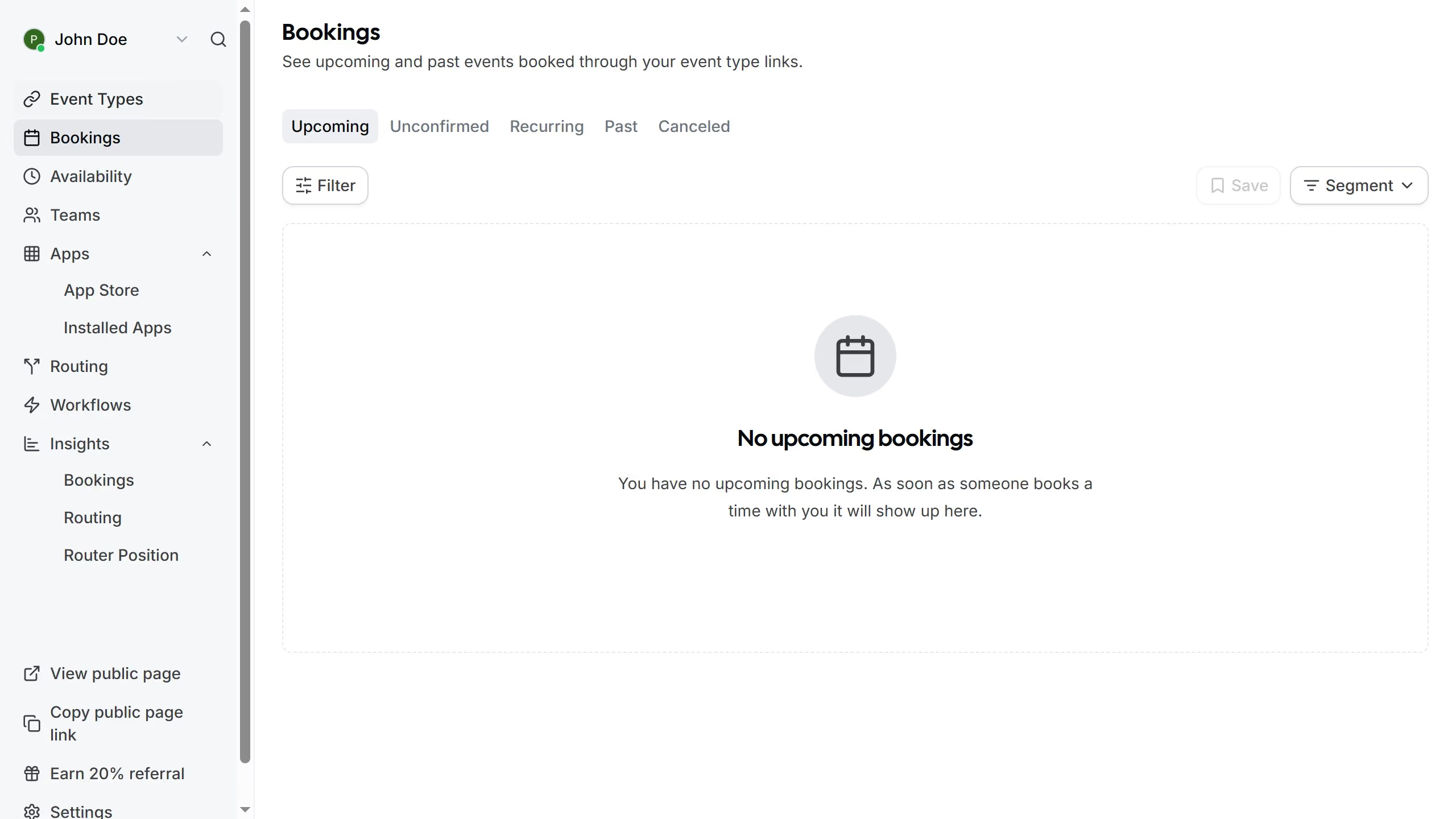
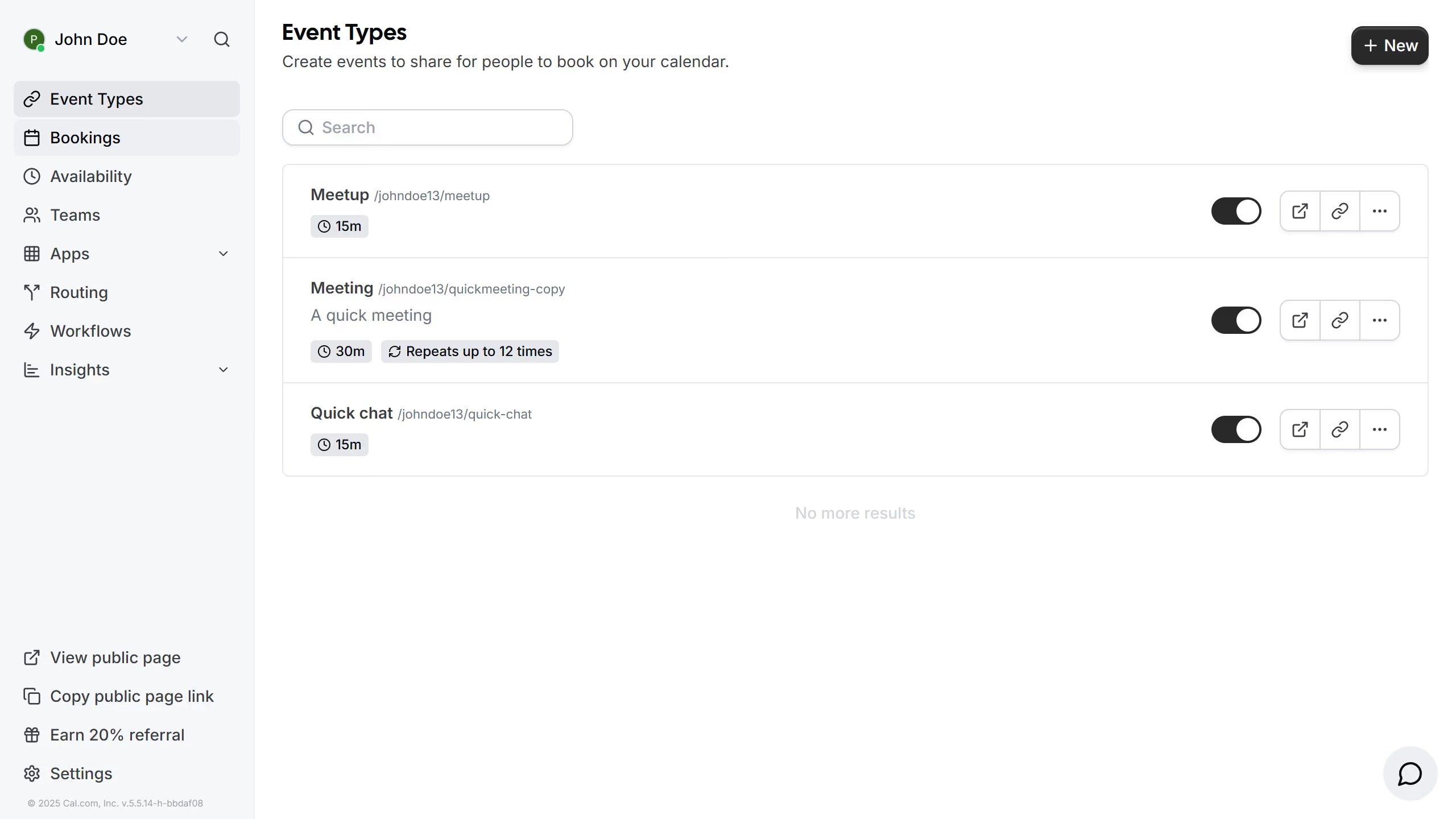
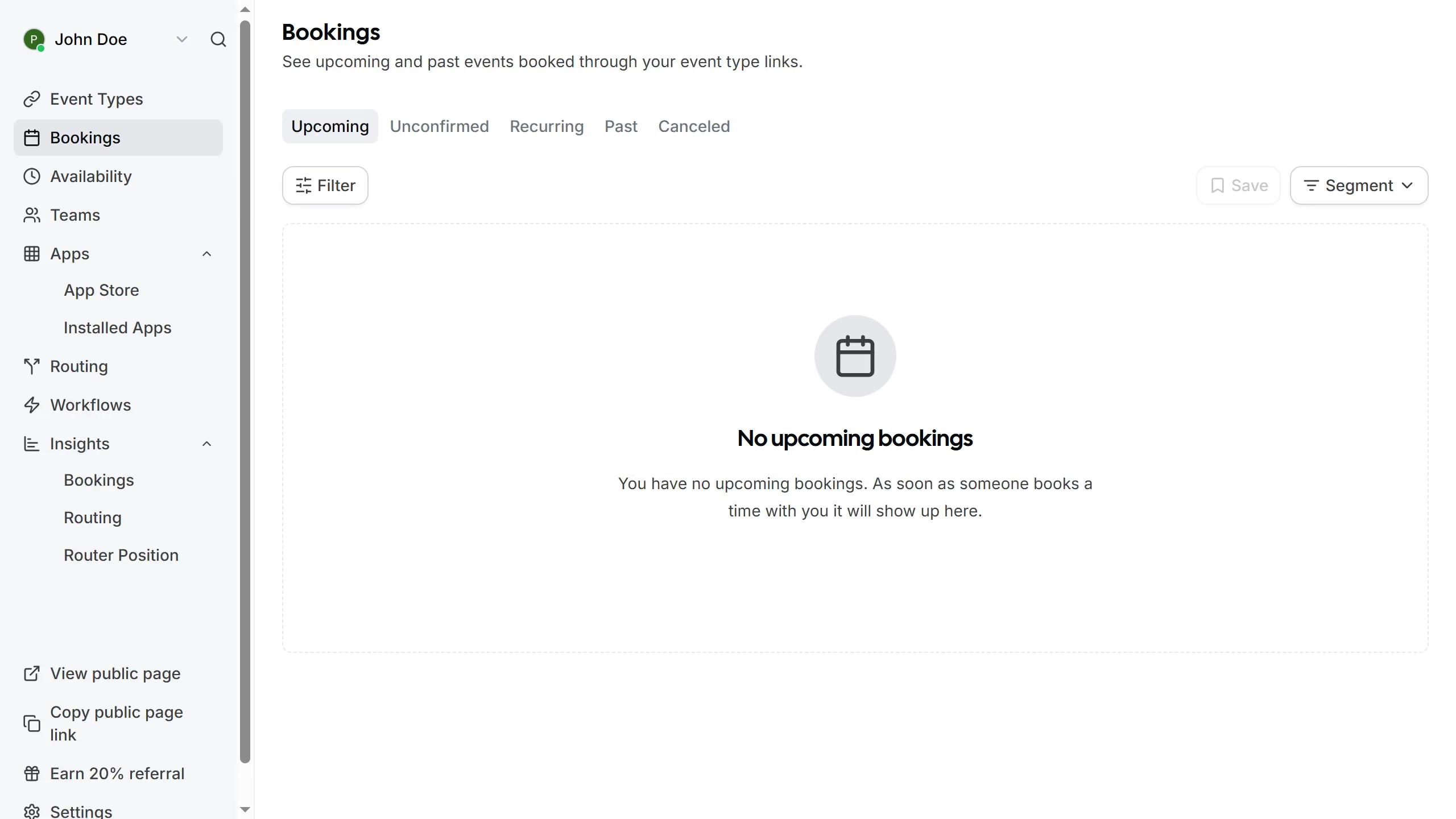
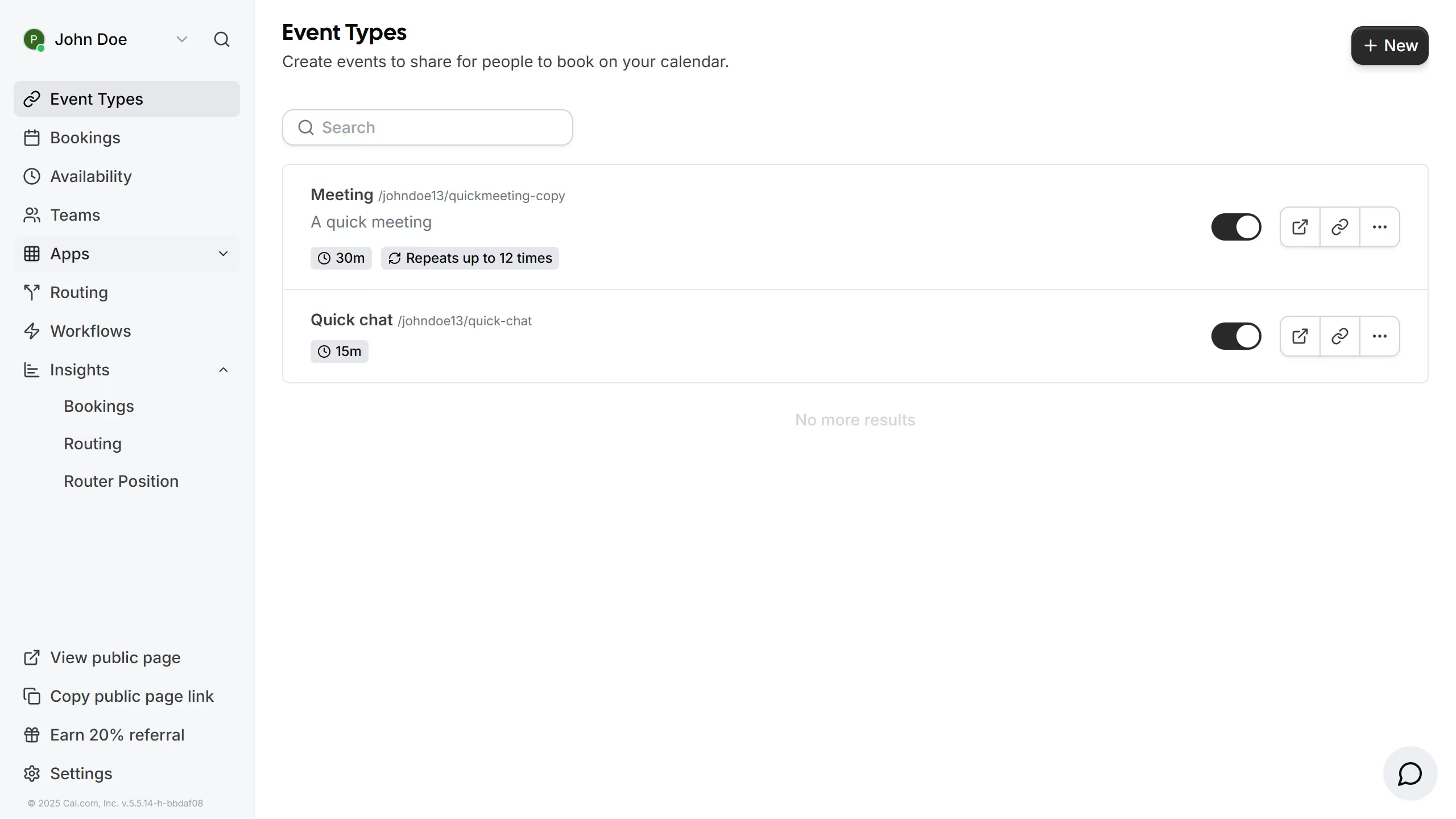
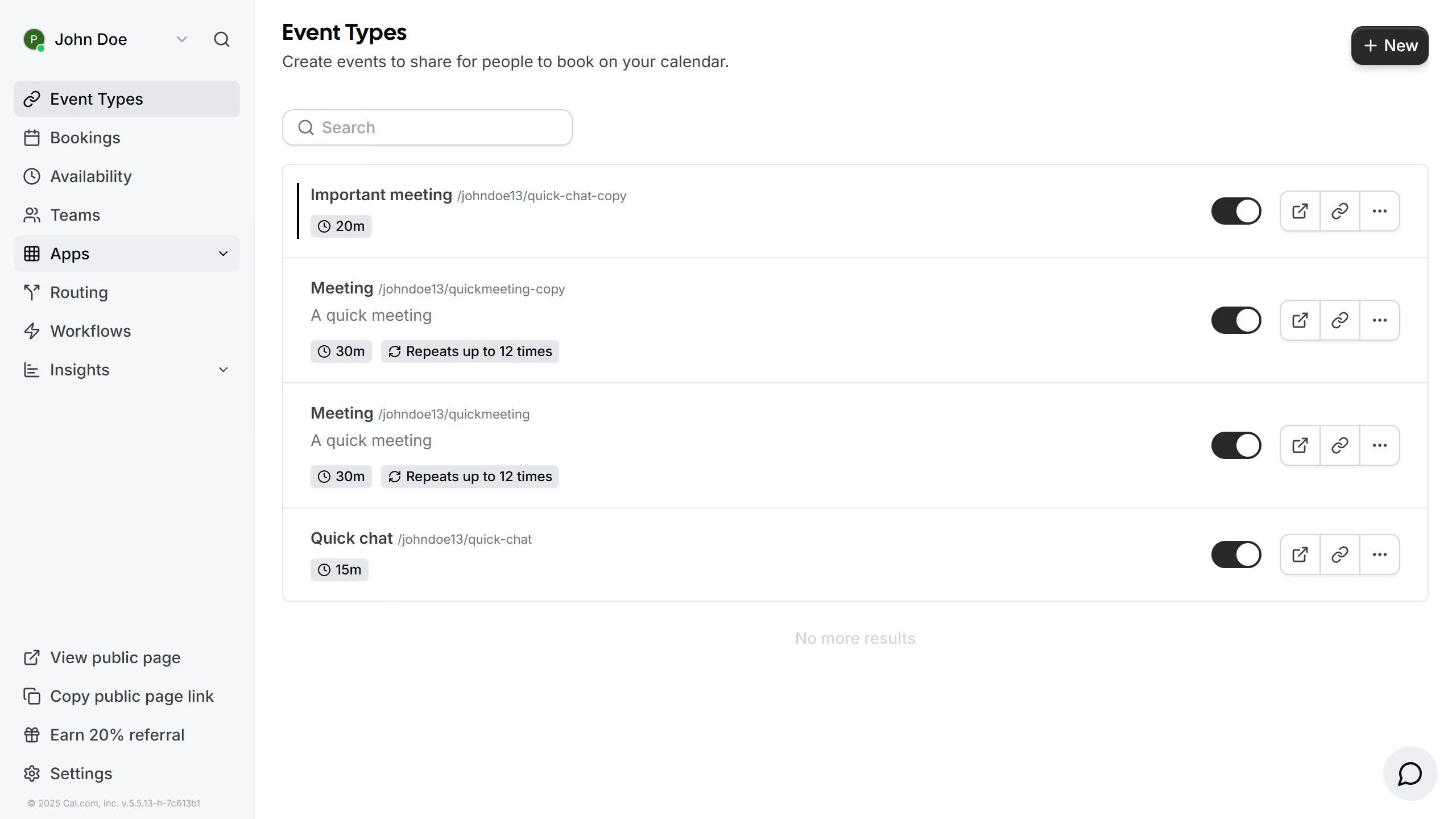
  1. First click on the "Settings" option in the left sidebar menu
  2. Then click on the "General" tab in the settings sidebar menu
  3. Next scroll down in the general settings section
  4. Finally click on the "Allow search engine indexing" toggle switch in the general settings section

Create your own interactive guide with Guideflow

Why should you allow search engine indexing in Cal.com

Cal.com simplifies scheduling by seamlessly integrating with your calendars to streamline your appointments.

Allowing search engine indexing in Cal.com is a powerful feature that enhances the visibility of your public booking pages. This means that potential clients and collaborators can easily find your availability through popular search engines like Google.

Using this feature ensures that your scheduling page reaches a wider audience, boosting your online presence and making it easier for people to connect with you.

Enabling search engine indexing on Cal.com ultimately fosters new opportunities and optimizes engagement effortlessly.

Last update
February 3, 2026
Cursor MariaA cursor points to a button labeled "James."

Create your first demo in less than 30 seconds.