How it works
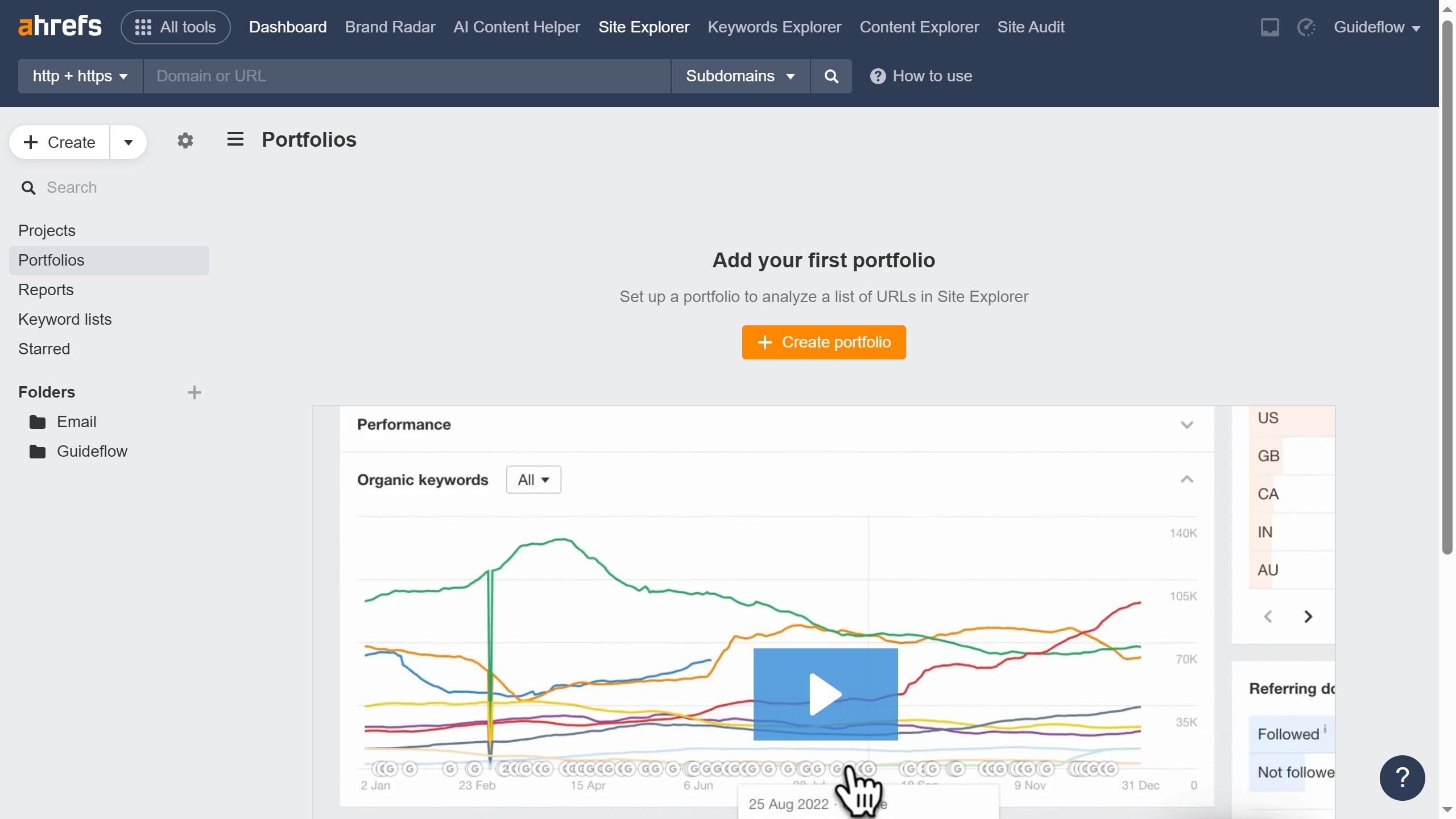
1. First click on the "Projects" option in the left sidebar menu
2. Then click on the "Category" dropdown filter in the top toolbar
3. Next select "Certificate" from the category dropdown menu
4. Finally click on the "Clear all" link in the top toolbar to reset the filters