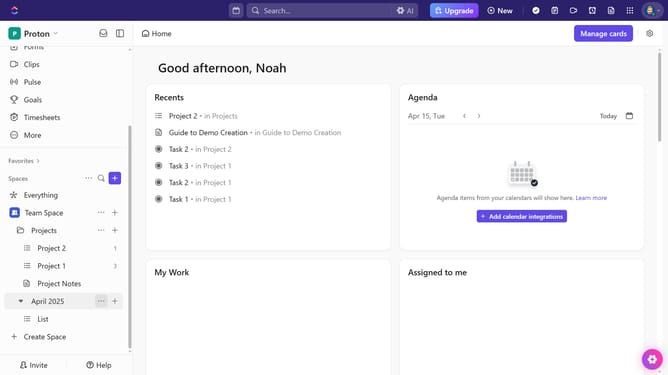
How to create a task from a Chat message in ClickUp
Here is how to create a task from a chat message in clickup
- First, navigate to any Channel or direct message where the message is located
- Locate and hover over the message you want to turn into a task
- Next click the "Create or Assign" button in the message options
- Then select "Create task manually" to manually create a task or use AI to generate one automatically
- In the task creation modal, enter the task name in the name field
- Next customize the task by adding status, assignees, priority, and due date
- Finally click the "Create Task" button to finalize the task creation
- Task successfully created. Click the "Post Task" button in the confirmation dialog to share it in Thread if needed
Why should you create a task from a Chat message in ClickUp
ClickUp is a versatile platform designed to streamline task management and enhance productivity.
One of its standout features is the ability to create tasks directly from a chat message, transforming conversations into actionable items effortlessly.
This seamless integration ensures that no important detail is overlooked and tasks are organized efficiently.
By converting chat messages into tasks, teams can maintain focus and boost collaboration, leading to enhanced productivity and project success.
Last update