How to filter tasks by assignee in ClickUp
Here is how to filter tasks by assignee in clickup
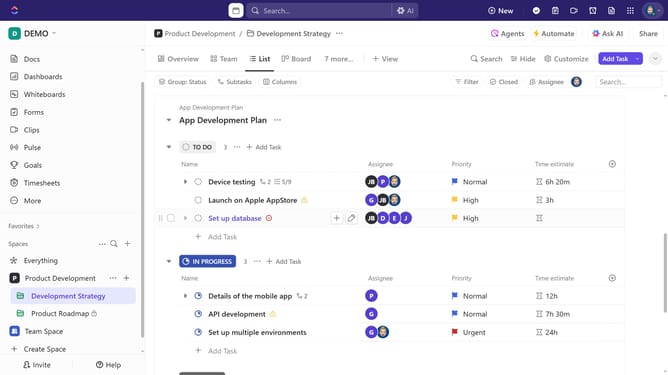
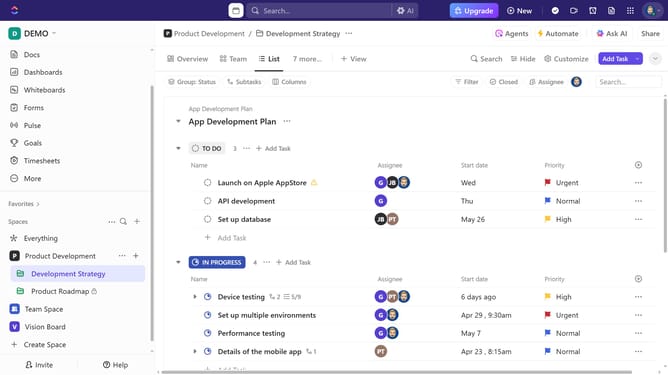
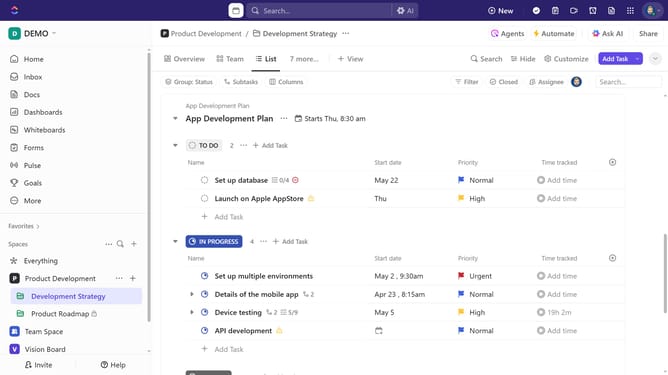
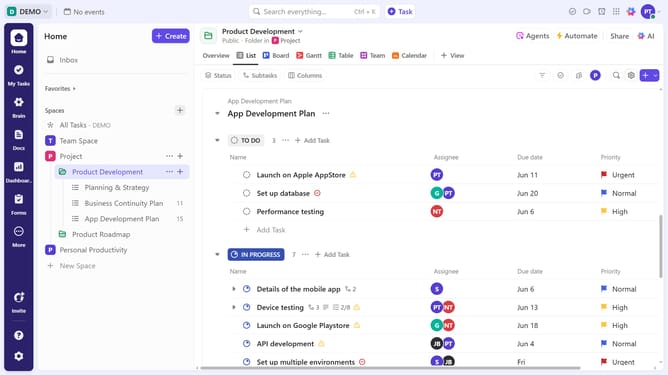
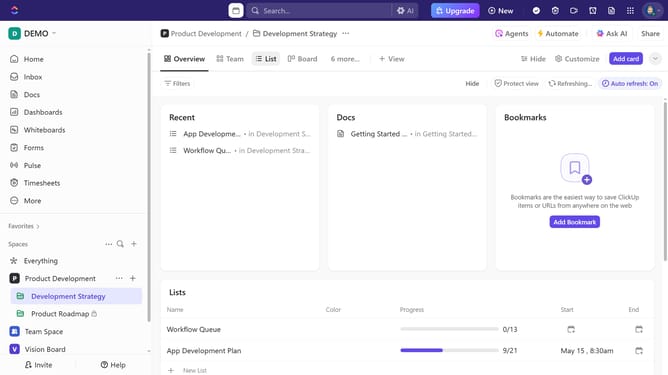
- First navigate to your preferred view (List, Board, Calendar, or Table view)
- In the upper-right corner of the view, click the "Filter" button
- Next click on the "Select filter" dropdown in the filters section
- Select "Assignee" from the filter options dropdown
- Then click on the "Select assignee" dropdown field that appears
- Finally select the team member(s) whose tasks you want to view
- The task list will now update to show only tasks assigned to the selected person or people
Why should you filter tasks by assignee in ClickUp
ClickUp is a versatile productivity platform designed to simplify team collaboration and task management.
By filtering tasks by assignee, users can quickly see which team members are responsible for specific tasks, leading to better workload distribution and enhanced productivity.
This feature promotes accountability and ensures everyone is aligned with their responsibilities, making project tracking easier and more efficient.
Utilizing this tool effectively creates a seamless workflow, fostering a collaborative and organized work environment.
Last update