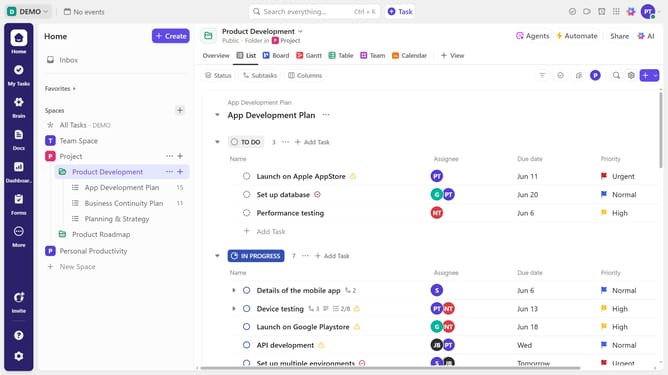
How to convert a task into a subtask in ClickUp
Here is how to convert a task into a subtask in clickup
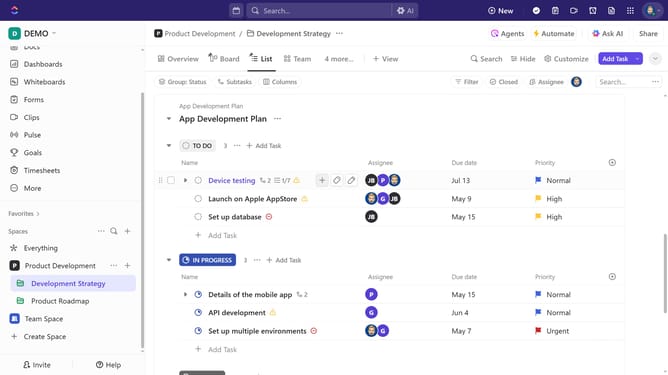
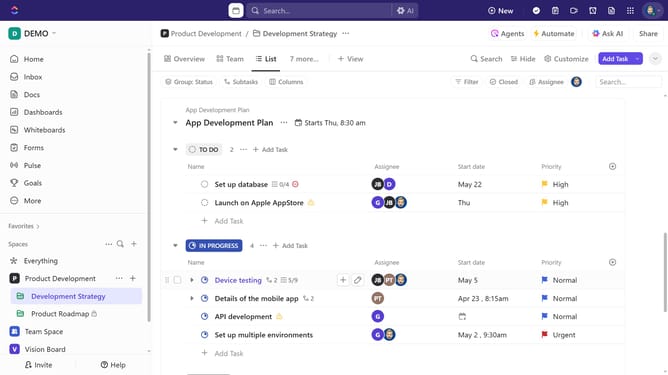
- First in the left sidebar, under the relevant Space, click on the Folder or List that contains the task
- Next hover over the task you want to convert into a subtask and click on the menu icon (...)
- Then click on "Convert to" option in the dropdown menu
- Click on "Subtask" option in the Convert to submenu
- Finally in the conversion dialog, choose the parent task you want the subtask to be under
- The conversion is successful, the task now appears as a subtask under the selected parent task
Why should you convert a task into a subtask in ClickUp
ClickUp is a versatile project management tool designed to streamline collaboration and productivity.
Converting a task into a subtask allows users to seamlessly break down complex projects into smaller, manageable parts, ensuring clarity and focus.
This feature fosters organizational efficiency by allowing teams to prioritize tasks effectively, enhancing workflow and meeting deadlines with ease. Adopting this approach guarantees improved communication and clarity across all project stages.
Last update