How to mark a chat message as unread in ClickUp
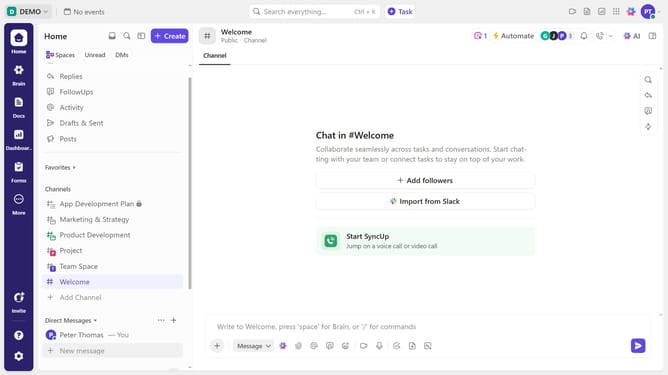
Here is how to mark a chat message as unread in clickup
- First locate the message you want to mark as unread and hover over it
- Then click on the "more options" menu (three dots) in the message toolbar
- Finally select the "Mark as unread" option from the dropdown menu
- The message will now be highlighted as unread until you view it again
Why should you mark a chat message as unread in ClickUp
ClickUp is a versatile productivity platform designed to streamline work processes for teams of all sizes.
One of its standout features is the ability to mark a chat message as unread. This functionality proves invaluable when you need to revisit important information or prioritize actions amidst a busy workflow.
By marking messages as unread, team members can ensure that no critical details are overlooked, enhancing both individual effectiveness and team communication.
Ultimately, this feature supports a more organized and efficient work environment within ClickUp's robust ecosystem.
Last update