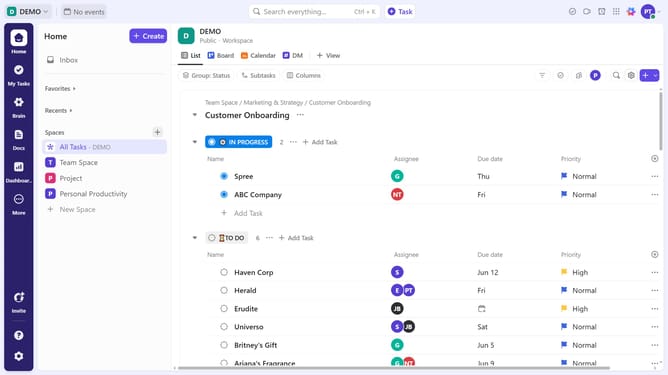
How to send a direct message in ClickUp
Here is how to send a direct message in clickup
- First click on the "New message" button in the Direct Messages section of the left sidebar
- From the list of available contacts, search for the teammate you want to message and select their name
- Then type your message in the input field at the bottom of the chat window
- Finally press "Enter" or click the "Send" button to send the message
Why should you send a direct message in ClickUp
ClickUp is a versatile work management platform designed to enhance productivity and collaboration.
The capability to send direct messages within ClickUp stands out as a pivotal feature, fostering seamless communication among team members.
Utilizing direct messages in ClickUp enables instant and private exchanges, reducing the need for external chat applications and streamlining workflows.
This feature plays a key role in boosting team synergy, ensuring that communication remains efficient and task-focused.
Last update