How to manage Pulse settings in ClickUp
Here is how to manage pulse settings in clickup
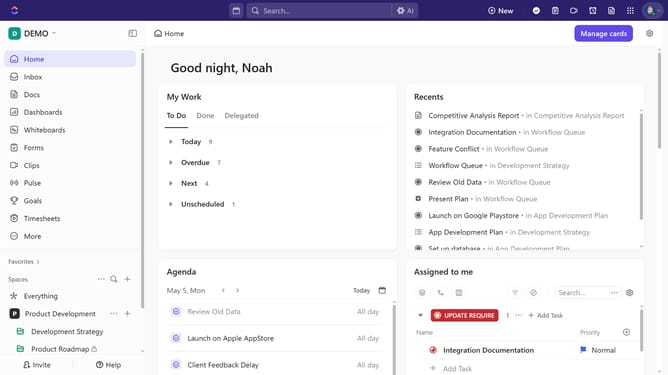
- First navigate to the Sidebar and click the "Pulse" option
- Then click the ellipsis (three dots) below People Online chart to open Admin settings
- To edit the Permissions setting, click on "Permissions" option in the dropdown menu
- Then select between "Admins only" or "Members only" option
- Next to turn off Pulse by clicking on "Pulse settings"
- Then search for "Pulse" in the ClickApps list and toggle the switch off to disable Pulse if needed
Why should you manage Pulse settings in ClickUp
ClickUp is a versatile project management tool designed to simplify task organization and enhance team productivity.
Managing Pulse settings in ClickUp allows you to customize notifications and updates, ensuring you always stay informed without becoming overwhelmed.
Optimal Pulse management offers the flexibility to tailor information flow, supporting a balanced work environment.
Leveraging this feature enhances communication efficiency, leading to smoother project execution and increased focus on key objectives.
Last update