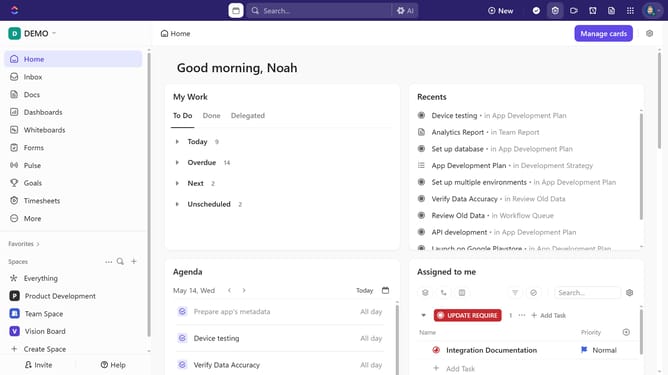
How to restore an archived subtask in ClickUp
Here is how to restore an archived subtask in clickup
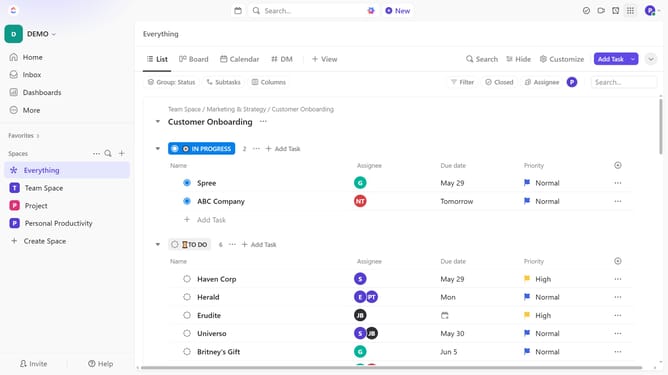
- First in the left sidebar, under the relevant Space, click on the Folder or List that contains the subtask
- Then click on "Filter" button in the top toolbar
- Next click on the "Select filter" dropdown menu and select the "Archived" option
- Then click on "Show subtasks" tab in the view
- Select the "Separate" option
- Browse the list of archived tasks and subtasks
- Click on the "..." (more actions) menu for the subtask you want to restore
- Finally click on "Unarchive" option from the dropdown menu
Why should you restore an archived subtask in ClickUp
ClickUp is an all-in-one project management tool designed to streamline teamwork and productivity.
The ability to restore an archived subtask in ClickUp ensures that important details are never permanently lost. This feature provides peace of mind, knowing that data can be revisited or reactivated as needed.
Restoring archived subtasks allows teams to maintain the continuity of their projects, easily tracking past actions and decisions without hassles. It's a seamless way to keep your workflow organized and adaptable.
Last update